
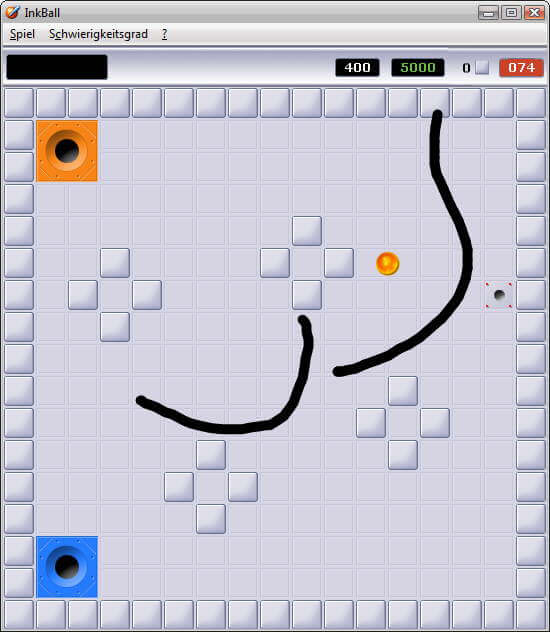
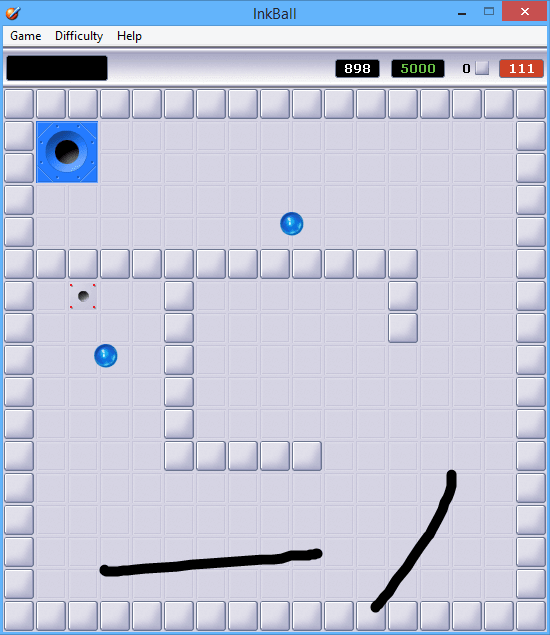
How to Play
If you want to play InkBall on Windows 7 or newer Windows - launch the game in compatibility mode with Windows Vista. If you have troubles with running the game on Windows 10 - first puth the files in C:/Program Files/Microsoft Games/Inkball folder, launch .REG-file inside the archive, to add required Windows Registry paths, then run the game from inkball.exe
 English







Comments and reviews
thanks thanks thanks thanks thanks s thanks thanks thanks thanks thanks thanks thanks
N’hésitez pas à me donner un sujet de vidéo les chefs ! ⬇️
119
Répondre
Very enjoyable, simple thing. Needless to say, it's way cooler when playing with a graphics tablet or thorugh other similar interface.
Works OK under Windows 10, though you do have to press the ALT key in order to see your mouse cursor.
Runs great on Windows 7.
I had the same mouse issues as everyone else. For some reason, the only way to get the ink to work on screen is by running the game on a drawing tablet. Crazy, i know
i have 2 versions of inkball.
ok, if mouse doesn't work, draw on your laptop screen if your laptop enables that. It works. Not great however
Installs, but can't draw??
Same problem. Can see cursor after pressing alt, but can't draw. :(
I put the compatibility to Windows Vista and pressed alt, but I can't draw.
i have difficult to see the cursor despite I press ALT or ALT GR on my keyboard
We uploaded new archive, that version should work on Windows 10
Yes, but that version sucked for me.
Better download: https://archive.org/details/windowsvistaultimateextras
Didn't work.
recupera el puto inkball ya weon
Thank you My Abandonware. I had played this long back. Its really fun if you have a pen - tablet attached to your pc like Wacom.
No comment nor review for this game at the moment.