


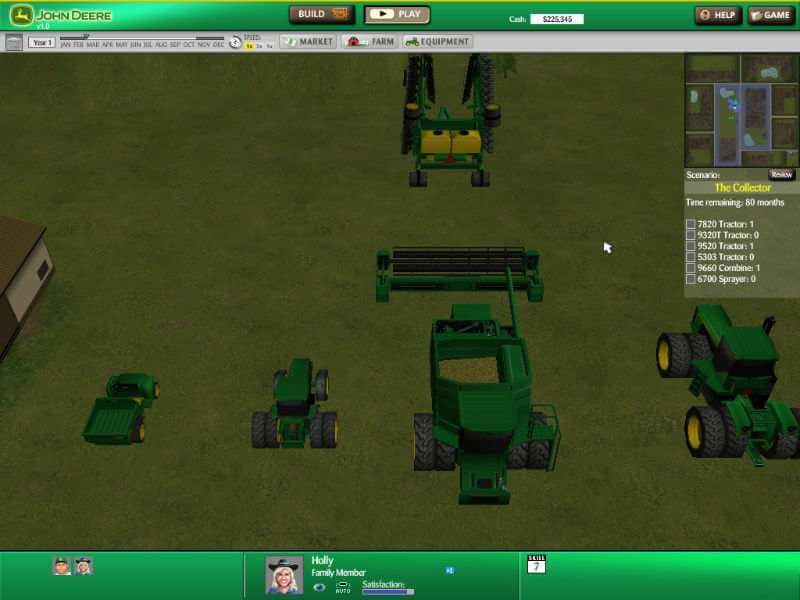
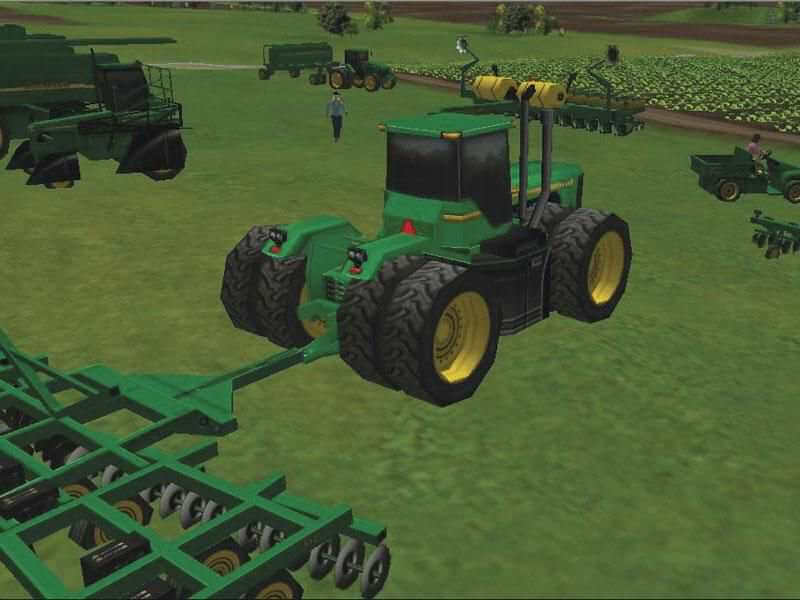
How to Play
If the game doesn't work - open the game directory, you'll see a DLL named "d3dx9_27.dll". Rename that file to "d3dx9_29.dll" and the game will start.
By default max resolution of the game is 1024x768 but you can change it by config edit, read this guide.
The game has been tested on Windows 7 64-bit and Windows 10, works with no problem.
 English







Comments and reviews
Im opening the game ok but im having a "frozen" mouse issue
Works great until I've been in the game for a while and it crashes without warning. Any recommendations?
sorry i got it fixed!!!
when i bult a chicken coop or want to buy animals it doesnt have the fence option so i can not buy animals???
still needs disc. dont waste your time
I want to play this game so much, but I need a CD. Is there someone out there who can help a handicapped user?
The d3d9x_27.dll file is under DirectX, in a .cab file. In order to decompress the file, drag it onto the John Deere folder. Windows will ask if you want to replace the existing file (you do). You can now rename the file.
cant change the name
I downloaded the setup version and changed the DLL and it still wants a CD
New to pc. Can't figure out what's going on. Renamed file like it said ansd say's it still needs a disc.
I know how to play
pra dar certo tem que extrair o arquivo nocd antes de copiar pra pasta do jogo
Renaming the file did the trick. It is working. So happy to have this game back!
To get it to work without the CD, download the nocd file, and replace the .exe file in John Deere American Farmer Deluxe folder. It will come right up. :)
Why are all of the comments from morons with poor grammar skills?
on mission 2 of lifestock, when i move to the border, my game crush...? why is this happening?
Comes up asking for a disc. If I had one, I wouldn't be downloading it. LOL any way around this?
Hola, si me funciona pero se me complica el ingles, hay alguna manera de ponerlo en español?
this is stupid nocd/ patch dont work dont waste your time even with changing file name it says its not supported
I really want to play this but i dont understand computer files or what to do at all... i somehow got the icon to appear on my desktop but when it opens it says theres no cd inserted and the game auto closes out... can someone please provide step by step instructions
I cant figure out how to get on the game
There is no "d3dx9_27.dll" in my game directory, should I download the file?
ive tried everything to get this to run on my pc but cant figure it out. is there instructions or a video somwwhere to help me out? ive downloaded everything i should need and cant get it
i love this game since childhood till now :) and i hope to keep this updated
how do i get this to run without a cd
@DEE_DECKARD
We updated the file of patch, please try now
As far as i can tell from searching round patch v1.30 is another nocd fix for this game widely available...but if the 2mb oncd works fine why do we need the other...bin it!
Patch 1.30 file is corrupted.
I Downloaded. The pre-instaled file runs fine on my old xp system with the nocd patch...i tired to unzip the patch v1.3 but couldn't.. Said it was corrupt
No comment nor review for this game at the moment.