


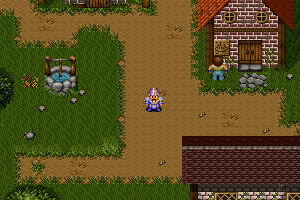
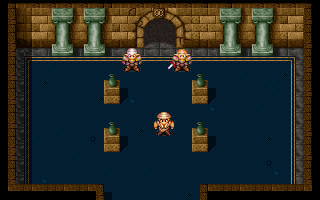
How to Play
How to play Legend of the Ancient Dragon on modern systems with English translation:
- Download Korean version. Mount the disk image. It's a .CUE-file (disk image), you will need the utility for mounting disk image files, like WinCDEmu or Daemon Tools Lite
- Open the mounted disk image, copy all files from the disk to some folder on your HDD.
- Download patch with English translation and fix for running the game on modern OS, extract all the files in the folder of the game, replace original files.
- Run DRAGON95.exe in compatibility mode with Windows XP (if it won't work - try compatibility with Windows 95/98 or ME)
- For correct work of AudioCD on new systems, use inmm or similar utilites
 English
  Korean







Comments and reviews
Is the 1999 release different from the 1997 one?
This one seems to be from 1997. Would the 1999 one have the bugs mentioned in the comments fixed?
I went through a lot of effort to finish the game. If you want to progress beyond the man that blocks the door in the prison dungeon (he doesn't disappear after his dialog in the patched version), you should install the Korean version of the game and copy the RPG.SAV file from your English version to the Korean version. You can then load your save in the Korean version and get past the man.
Later on the game will crash if you try to move out of the forest, or perhaps it will crash at another point for you. This even happened in the Korean version. However, you can install the DOS version of the game (there is a setup / install executable in the directory for it). That version can also load the saves from the English Windows version. This version will allow you to get past the crash, after which I was able to play everything in the Windows version.
Note that the Windows version doesn't seem to play the BGM or play the FMV cutscenes at all.
I watched the cutscenes on Youtube since I couldn't get them to work.
The game is really hard, so be sure to buy hundreds of healing items and focus on leveling Clansi once he is in your party :)
But I still recommend playing something else instead haha.
The English version of the game (as well as the Korean + English patch) is broken. You can't progress past a certain dungeon a few hours into the game.
The translation is also very bad. I own this game on CD and it has the same problem.
Don't waste your time on it.
No comment nor review for this game at the moment.