You are on the beta version of My Abandonware. The live site is still myabandonware.com. Your favorites and ratings here are copied to the live site. Comments and other changes are not — we delete them every morning at 08:00 Paris time, when this site goes down for about an hour. Leave feedback through this link to Pastel (email required).
The beta goes down at 08:00 Paris time, in a few minutes. We rebuild the database from the live site. It comes back in about an hour.
After following the instructions from COOL AMRO, the game seems to be working just fine for me on Windows 10.
I'm not sure how fun this game will be in using keyboard controls, but they are working as shown in the options (which can be viewed in-game when pressing F3), except for the keyboard controls used to attack and to cast a spell, which I'm assuming can only be used when the in-game situation calls for it (and not at the start of the game like I am).
0
Break XIII25 Nov. 2025
It doesn't work even with the fix - it's better on DuckStation anyway with graphic upscaling and save states so you can farm rare drops easier. I got the Dominion Dagger, after all.
0
indiana_england13 Sep. 2025
The fix mentioned by Cool Amro & Sivolc does not work. The game's front image will pop up... then the screen goes to black... then the game crashes.
this game does not work.
1
sivolc02 Feb. 2025
Well ez done see that some people have problems juist follow COOL AMRO explaination. Just download rip version copy folder desktop or whatever you like to have it. Click blaze and blade now you see now you see all files. Now click folder fix. Copy both and go back in main folder put it there. Overwrite old Blaze file. Now click blaze1 and clicks yes. Create a Save folder where all the other folders are done. HF playing.

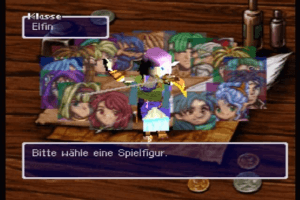
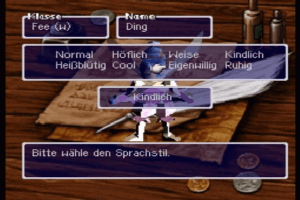
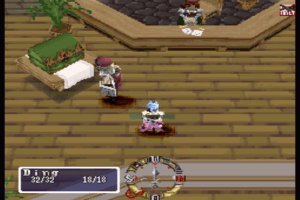
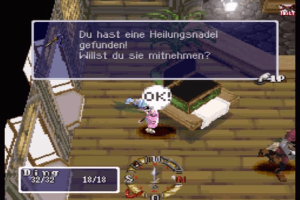



 English
  German
  French





Comments and reviews
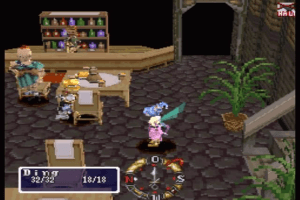
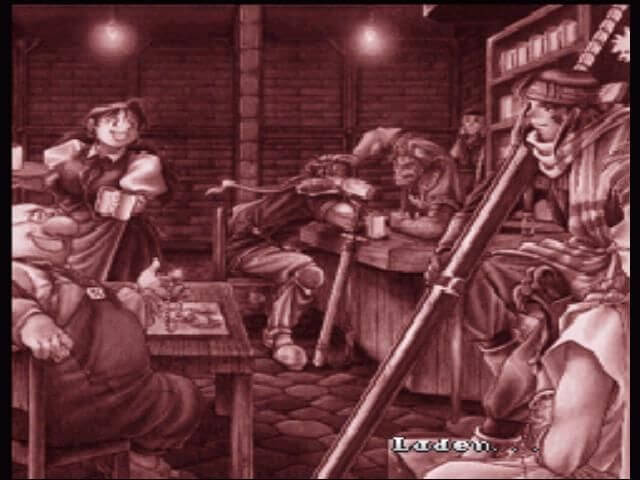
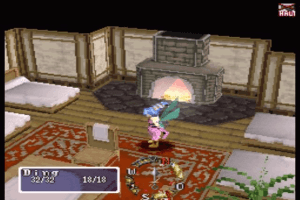
After following the instructions from COOL AMRO, the game seems to be working just fine for me on Windows 10.
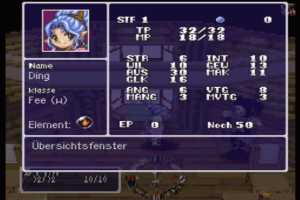
I'm not sure how fun this game will be in using keyboard controls, but they are working as shown in the options (which can be viewed in-game when pressing F3), except for the keyboard controls used to attack and to cast a spell, which I'm assuming can only be used when the in-game situation calls for it (and not at the start of the game like I am).
It doesn't work even with the fix - it's better on DuckStation anyway with graphic upscaling and save states so you can farm rare drops easier. I got the Dominion Dagger, after all.
The fix mentioned by Cool Amro & Sivolc does not work. The game's front image will pop up... then the screen goes to black... then the game crashes.
this game does not work.
Well ez done see that some people have problems juist follow COOL AMRO explaination.
Just download rip version copy folder desktop or whatever you like to have it.
Click blaze and blade now you see now you see all files. Now click folder fix. Copy both and go back in main folder put it there.
Overwrite old Blaze file. Now click blaze1 and clicks yes. Create a Save folder where all the other folders are done.
HF playing.
come on, someone needs to fix it
can I get Korean ? or website plz thx
The Fix doesn't work; my game just crashes
French version provided by the French website Abandonware France :
https://www.abandonware-france.org/ltf_abandon/ltf_jeu.php?id=1974&fic=liens
It has the english name because the French name "Legend of Foresia La contrée interdite" was mainly used for the full french PS1 version.
copy which files into the fix folder
download rip version
copy files inside fix folder to game folder
open blaze1 registration file and press yes
make a folder named "Save"
after you make your character select it and press F2 to start playing
inside game press F3 to see options if needed
everything should be fine
No comment nor review for this game at the moment.