




Dedicated forum with install tutorials, guides, mods and more: https://www.rockraidersunited.com/.

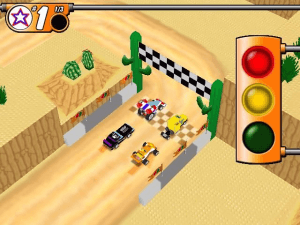
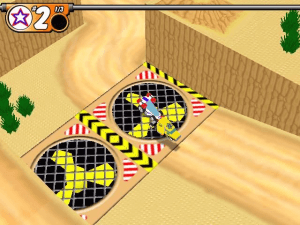
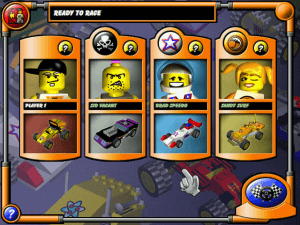
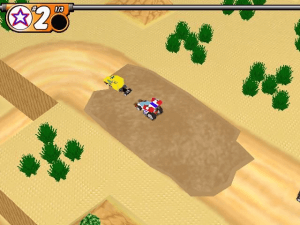
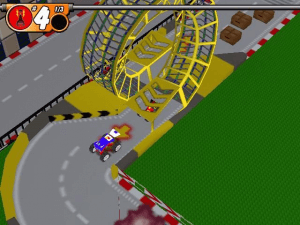
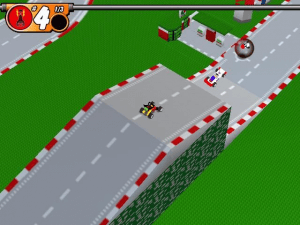
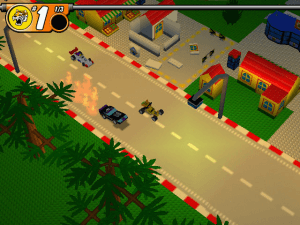
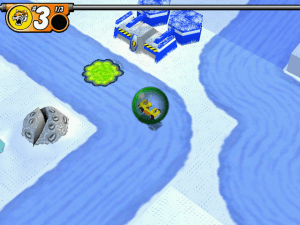
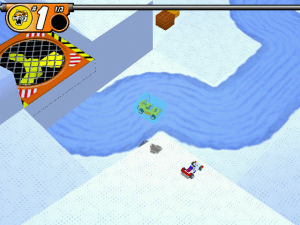
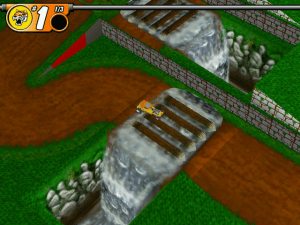
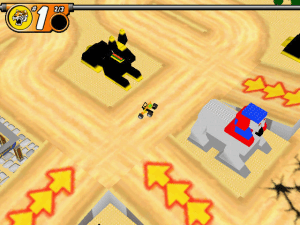
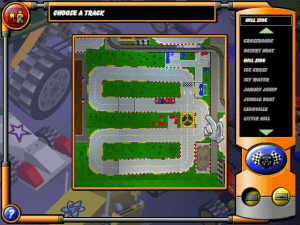
Downloads
Windows version
Dedicated forum with install tutorials, guides, mods and more: https://www.rockraidersunited.com/.




 English
  Hebrew
  Japanese
  Russian
  Swedish





Comments and reviews
I got the game to run via the alt installer.
So if you have one of these two problems, these steps will fix it:
- "Missing or invalid DSetup.dll" - you can find this DSetup.dll file on the original CD (or ROM), copy and paste it in the folder where _msr.exe is installed.
- When launching the game, the screen flickers black and then the game shuts down - That's because of the introvideo, if on Windows, put (with quotation marks in the right spots!!) "C:\Program Files\LEGO Media\LEGO Stunt Rally\_msr.exe" /FROMLAUNCHER /NOINTROVIDEO into the target, if on Linux (Mint) Lutris, you can put /FROMLAUNCHER /NOINTROVIDEO into the Command-line arguments.
God bless.
Update : Swedish :
https://archive.org/details/lego-stunt-rally-sweden/
Update : Russian :
https://archive.org/details/stuntrally_202503
Hebrew version provided :
https://archive.org/details/lego-stunt-rally-hebrew
Japanese :
https://archive.org/details/lego-stunt-rally-jp
French version provided by the French website Abandonware France :
https://www.abandonware-france.org/ltf_abandon/ltf_jeu.php?id=3940&fic=liens
It has the CD version, but also a DVD version. (they are multilingual)
Only the installer and the other materials of the DVD version are in French.
My Windows defender flagged the 18kb NOCD file as having a virus. 14kb file was ok
msr.exe - right click - properties - compatibility - check run this program in compatibility mode for - select windows 98 - apply and launch program
Two tips:
-Use the alternate installer, found here: https://github.com/le717/Stunt-Rally-Alternate-Installer
-Don't alt-tab, it breaks the game.
Hi, I used to play this game all the time as a child and so I was very excited when I found this page. There seems to be a bug with the cars and I thought the patches would help, but they haven't so I'm making a comment here. The cars drive at a literal snails pace and I don't know how to fix it. PLEASE HELP!
This error occurs if you have a system that is not Windows 95/98.
Fixes according to PCGamingWiki:
Windows Vista and above:
Enter the following commands in an elevated (Administrator) cmd or PowerShell prompt:
(only enter the first line if on a 64-bit system, otherwise skip to the other fix)
cd C:\Windows\SysWOW64
regsvr32 ir50_32.dll
--------------------------------------------
Windows XP and below (e.g. VM or Wine):
Download the Ligos Indeo 5 codec installer
Launch the Ligos Indeo 5 installer from step 1
Use all defaults for the installer, then select the "custom" installation option when prompted
scroll to the bottom of the list and untick the "Indeo Video 5 Web Browser Plugin" checkbox
It says:
"
Runtime Error!
Program: .../LEGO Stunt Rally/_msr.exe
abnormal program termination
"
How can I fix this?
Having trouble installing, any tips?
I don't know why, but ever since I was a kid, hitting the jam trucks and causing them to tip over has always been the satisfying factor that brings me back to this game.
I loved this game as a kid
No comment nor review for this game at the moment.