You are on the beta version of My Abandonware. The live site is still myabandonware.com. Your favorites and ratings here are copied to the live site. Comments and other changes are not — we delete them every morning at 08:00 Paris time, when this site goes down for about an hour. Leave feedback through this link to Pastel (email required).
The beta goes down at 08:00 Paris time, in a few minutes. We rebuild the database from the live site. It comes back in about an hour.
To get sound do the following steps: 1) Download the "installer" dos version and extract it to (e.g. c:\dos\mario) 2) Run Doxbox and mount that directory to a drive (e.g. mount a c:\dos\mario) Note: I also mounted my c drive (e.g. mount c c:\dos) 3) go to (e.g. a:) and run the installation by typing "install" 4) install to c: drive (it will create a directory) from the copy files located on a: drive 5) Use the sound card option- sound blaster - with default settings (ignore pro sb) 6) wait for the installation/extraction process to complete, & it will do a sound test 7) go to the new "mariol" on your c: drive and run Mario.exe
1
Nealix15 Aug. 2016
Yeah, I've run the installation and everything, but the sound is not working. Bummer. Any advice from anyone else? Please?
1
Stephini26 Dec. 2015
Trying to install this on my daugher's new winxp machine runs fine except no sound or music.
0
Ab09 Oct. 2014
Mario
-1
alvera19 Feb. 2013
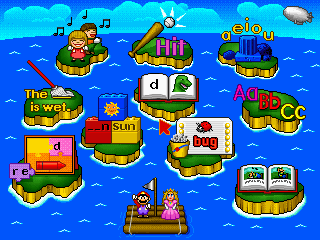
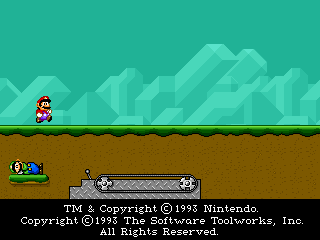
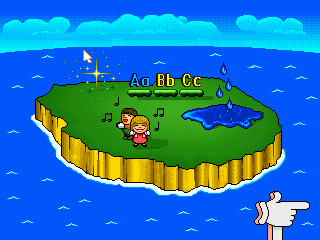
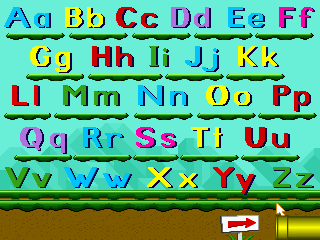
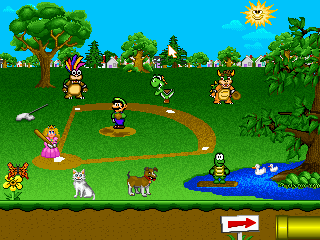
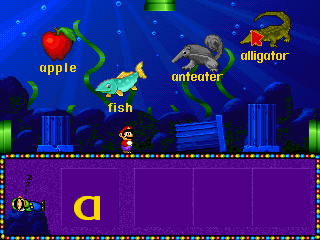
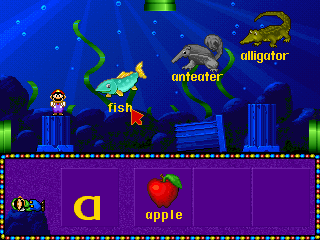
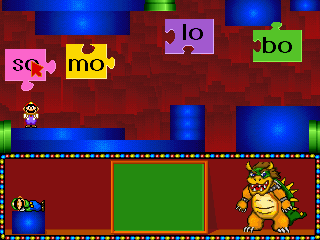
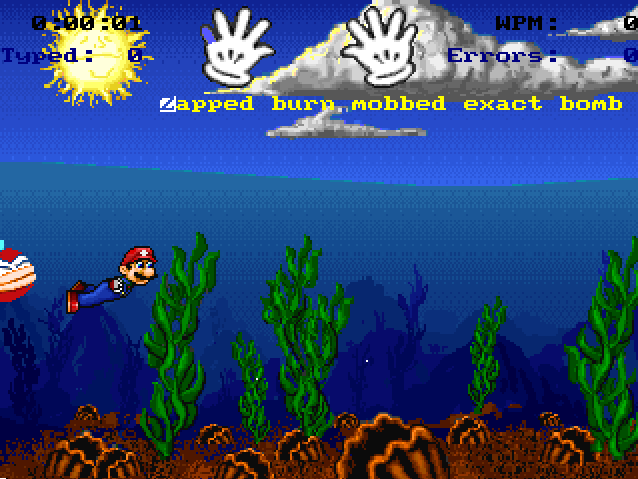
Mario's early years fun with letters was a awsome game I love mario's early years fun with letters
-1
No comment nor review for this game at the moment.


 English



Comments and reviews
.. / .-.. --- ...- . / . .-. .. -.-. / .. / .-- .- -. - / - --- / -.- .. ... ... / -.-- --- ..-
To get sound do the following steps:
1) Download the "installer" dos version and extract it to (e.g. c:\dos\mario)
2) Run Doxbox and mount that directory to a drive (e.g. mount a c:\dos\mario)
Note: I also mounted my c drive (e.g. mount c c:\dos)
3) go to (e.g. a:) and run the installation by typing "install"
4) install to c: drive (it will create a directory) from the copy files located on a: drive
5) Use the sound card option- sound blaster - with default settings (ignore pro sb)
6) wait for the installation/extraction process to complete, & it will do a sound test
7) go to the new "mariol" on your c: drive and run Mario.exe
Yeah, I've run the installation and everything, but the sound is not working. Bummer. Any advice from anyone else? Please?
Trying to install this on my daugher's new winxp machine runs fine except no sound or music.
Mario
Mario's early years fun with letters was a awsome game
I love mario's early years fun with letters
No comment nor review for this game at the moment.