You are on the beta version of My Abandonware. The live site is still myabandonware.com. Your favorites and ratings here are copied to the live site. Comments and other changes are not — we delete them every morning at 08:00 Paris time, when this site goes down for about an hour. Leave feedback through this link to Pastel (email required).
The beta goes down at 08:00 Paris time, in a few minutes. We rebuild the database from the live site. It comes back in about an hour.
How do I reconfigure the controls? It says to press the button I want it configured to but it's not letting me
-1
Gurenyuu~21 May. 2025
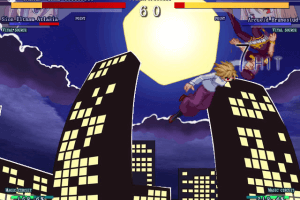
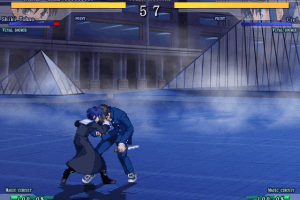
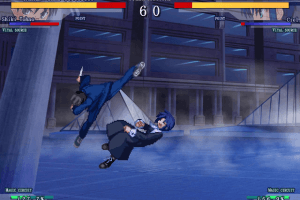
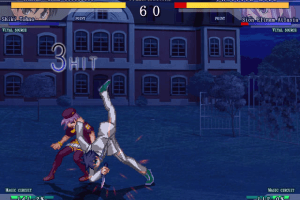
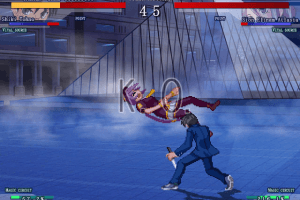
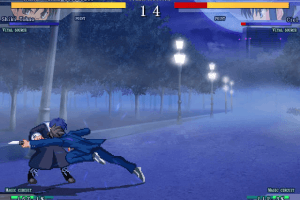
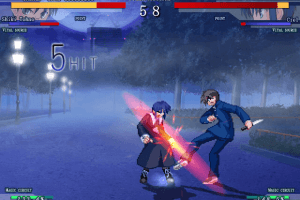
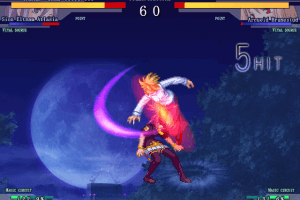
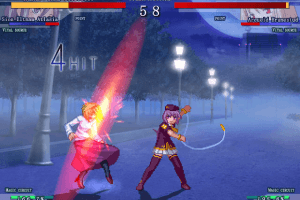
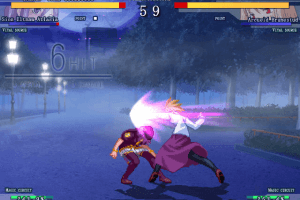
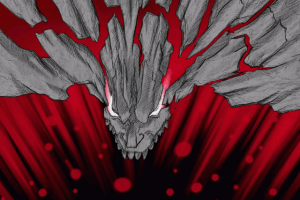
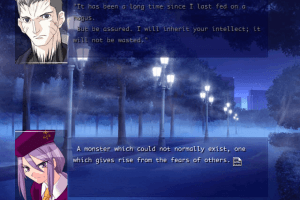
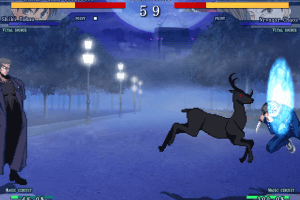
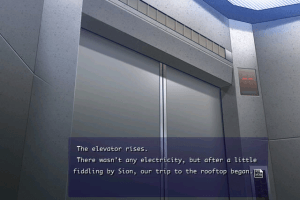
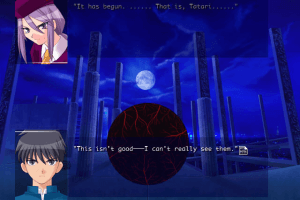
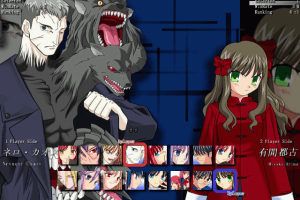
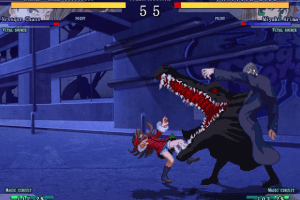
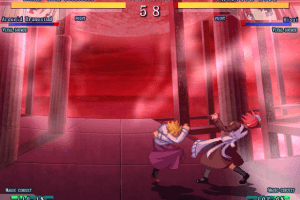
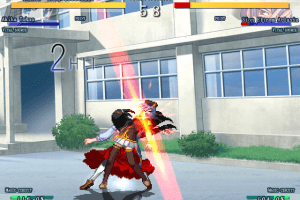
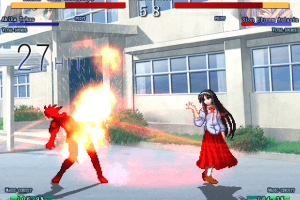
All of those screenshots and not one of Neco Arc D:
-3
Haseth24 Jun. 2024
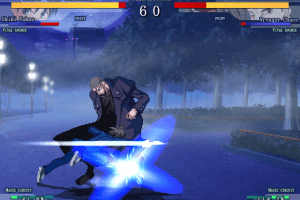
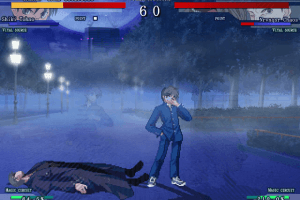
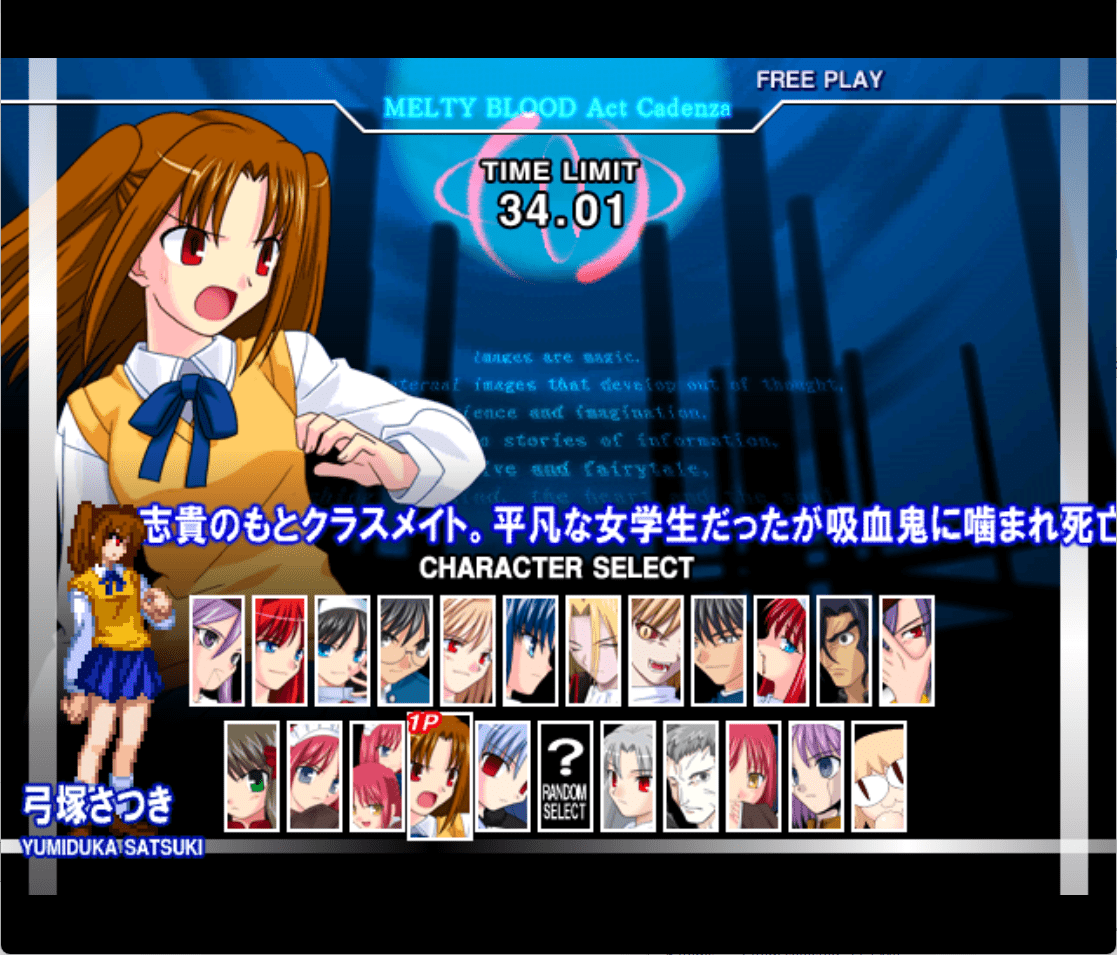
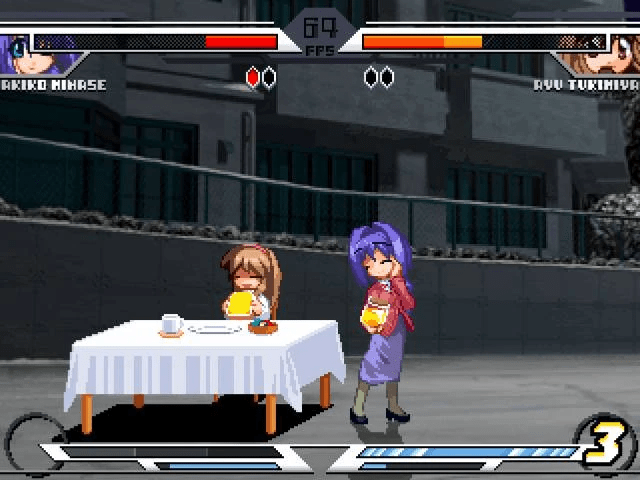
Same thing for me. On new computers and Windows 11 with Intel integrated graphics the game loads fine but at the fighting scenes the character sprites are invisible. Any help on this would be appreciated.
0
HEHEHHEHE26 Feb. 2024
Can I get a little help on the key configurations? Like can you give me a list of how the keyboard buttons work in this game, or maybe even is there a hidden way to configure it? thank you
1
MELTY BLOOD15 Jun. 2023
@FANG Can you give me your discord so I can see what's wrong with your sprites? My sprites are not very good either.
1
Fang03 Jun. 2023
So uhhh if anybody could help, I tried launching the game, and 1 it only supports 32 bit color mode, and 2 it legitimately does not want to display character sprites could anyone help?
0
MELTY BLOOD09 Nov. 2022
@FRITOM
What do you mean deleting the DVD game?
0
Fritom19 Oct. 2022
I will like to delete the DVD game but i cant so idk who knows the answer
1
BlueNinja04 Sep. 2022
you can play as neco arc in this game???
-6
MELTY BLOOD06 Apr. 2022
@TWIZ Did you try playing without deleting it? I think it might work.
Maybe you need admin privileges to delete the intro file? I'm not sure.
0
twiz30 Mar. 2022
how do i delete the intro file it wont let me
0
MELTY BLOOD22 Nov. 2021
@THESHADOW Read my other comment. It will help you.
1
theshadow15 Nov. 2021
hi, i have a problem when i install the game, when i'm on setup and comes to 100% then it says like weird signs giving an error install, Question signs appear and the game does not install. Does anyone know how to fix it? I would appreciate
1
Melty Blood25 Jul. 2021
For everyone who experiences the same problem as HIPERLOMBAX, the game is successfully installed don't mind the error. Just go to the melty blood english patch file location(where you installed it) and delete the opening cutscene video file.
Launch the game and when you see the intro texts, press N. The controls are N, M, comma and period. Press F5 during game to pause. Enjoy!
1
gaoo21 Mar. 2021
I have the same problem with windows 8.1
0
wiuwiuwiu24 Dec. 2020
yeah i have the same problem as HIPERLOMBAX
0
Wim10 Apr. 2020
Same issue as hiperlombax. Doesn't work
-1
arifairy0901 Jan. 2020
hi this game seems so cool cant wait till i can play it have a nice night and happy new years. :):):):):):);)
3
Hwun22 Oct. 2019
how i install english patch
1
Riplej03 Sep. 2019
1. Mount the game ISO (do not install the game). 2. Launch the patch installer. 3. Install the game with patch installer.
4
Hiperlombax20 Apr. 2019
Hi I Want To Install Melty Blood React With English Patch For Pc In Windows 8.1,and i heard i need to install vanilla game first.but when i'm on setup and comes to 100% then it says like weird signs giving an error install.How Could It Go Wrong It's Maybe The System?
4
No comment nor review for this game at the moment.




 English





Comments and reviews
How do I reconfigure the controls? It says to press the button I want it configured to but it's not letting me
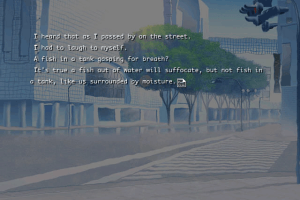
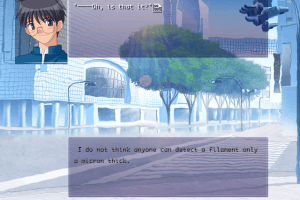
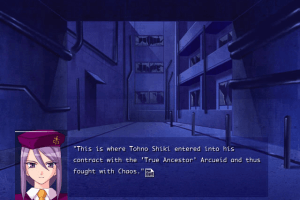
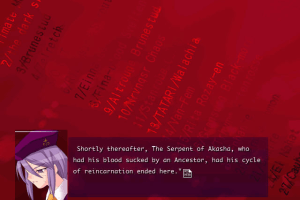
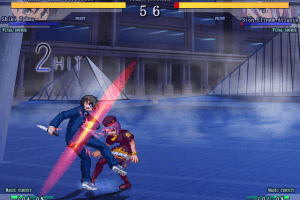
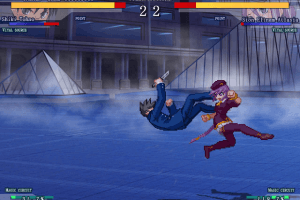
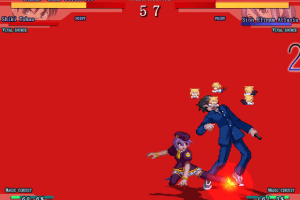
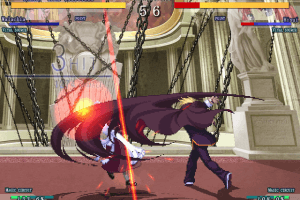
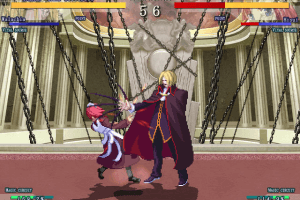
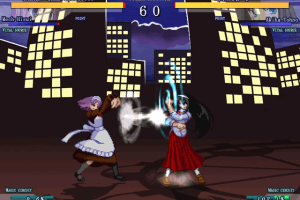
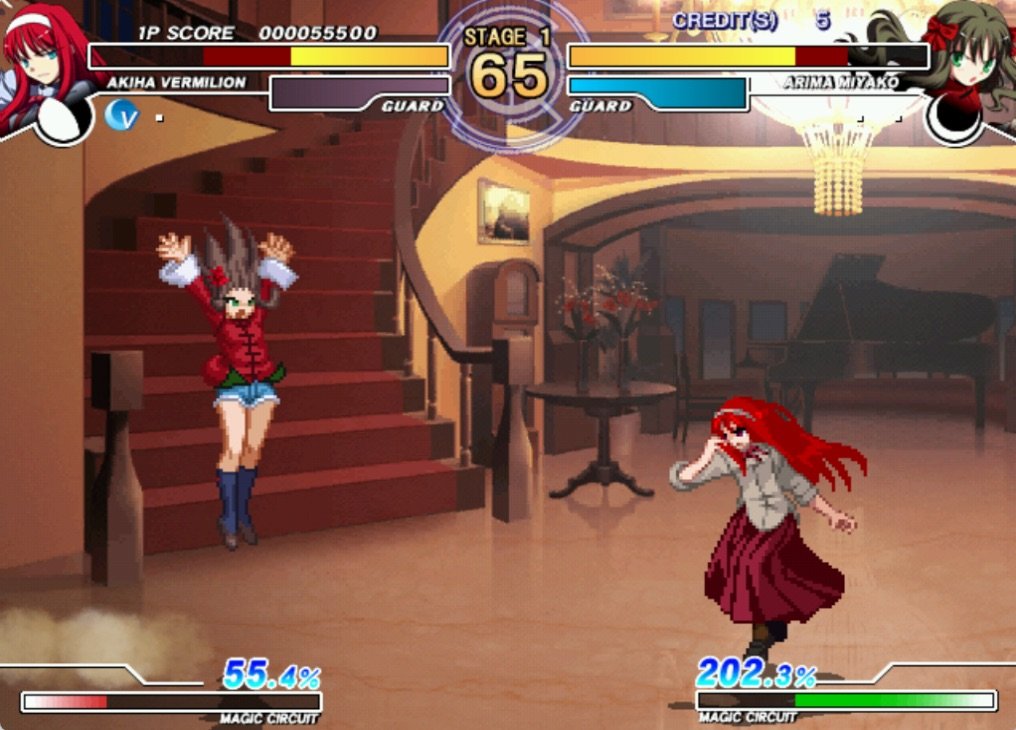
All of those screenshots and not one of Neco Arc D:
Same thing for me. On new computers and Windows 11 with Intel integrated graphics the game loads fine but at the fighting scenes the character sprites are invisible. Any help on this would be appreciated.
Can I get a little help on the key configurations? Like can you give me a list of how the keyboard buttons work in this game, or maybe even is there a hidden way to configure it? thank you
@FANG Can you give me your discord so I can see what's wrong with your sprites? My sprites are not very good either.
So uhhh if anybody could help, I tried launching the game, and 1 it only supports 32 bit color mode, and 2 it legitimately does not want to display character sprites could anyone help?
@FRITOM
What do you mean deleting the DVD game?
I will like to delete the DVD game but i cant so idk who knows the answer
you can play as neco arc in this game???
@TWIZ Did you try playing without deleting it? I think it might work.
Maybe you need admin privileges to delete the intro file? I'm not sure.
how do i delete the intro file it wont let me
@THESHADOW Read my other comment. It will help you.
hi, i have a problem when i install the game, when i'm on setup and comes to 100% then it says like weird signs giving an error install, Question signs appear and the game does not install. Does anyone know how to fix it? I would appreciate
For everyone who experiences the same problem as HIPERLOMBAX, the game is successfully installed don't mind the error. Just go to the melty blood english patch file location(where you installed it) and delete the opening cutscene video file.
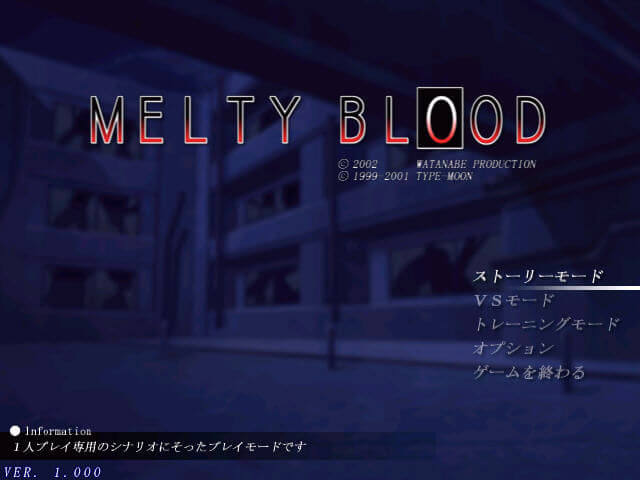
Launch the game and when you see the intro texts, press N. The controls are N, M, comma and period. Press F5 during game to pause. Enjoy!
I have the same problem with windows 8.1
yeah i have the same problem as HIPERLOMBAX
Same issue as hiperlombax. Doesn't work
hi this game seems so cool cant wait till i can play it have a nice night and happy new years. :):):):):):);)
how i install english patch
1. Mount the game ISO (do not install the game).
2. Launch the patch installer.
3. Install the game with patch installer.
Hi I Want To Install Melty Blood React With English Patch For Pc In Windows 8.1,and i heard i need to install vanilla game first.but when i'm on setup and comes to 100% then it says like weird signs giving an error install.How Could It Go Wrong It's Maybe The System?
No comment nor review for this game at the moment.