You are on the beta version of My Abandonware. The live site is still myabandonware.com. Your favorites and ratings here are copied to the live site. Comments and other changes are not — we delete them every morning at 08:00 Paris time, when this site goes down for about an hour. Leave feedback through this link to Pastel (email required).
The beta goes down at 08:00 Paris time, in a few minutes. We rebuild the database from the live site. It comes back in about an hour.
GAME ISO WITH CRACK: https://archive.org/download/microsoft-international-soccer-2000/MicrosoftInternationalSoccer2000.iso IN WINDOWS 7, 8, 10 YOU NEED COPY DGVOODOO2 FILES IN GAME FOLDER AFTER INSTALL: https://www.mediafire.com/file/bw6pbya2fqxvjas/dgvoodoo2.zip
1
UMAR:SG22 Nov. 2023
GOOD GAME ITS FUNNY TO PLAY A VERY ITERRESTING GAME
0
xhk00731 Jul. 2023
Cannot locate the CD-ROM please insert the correct CD-ROM, select OK and restart application
0
JP08 Sep. 2022
I just installed it and when I want to play it says "There was an error starting. Please reinstall and try again." :C
-1
Jorel07 Aug. 2022
"There was an error starting. Please reinstall and try again." What should I do? I've tried reinstall. Nothing works. It shows me two options: "Play" and "Register online".
3
Jorel07 Aug. 2022
Can't play. Any tutorial to exec in win 10?
-1
deltaalpha08 Feb. 2022
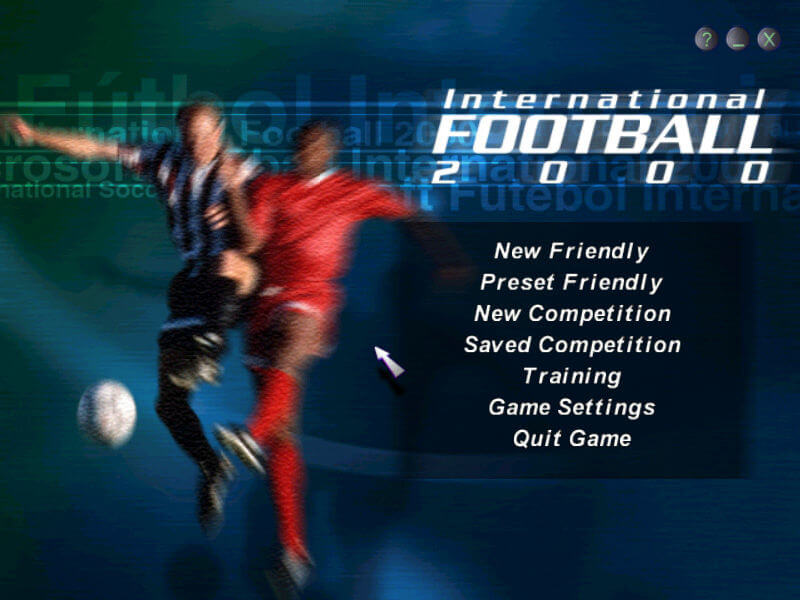
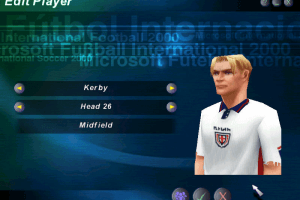
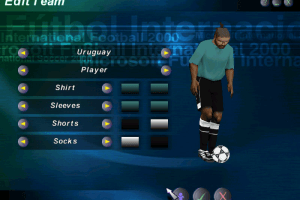
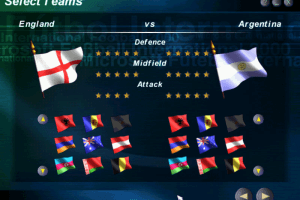
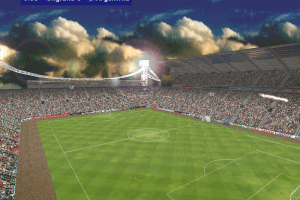
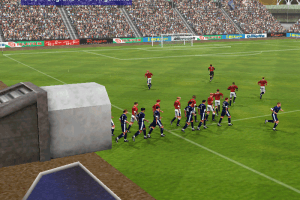
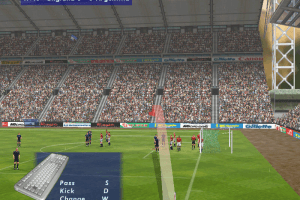
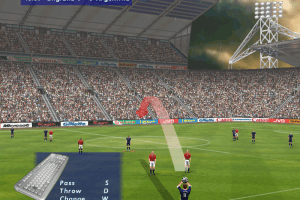
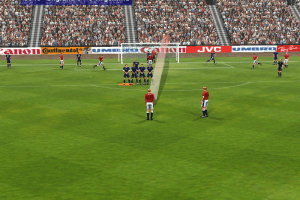
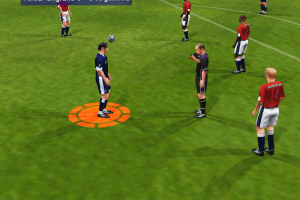
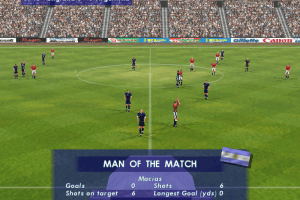
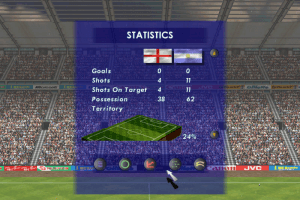
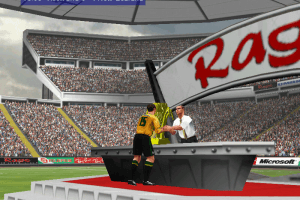
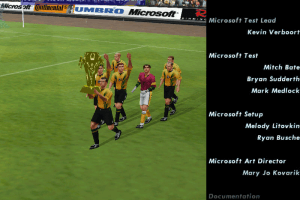
This game proves you don't need high quality graphics to have fun,too!
0
No comment nor review for this game at the moment.





 English
  German




Comments and reviews
You need not only the HAL mode fixed exe, but also these registry keys, they are mandatory for this game (change AppPath to your game path):
Windows Registry Editor Version 5.00
[HKEY_LOCAL_MACHINE\SOFTWARE\WOW6432Node\Microsoft\Microsoft Games\International Football 2000\1.0]
"Launched"="1"
"PID"="51386-442-1831215-57476"
"AppPath"="d:\\games\\mssoc"
"CDPath"="e:"
"VersionType"="RetailVersion"
"InstalledGroup"="7"
"LangID"=dword:00000009
"Version"="1.0"
"InstallType"=dword:00000007
GAME ISO WITH CRACK:
https://archive.org/download/microsoft-international-soccer-2000/MicrosoftInternationalSoccer2000.iso
IN WINDOWS 7, 8, 10 YOU NEED COPY DGVOODOO2 FILES IN GAME FOLDER AFTER INSTALL:
https://www.mediafire.com/file/bw6pbya2fqxvjas/dgvoodoo2.zip
GOOD GAME ITS FUNNY TO PLAY A VERY ITERRESTING GAME
Cannot locate the CD-ROM
please insert the correct CD-ROM, select OK and restart application
I just installed it and when I want to play it says "There was an error starting. Please reinstall and try again." :C
"There was an error starting. Please reinstall and try again." What should I do? I've tried reinstall. Nothing works. It shows me two options: "Play" and "Register online".
Can't play. Any tutorial to exec in win 10?
This game proves you don't need high quality graphics to have fun,too!
No comment nor review for this game at the moment.