





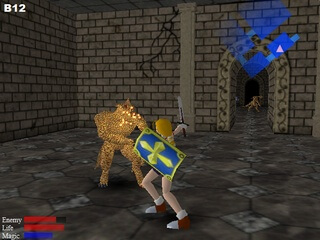
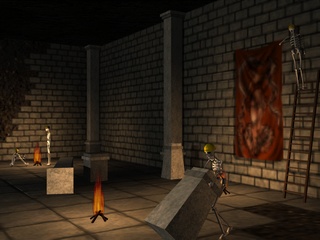
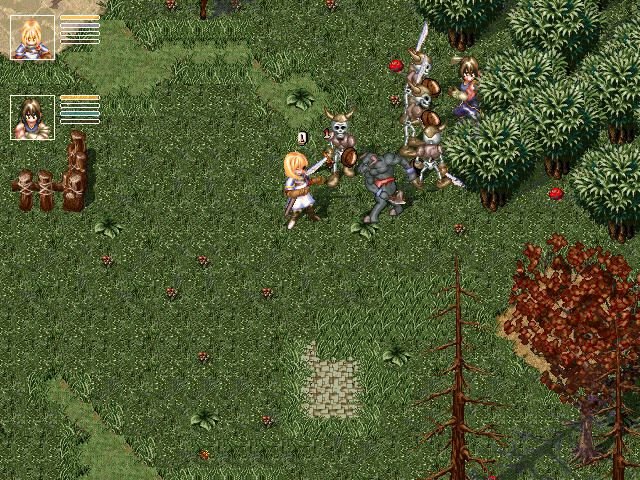
Retrogamer Alexx Pym submitted this rare game :
As you can see it's not really a good game by any stretch, but regardless I was always interested by it based on this article (which is no longer live, so there's barely any records of the game ever existing at all). As such I would love the chance to have it preserved!
I spent a very long time figuring out how to get the game to run properly on modern operating systems but eventually figured it out by running the installer on Windows XP and copying over the files, though it still doesn't render properly without DgVoodoo2 copied to the install folder. You also need to mount the CD image otherwise all sound is disabled and the game runs in a different, badly optimised graphics wrapper.
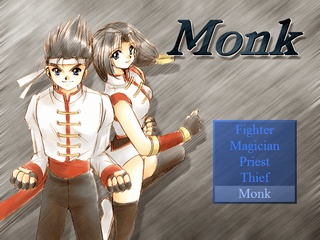
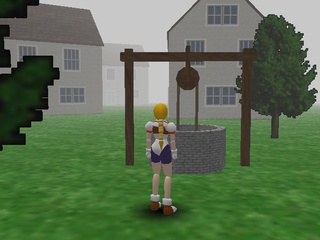
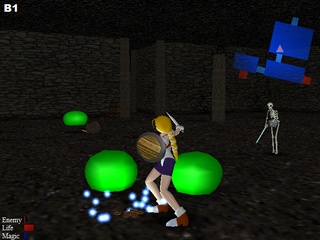
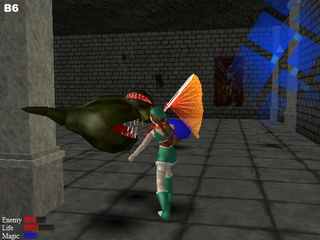
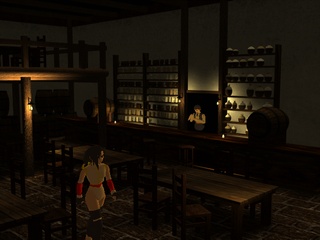
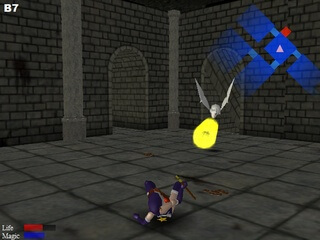
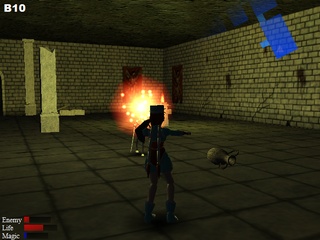
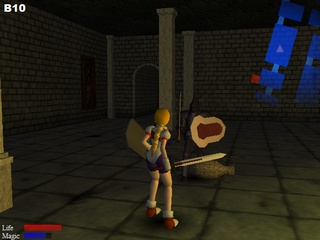
 Japanese
  Korean





 English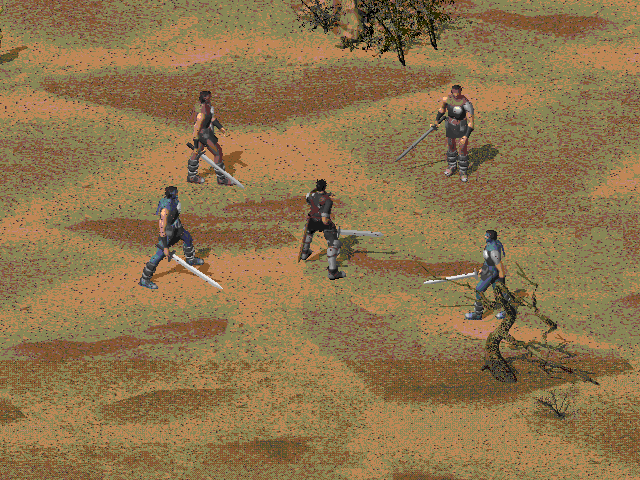



Comments and reviews
just found a ton of gfx settings for midgard in
Computer\HKEY_CURRENT_USER\Software\BAROQUE\Midgard\Main
screen resolution looks like it can be changed here as well. Cool.
Not sure where else I can find a solution for this. The game works, I did everything right, but a whole lot of the textures for it either don't load properly or haven't loaded at all.
I found installation to be more straightforward using the following website:
https://cdromance.org/windows/midgard-english-patched-windows/
The version there is already English-patched.
Can anyone tell me the key?
I don't know what the attack button is
Ok, here you go guys and gals:
https://drive.google.com/file/d/13S4dsgbjKw4oQg7JiE-SUCq2eJjulRr8/view?usp=sharing
Here's that english fan translation, you just replace the exe for the game with this one, so it works like a crack kinda, translates everything
i place it here so that it may be conveniently available from this page and so that you don't have to screw around with xdelta to create this patch (i don't know who got the dumb idea to have you do that instead of just giving you the patched exe)
There was an English fan translation released for it, I tried sending it to the admin so he could update this page but I guess he forgot, anyway I am just throwing this info here for you all, you shouldn't have much problem finding it though you need to make that patch with xdelta which is kinda stupid
I keep getting "The application failed to initialize properly (0xc0000142). Click on OK to terminate the application." whenever I try to run Midgard-en.exe.
I am using Windows XP SP3 (32-bit).
Let me know what is wrong here.
I am so intrigued by this game. I want to play through this game as much as possible, but it's kind of hard since I do not understand how some things work. I really wish there was more information about it online.
I don't know why but, frankly, I felt more thrilled by playing this than newer games I've bought in the recent years. Maybe it's because it's so simple and distilled of crap my brain works better with it.
Still, I also find it horribly funny how the town has like 4 roads and none of them work, neither developers found it necessary to explain anything at all. Also there is a sprite as background at the town (some sort of tower) that it's only seeable if you go to the edge of the map. It gets invisibilized 95% of the time by the fog/drawing distance.
This game is a masterpiece.
Thanks for the upload. You may want to include the files: D3DRM.DLL and D3DRM.INF in your installed game archive. The game will complain that it can't find them otherwise. You can find them on the CD in the DirectX directory.
For Windows 10 users (and possibly others?) be sure to use DgVoodoo2 and set the compatibility of ' Midgard.exe ' to " Windows XP (Service Pack 2) ". You can reconfigure the games setup (if you want to change it after the first run) by deleting the following registry key: HKEY_CURRENT_USER\Software\BAROQUE
No comment nor review for this game at the moment.