


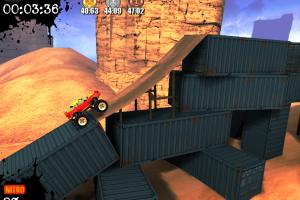
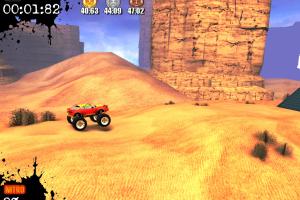
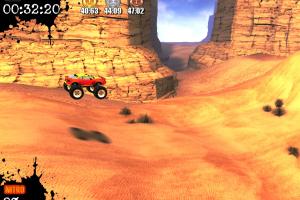
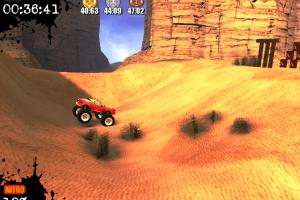

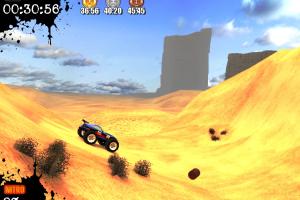
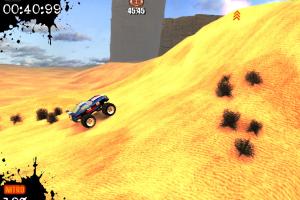
How to Play
Notes:
- The game has been tested on Windows 7 64-bit and Windows 10, it works fine. If the game doesn't work - try to run the game in Compatibility mode with old Windows, like Windows Vista, and as Administrator (right-click on exe-file or desktop shortcut -> Properties -> Compatibility)
- It is recommended to install all versions of Microsoft Visual C++ Redistributable and NET Framework for the correct work of the game
- It seems that GameTop release has a bug when the game doesn't save the progress, the "Continue" button simply doesn't work. We additionally uploaded MyPlayCity release which shouldn't have such an issue. MyPlayCity installer showed few adware warnings because of MyPlayCity adverts, here's the scan report; the file is safe to use, nothing to worry about
- If you have any technical issues with the game such an unstable framerate or blinking textures, run it through dgVoodoo 2. The game with dgVoodoo 2 has been tested on Windows 10, it works fine. To use it copy dll-files
MS/x86folder, dgVoodoo.conf and dgVoodooCpl.exe to the game folder, make sure that you enabled DirectPlay in your system. dgVoodoo 2 supports extra graphics settings such as Anti-Aliasing and texture filtering, you can enable them in dgVoodoo Control Panel to get the better in-game graphics; if you want to change dgVoodoo 2 settings - run dgVoodoo Control Panel (dgVoodooCpl.exe) as Administrator
 English



Comments and reviews
THANK YOU MYABANDONWARE. I played this game from some freeware site. Good to waste some hours. The setup files are "relatively" clean except they contain some adware like to install some toolbar or to change the default browser page or search provider. You can ignore that if you are smart.
No comment nor review for this game at the moment.