
- Export saves: export the savegame files from your browser, so you can switch to another browser or computer. You can also use them in an emulator installed on your computer.
- Import saves: import savegames that you exported before with the Export saves button.
- Download disk: export the whole game from your browser, with all your savegames. Useful to switch to an emulator installed on your computer.
- Reset game files: if you somehow messed up the game files, you can reset them to an exact copy of the original.
- Reset saves: delete all savegames from your browser. We recommend that you export them first: there is no turning back!
Moria - Play Online
DOS - 1988
Also available on: Acorn 32-bit - Mac
For small DOS games like Moria, you can play online immediately with your browser (Chrome, Firefox, Safari, Edge, Opera...). This feature is experimental, the game may not work properly.
Warning: game save should work, but you should try it early! Also, be careful to select the right game executable in the list above.
Similar games
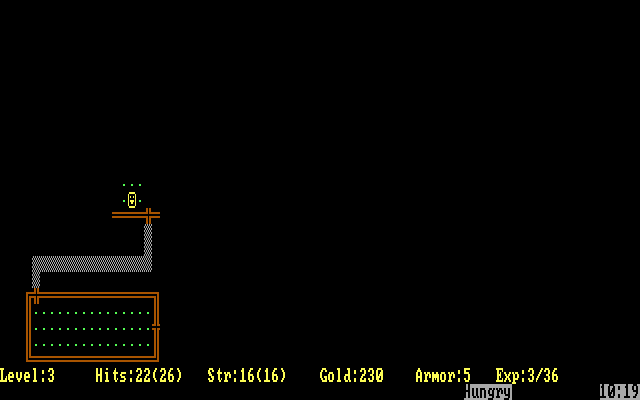
4.5/5 - 116 votes
Rogue DOS, Mac, Commodore 64, Amiga, ZX Spectrum, Amstrad CPC, Atari 8-bit, Atari ST
1984
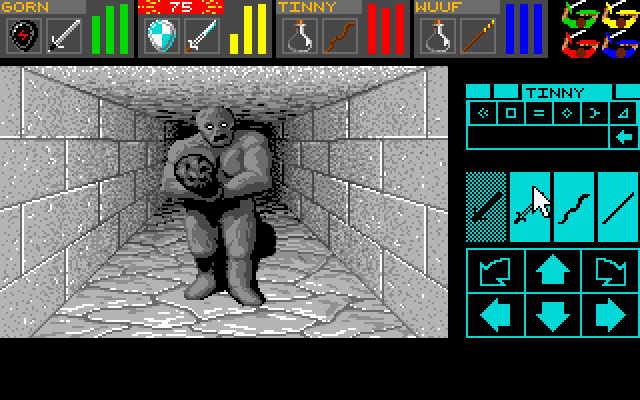
4.6/5 - 140 votes
Dungeon Master DOS, Amiga, Atari ST, Apple IIgs, FM Towns, PC-98, Sharp X68000
1992
4.3/5 - 84 votes
Wizardry: Proving Grounds of the Mad Overlord PC Booter, Mac, Commodore 64, MSX, Apple II, FM-7, PC-88, PC-98, WonderSwan Color
1984
4.2/5 - 84 votes
Wizardry: Knight of Diamonds - The Second Scenario PC Booter, Commodore 64, Apple II, FM-7, PC-88, PC-98
1987
Comments and reviews
Sure: The game saves your character on your hard drive. Each time you save using CTRL-X , it will bump you to the C:\prompt. It is important that you back-up your character each time you play. You do so by typing copy moria.sav moria1.sav and press enter. The prompt will confirm that the the file was copied. In the event that you die, you will end with a c:\ prompt, and you type the same command only in reverse, as follows: copy moria1.sav moria.sav This will copy the most recently saved character (still alive) back to your game. Then you play the game as usual by typing moria and pressing enter. It is a good idea to back-up your character when you encounter a dangerous monster like an Evil Iggy, the Balrog or an anciant multi-hued dragon. Then you can restore it if you die without losing too much progress.
Larry, would you mind giving step-by-step directions on how to revive a character after death when playing in the browser? I did the "copy moria.sav moria1.sav" part in the C:\ prompt and I got confirmation that a copy was successfully made, but I can't figure out how to load that copy after my character dies.
BRO: If you want to play the moria1.sav file, you can copy it back as follows: copy moria1.sav moria.sav Then run moria as usual.
The commenter Larry describes a way to resurrect your player after you die by making a copy of the save file. I'm playing through a browser, After I save and I'm at the DOS command line I followed his instructions of typing in "copy moria.sav moria1.sav", and I get a positive response saying the save file was successfully copied. While playing through the browser, how do I load up this copied save file if my character dies?
I probably have more hours in this game than most people on the planet put together...seriously. I played it on my 8086XT all through college and for years after that. May I recommend you type "copy moria.sav moria1.sav" at the C:\ prompt ? That way if you die, you can resurrect your player at the last save point. You have to do this every time you save.
Tried playing - does not run (as per previous comment).
[Rouge works just fine though... thanks for this.]
Sorry can someone redo the moria.exe file? I accidentally saved over it, now the exe file doesn't work
Hit ? in the game for the list of options. Hit Ctrl-X to save. Use the default name to save (just hit Return).
How do you save the game ….no point in playing if you cant save.
Can't workout how to save online? Does it work?
No comment nor review for this game at the moment.