



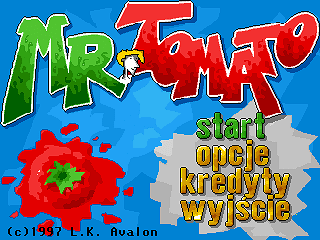
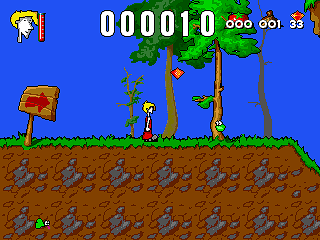
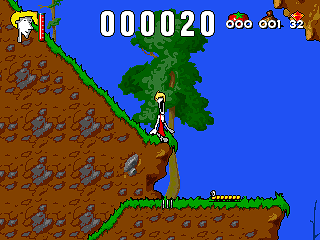
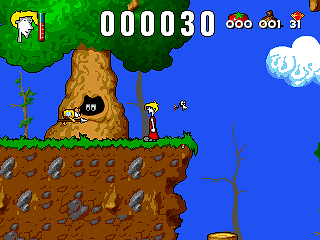
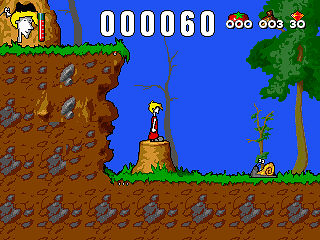
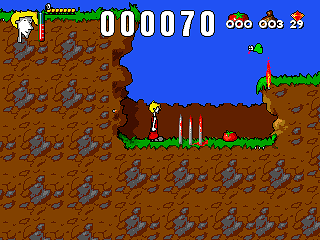
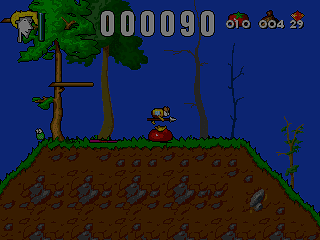
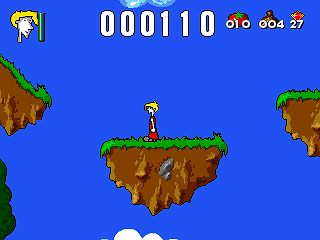
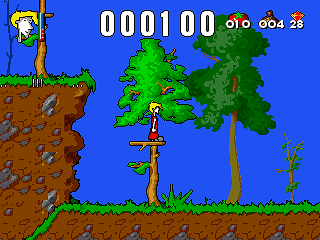
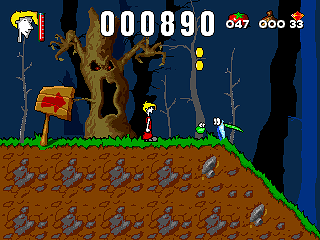
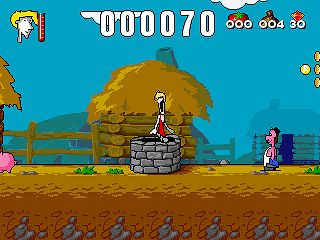
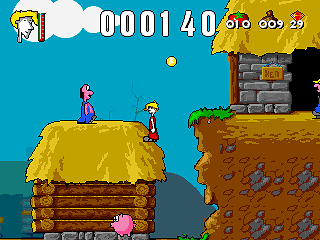
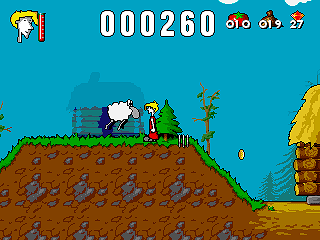
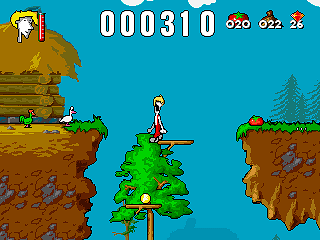
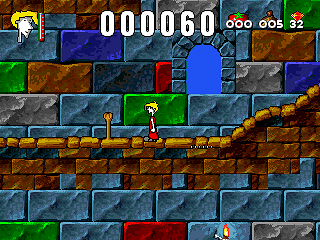
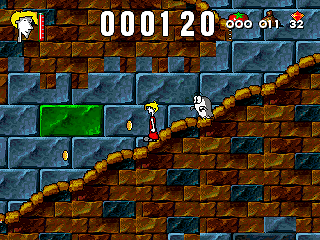
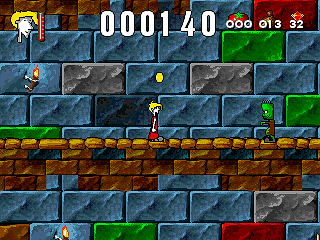
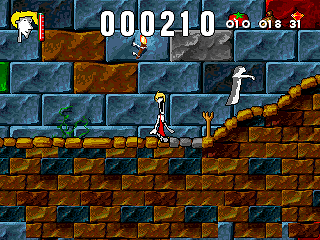
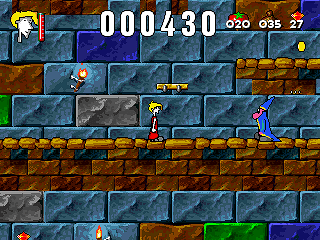
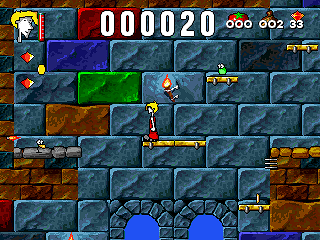
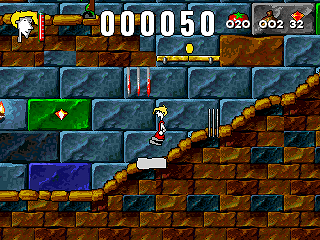
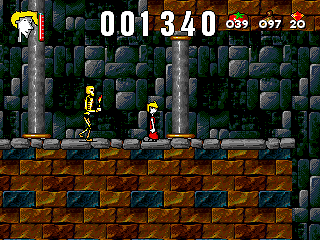
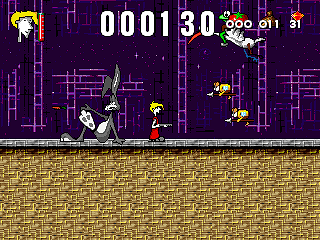
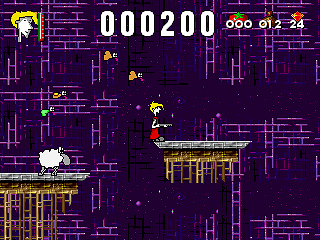
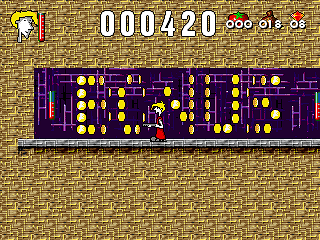
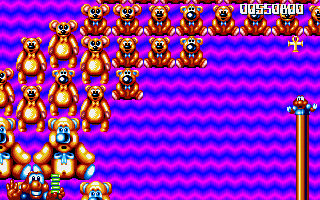
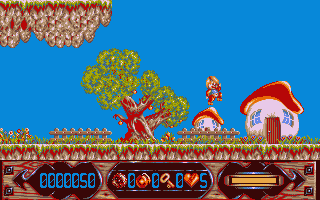
Mister Tomato is a DOS variant of earlier Amiga game with same name
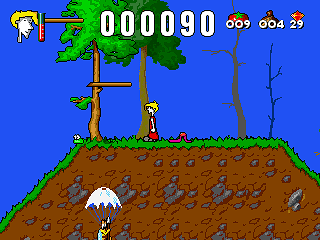
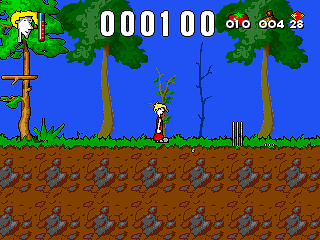
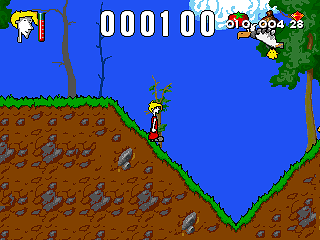
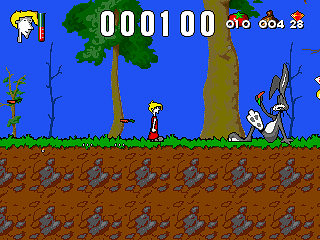

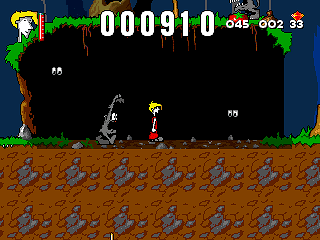
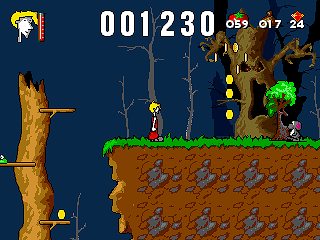
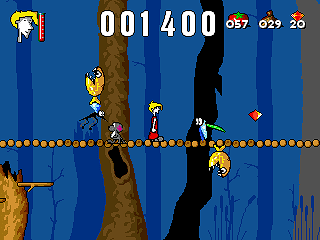
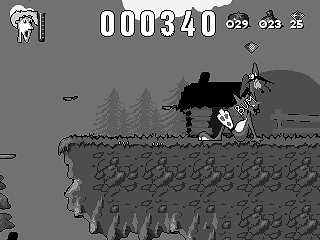
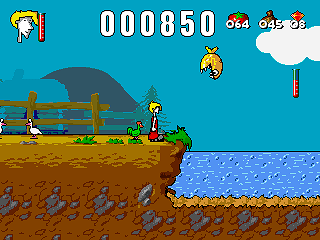
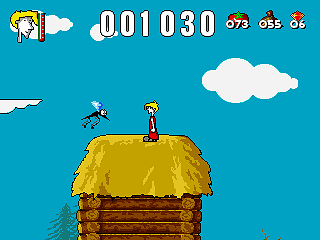
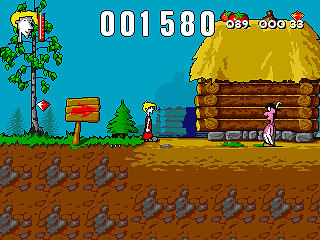
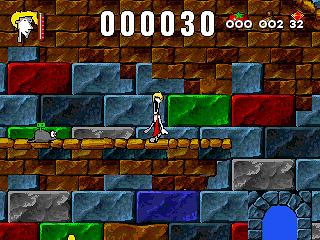
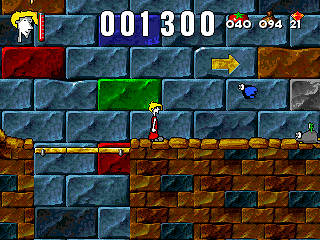
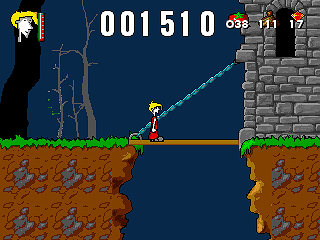
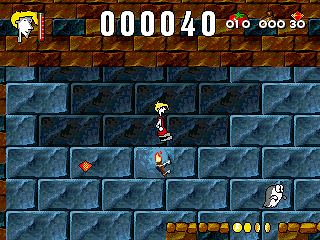
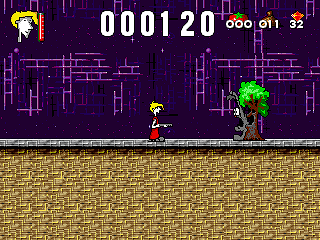


How to Play
Running the Full-Rip of the game in DOSBox can be troublesome, so carefully follow the next instruction (based on the instruction by Old-Games.ru):
- Extract the archive to your hard drive, for example to drive
D:\- you will get the folder withMr. Tomatogame, rename the folder toTomato - Launch DOSBox and enter the following commands:
Mount CD:\Tomato
Mount DD:\Tomato –t cdrom
D:
INSTALUJ.exe
The thing is that the game requires installation, so you need to mount game folder as a CD-ROM (that is the second step) and run the installation file from there. The entire installation program is in Polish, but you don't need to speak Polish to install the game, just follow the instruction.
- On the first screen press Enter. On the second screen the installer will ask where you want to install the game, by default it installs in
C:\Avalon\MRT. Don't install the game in that path! Delete the installation path and leave onlyC:\(use the right-arrow key to move the blinking cursor to the end of the inscription and then press Backspace until onlyC:\remains on the screen). Then press Enter to install the game; the installation takes only 1-2 seconds. After that, you will be asked to configure the game's graphics settings (the second menu item) and sound card (the first menu item); navigate the menu using the arrow keys, confirm your choice with Enter. - After automatically returning to the menu, highlight the third menu item and press Enter to save the settings, then do the same with the fourth menu item to exit the installer.
- On a black screen, you will see
D:\and should typeMRT_NEW.exe: the game runs ONLY through this .exe file and ONLY directly from the CD-ROM. - The procedure for the next launches of the game includes the following commands:
Mount CD:\Tomato
Mount DD:\Tomato –t cdrom
D:
MRT_NEW.exe
Downloads
DOS version
 Polish






Comments and reviews
Not to be confused with Mr.TomatoS
mr-tomatos.fandom.com
No comment nor review for this game at the moment.