


Description from the publisher:
Passionate about horses? My Horse and Me! is your chance to experience all the excitement and fun of life with your horse! Enter championships against other riders, or simply spend time taking care of your new friend - My Horse and Me! lets you create the experience you want!
Fulfil your dreams by taking part in competitions in locations around the world, from rustic stables to world-class tournaments. Work your way up the leaderboards to become the champion!
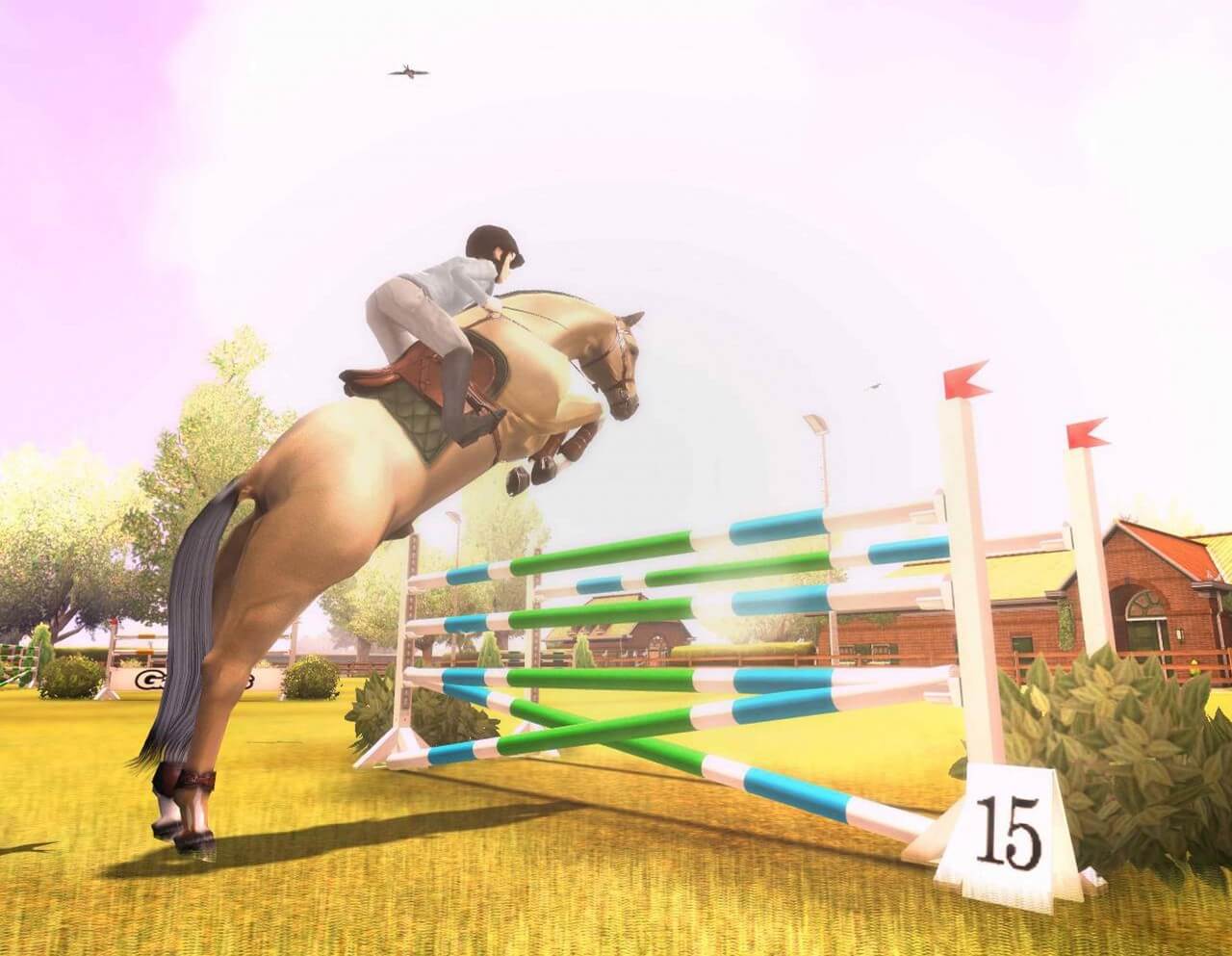
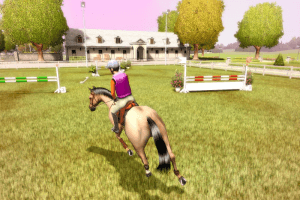
My Horse and Me! puts you right in the saddle with the most beautifully accurate horse models and animations, exciting gameplay modes and fun-packed mini-games!
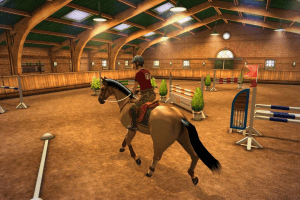
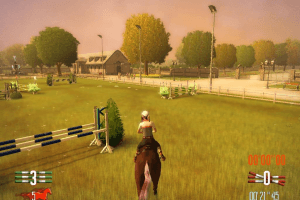
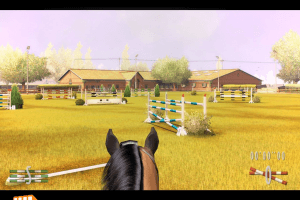
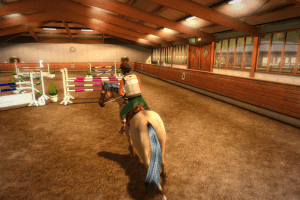
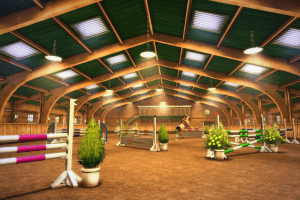
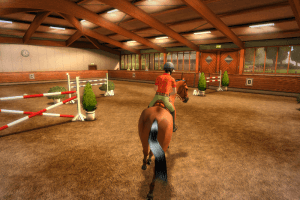
The Championship Learn how to ride your horse and jump different obstacles in beautiful indoor and outdoor arenas, and train to win the five championship leagues spanning different locations around the world.
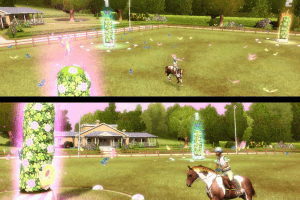
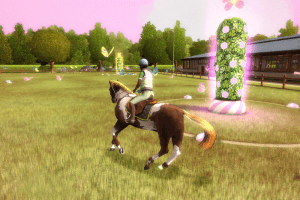
The Riding Games The Riding Games are smaller games that range from improving your riding skills to fun and exciting mini-games that will test you in different ways. Collect butterflies, herd the chickens back into the coop, catch falling stars from the skies... These games offer fun for both the serious and more casual player.
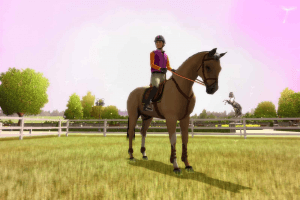
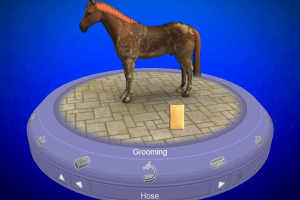
You And Your Horse! This is your own horse lovers mini-universe! Here you can customize your character and horse, then clean, brush, groom and bond with your horse. Unlock new outfits for you and equipment for your horse in this part of the game.
Play around with new features, weather effects and animations that you've unlocked in the championship and riding games and create that one special place you've always dreamed about for you and your horse.
Features:
- The game features the different 'galop' levels: learn how to ride your horse, with basic dressage lessons and jumping lessons, and go to the next level!
- The most complete horse riding and care experience for PC and Wii; a jumping championship that takes place in a variety of locations around the world, under different weather conditions and times of day; mini-games for the casual player, deep and rewarding horse care gameplay and horse customization options.
- My Horse and Me has the official FEI license (International Equestrian Federation). The jumping championship mode is a faithful and romantic representation of the sport.
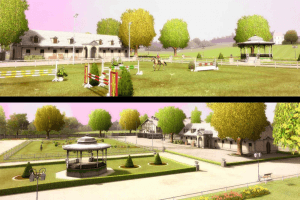
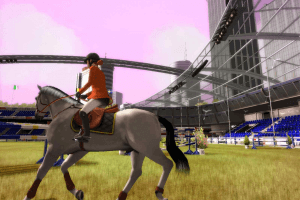
- Attractive indoor and outdoor environments ranging from rustic stables and classical riding schools to world-class tournament locations. The game features 4 outdoor environments each with multiple courses that can be tackled at different times of day. My Horse and Me also features 4 indoor locations with their own different courses.
- 7 different mini-games with wildly varying themes.
- A rich reward system lets you win all kinds of prizes and achievements just like in real-life horse riding.
- The game doubles as a learning tool for practicing disciplines that riders also face in real life.
- Players are constantly rewarded with items while playing. New clothes, new horse accessories (saddles, horse blankets etc.), and more.
- Choose your character from amongst 4 girls and 2 boys.
- 3rd and 1st person camera controls allow for an arcade or simulation style riding experience.
- My Horse and Me is a sandbox experience. Players play as they like and advance as they choose through the game.
- Take 'pictures' of yourself and your horse while riding, then add the pictures to your user profile on the official website.
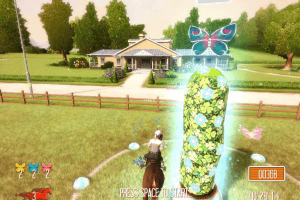
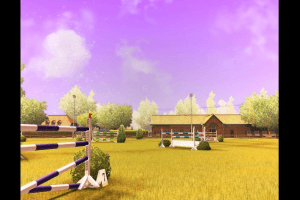
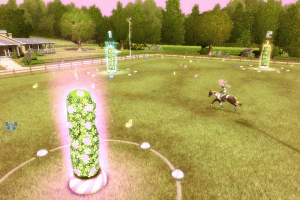
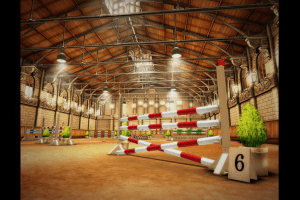


 Czech
Czech  Polish
  Russian







Comments and reviews
Hello, I've been trying this from time time, almost twice every year when I remember it exists but now I managed to get it! (I'm using windows 11 btw)
First, I installed the English ISO and NOCD mini images from https://www.myabandonware.com/game/my-horse-me-m3o as well as the Tages Drivers from the link that the OP gave us. I also installed Daemon Tools Lite.
After installing the TD I did the modification to Daemon Tools that u/Prior-Half said in the comments below. Then I mounted the normal ISO, installed the game (I chose custom path), then unmounted the original ISO and mounted the following MDS file:
from the NOCD folder My Horse and Me MiniImages My_Horse_AndMe(NORMAL_tages_MINI_image_by_xKVtor) mini My_Horse_AndMe(NORMAL_tages_MINI_image_by_xKVtor). MDS
After mounted I came back to the folder where the game was installed and run ThePonyGame.bat . If it worked, it should open the command console and then the game.
Note that on the folder that xKVtor provided he has the instructions there (!info.ENG.txt).
Hope it worked :3
the file does not work on win 10. the installation goes smoothly but the games icon doesn't appear. i also have the game on original disc and it only works on my retro laptop with win xp (but is slow as hell lol)
I've tried Trashie's method on my laptop, but to no avail. Now I'm trying a virtual machine using windows vista. It was working until I opned ThePonyGame file and the vm shut down :( So I don't know, I might have to use one of my old laptops that have a cd driver and try to install there. The only way i got it to work properly was the dolphin wii emulator and STILL the game had some really annoying control calibrations to do, so if you want to play it for a bit and don't mind a few bugs try dolphin
No luck getting this to work on Windows 11 :-(
I tried Trashie's method below but I think there's an issue with the Tages drivers being outdated now, as the install wizard says they're incompatible and the installation process doesn't create the application needed to actually run the game. I just get stuck in a loop of installing/uninstalling but can't access the actual game, just the game files.
Where is the MDS file? Ive looked everywwhere
I can't find the MDS file, where exactly is it?
sadly trashie's fix doesn't work for me, if the mds file is mounted the batch asks for the original dvd specifically, as opposed to trying to start the game without it, in which case it just asks for the game's dvd to be inserted, even after running disable autorun and restarting :(
So, this game is kind of a mess to get working, but I did find a fix.
First you'll need to go to the bottom of this download page and download the ISO in your desired language (I have only confirmed this with English).
Important:
You NEED Daemontools in order for this to work. https://www.daemon-tools.cc/downloads all you need is lite for it to work, and please be mindful as you install.
Instructions
Step One
-Export the zipped file (I would recommend placing them into the folder that you intend on downloading the game into. You will need to mount it EACH TIME YOU PLAY)
-Mount the ISO file from the first downloaded ISO folder (you can use Daemontools or your desired mounting program)
-Navigate to "This PC".
-Open wherever the ISO was mounted (for me it was the Z: Drive)
-Select "setup"
-Install the game wherever you exported the zip in a separate folder (this is mine for example D:\Games\My Horse & Me\Actual Game)
-Once the game finishes installing **EJECT THE ISO**.
Step Two
I dont know why you need to use a separate image in order for this game to work, but it does, this will guide you through the process.
-Open Daemontools
-Click on:
-Drives
-ADVANCED IMAGE MOUNT
-select the MDS from the mini folder on the "Experimental" section (its the 5kb file)
-select SCSI under "Virtual Drive"
-Mount to X: Drive. (not sure why, it was part of the explanation I simplified)
-select "Mount" at bottom of page
-Go to the "normal" folders and go into the "AutoRun" folder and run "disable autorun". (this is creating a regentry stopping the game from checking for the cd)
-Go into where you installed the game and select "ThePonyGame" and if you followed the steps correctly it should run!
how do i install this? it wont run, it askes for original disc...
NIE DZIAŁA!!!
Ej bo pobiera mi się gra i chciałam się spytać czy to demo czy pełna wersja?
i love this game!
No comment nor review for this game at the moment.