




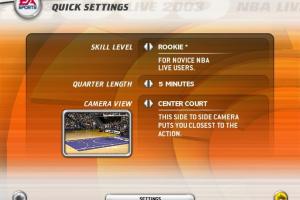
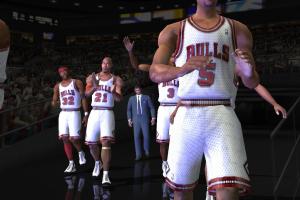
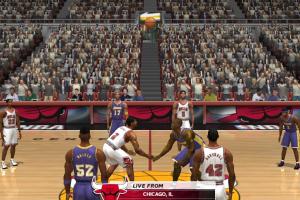
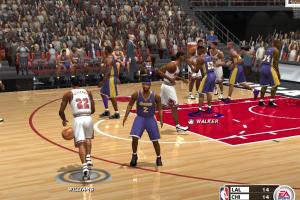
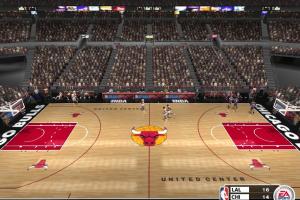
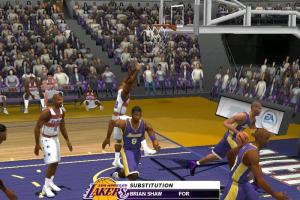
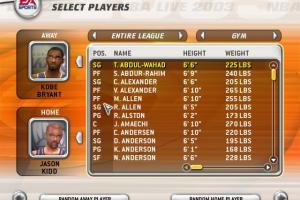
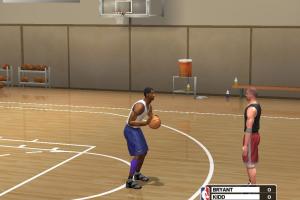
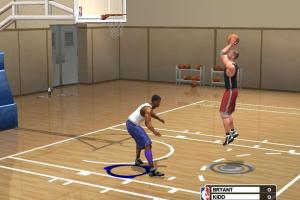
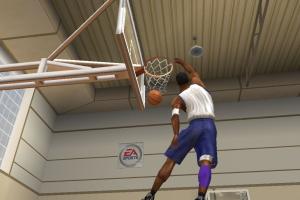
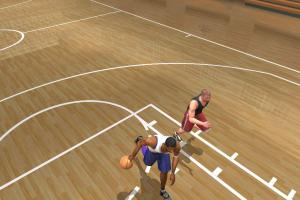
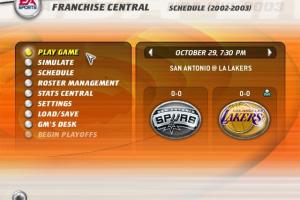
How to Play
The game v1.1 with NoCD and dgVoodoo has been tested on Windows 7 64-bit and Windows 10, it works fine. You may experience some small troubles when you play the game on modern systems, check our Guide and Notes for details
Install & play guide:
- Mount the disc image. You will need the utility for mounting disc image files, like WinCDEmu, UltraISO, Alcohol 52%/Alcohol 120% or Daemon Tools Lite
- Install the game (if autorun doesn't work - simply launch the installation from Setup.exe inside the disc). Skip EA Electronic Registration, click "Register Later". It is recommended to install the game not in default path, but in some other, non-system folder, like
C:/Games/NBA Live 2003, so you won't have troubles with NoCD or dgVoodoo - After that install patch v1.1, simply copy files from the archive to the game folder, agree to replace the original files. The archive with patch v1.1 includes NoCD already
- Now you need to install dgVoodoo 2, it is required for the correct work of the game on modern systems. To use it copy the DLL-files from the
MS/x86folder, dgVoodooCpl.exe and dgVoodoo.conf to the game folder, next to executable file. If you want to change dgVoodoo settings, run dgVoodooCpl.exe as administrator - Launch the game from nba2003.exe and play. If the game doesn't work - try to launch it in compatibility mode with old version of Windows (Windows 98, 2000, XP, etc.)
Notes:
- If the installation doesn't start - try to launch Setup.exe in compatibility mode with old version of Windows (98, 2000 or XP)
- It is recommended to install all versions of Microsoft Visual C++ Redistributable and NET Framework for the correct work of the game. Also it is recommended to install K-Lite Codec Pack for the correct work of in-game videos
- The game works on DirectX 8, so if you're using Windows 8, 8.1, 10 or 11 - you need to enable DirectPlay: Go to Control Panel, and select 'Programs'. Select 'Turn Windows features on and off', click on 'Legacy Components' and check the box 'DirectPlay'. Select OK, once the installation is done, restart your computer
- The game was protected with SafeDisc DRM which doesn't work on modern systems, use NoCD to "break" the DRM protection and play without the disc. If you see the error that there's not enough space on the hard drive when you copy NoCD files - re-install the game in non-system folder, like
D:/Games/NBA Live 2003, Windows Protection may block copying of files to system folders (likeC:/Program FilesorC:/Windows) - On the most modern computers, the game crashes at startup. It is recommended to run the game through dgVoodoo 2 for the correct work on modern systems. To use it copy the DLL-files from the
MS/x86folder, dgVoodooCpl.exe and dgVoodoo.conf to the game folder, next to executable file. Or you can download the archive with pre-configured dgVoodoo, it includes the files of dgVoodoo 2.73. Also, with dgVoodoo you can play the game with anti-aliasing and texture filtering and other features. If you want to change dgVoodoo settings, run dgVoodoo Control Panel (dgVoodooCpl.exe) as administrator - If you don't want to use dgVoodoo, try this method: go to
Documents/NBA Live 2003/cscriptsfolder, open hwconfig.cfg in Notepad, and in the linesr_hardwaresettings.nScreenWidthandr_hardwaresettings.nScreenHeightenter the numbers of your desktop resolution (for example, if you have 1920x1080 screen resolution, enterr_hardwaresettings.nScreenWidth 1920andr_hardwaresettings.nScreenHeight 1080). Save the changes and try to run the game, better to run it in compatibility mode with Windows 98. Title screens and all other screens will stay the same, but in-game screen resolution will be changed. That method works with both NBA Live 2003 and 2004, check this thread. Also, it seems that by editing of hwconfig.cfg you can enable high screen resolutions up to 4k - If you have problem with broken sound effects or disappearing sound - first try to change the sound settings. If it didn't work - set sound quality to 24 bit, 48000 Hz or 24 bit, 44100 Hz. Read this guide how to do that
- Online multiplayer mode of the game doesn't work because the online servers were closed decades ago. But the game also had a support of LAN multiplayer, so you can try to play the game in multiplayer with LAN emulators like Hamachi or RadminVPN
- You can find some mods for the game, like new rosters, players and clothes on NLSC Forum
- Don't forget to check PCGamingWiki if you have troubles!
 English
  German
  Spanish
  French
  Russian





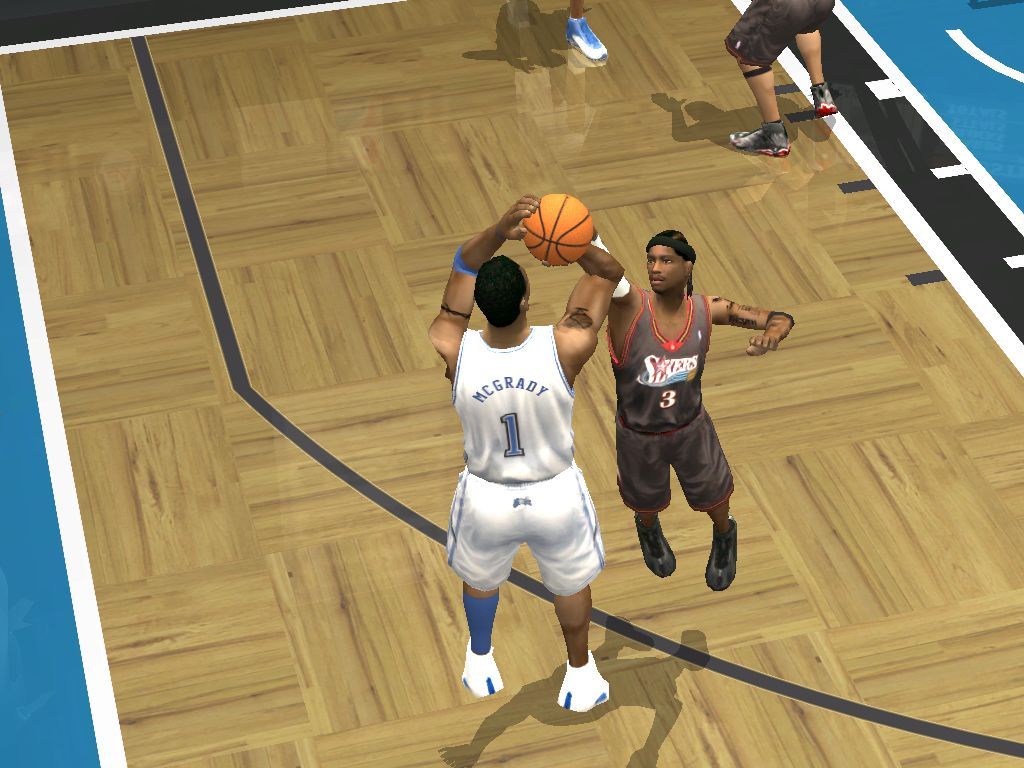


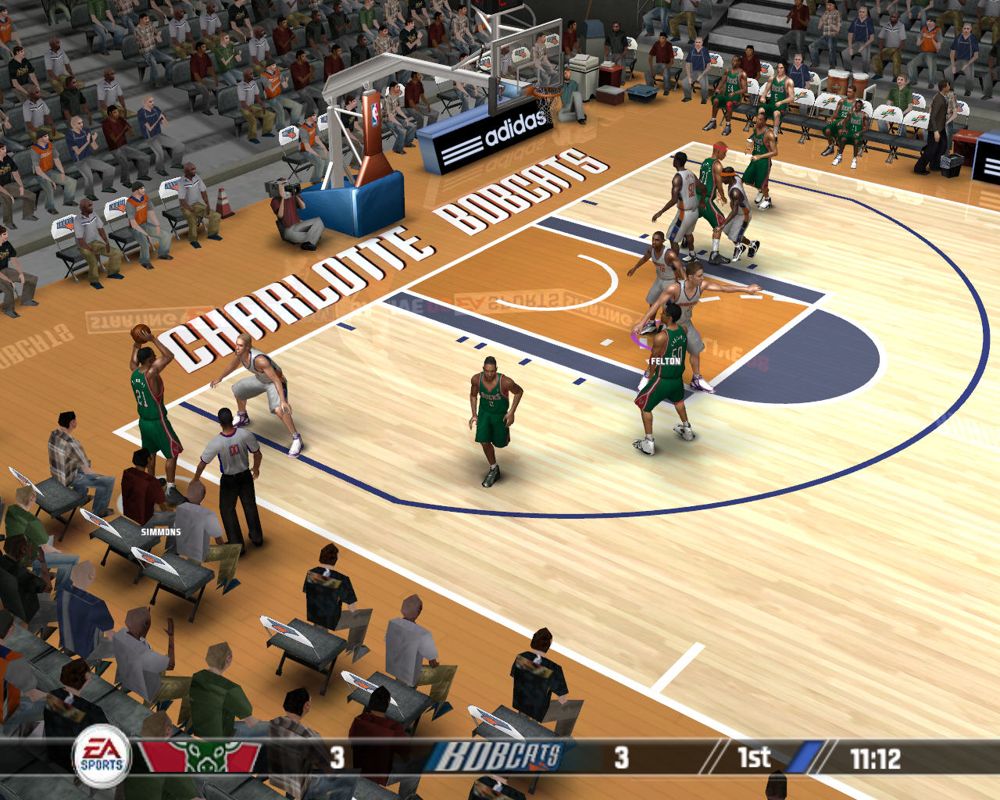


Comments and reviews
i like it very much
Just a word of note from me.
I installed the game from here using the magic pack version and on my windows 11 laptop. The game runs okay but had lag. What I did was take out of the games directory, on my drive, all the dgvoodoo dll files included the config and the dgvoodoo main exe. The game run fine still but this time no lag, as dgvoodoo is good but known to be intensive and where it can solve issues it can also affect and slow down games. Save the files on your desktop though, just in case your pc needs them for the game. Then you would have to copy and paste them back in and put up with the lag.
No comment nor review for this game at the moment.