

How to Play
If you play on Windows 7 - run the game in compatibility mode with Windows 9x. On Windows XP use of compatibility mode isn't required, the game should work as it is
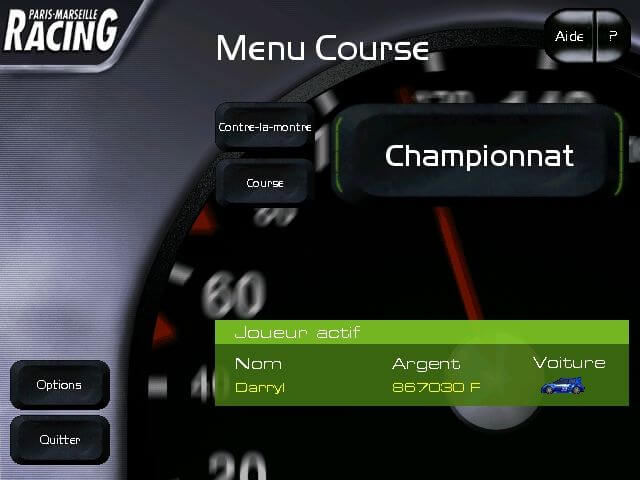
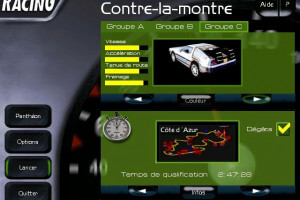
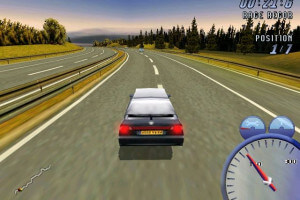
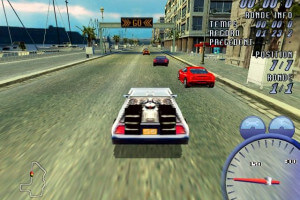
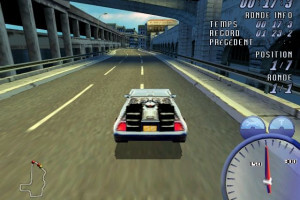
If you play on Windows 7 - run the game in compatibility mode with Windows 9x. On Windows XP use of compatibility mode isn't required, the game should work as it is


 French




Comments and reviews
To play this Game without the CD and Windows 11
01 - install the Game
02 - create a "Run Game.bat":
@echo off
@SET NOCD=D
pmr
03 - DL dgVoodoo an put into the game folder:
- dgVoodooCpl.exe
- dgVoodoo.conf
- DDraw.dll
- D3DImm.dll
- D3D8.dll
- D3D9.dll
04 - Open dgVoodooCpl.exe an configurate DirectX
Videocard: Matro Parhelia-512
VRAM: 128MB
Resolution: 4x
dgVoodoo Watermark: Uncheck
05 - Start the Game with Run Game.bat
Issiues, you dont see the game "alt+Tab" to the Game.
Bought this game with my friends as a joke after reading hilarious game reviews back in the days. Lots of fun because the game was so average but the best part was the radio chatter in broken French
No comment nor review for this game at the moment.