



- Export saves: export the savegame files from your browser, so you can switch to another browser or computer. You can also use them in an emulator installed on your computer.
- Import saves: import savegames that you exported before with the Export saves button.
- Download disk: export the whole game from your browser, with all your savegames. Useful to switch to an emulator installed on your computer.
- Reset game files: if you somehow messed up the game files, you can reset them to an exact copy of the original.
- Reset saves: delete all savegames from your browser. We recommend that you export them first: there is no turning back!
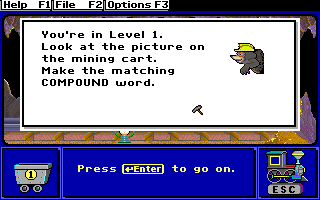
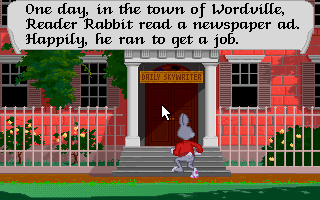
Reader Rabbit - Play Online
DOS - 1987
For small DOS games like Reader Rabbit, you can play online immediately with your browser (Chrome, Firefox, Safari, Edge, Opera...). This feature is experimental, the game may not work properly.
Warning: game save should work, but you should try it early! Also, be careful to select the right game executable in the list above.
Similar games


Comments and reviews
Can I play reader rabbit
Plz Tell Me Who You Are
If You See This
It works just pute the game executeble to rr.exe
Change the executable in the dropdown above the game to rr.exe to play.
just pick 1 and then type rr at the prompt
I think the game should not ask for the graphics installed in your computer. once you enter a number theres no game.
No comment nor review for this game at the moment.