You are on the beta version of My Abandonware. The live site is still myabandonware.com. Your favorites and ratings here are copied to the live site. Comments and other changes are not — we delete them every morning at 08:00 Paris time, when this site goes down for about an hour. Leave feedback through this link to Pastel (email required).
The beta goes down at 08:00 Paris time, in a few minutes. We rebuild the database from the live site. It comes back in about an hour.
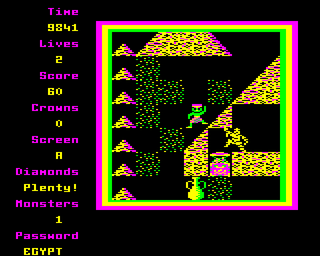
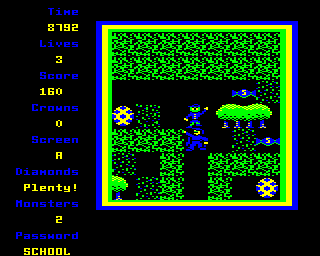
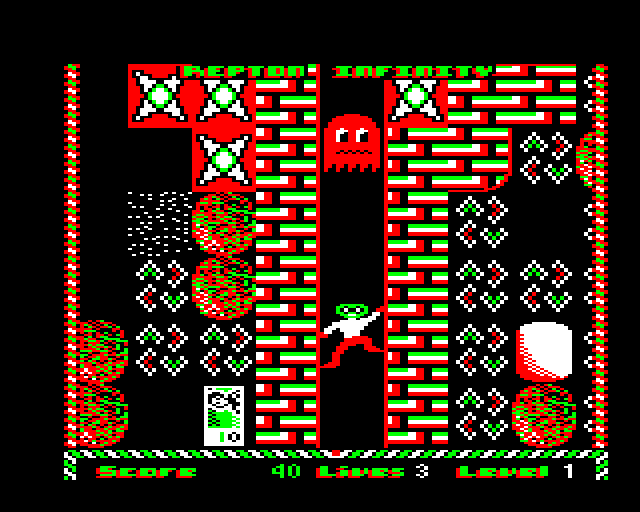
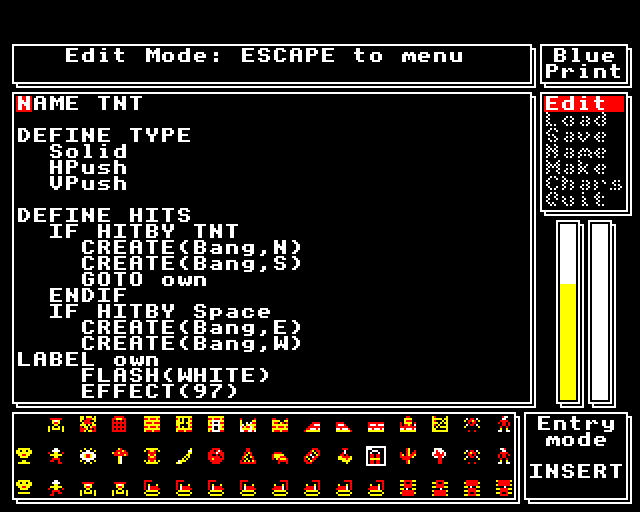
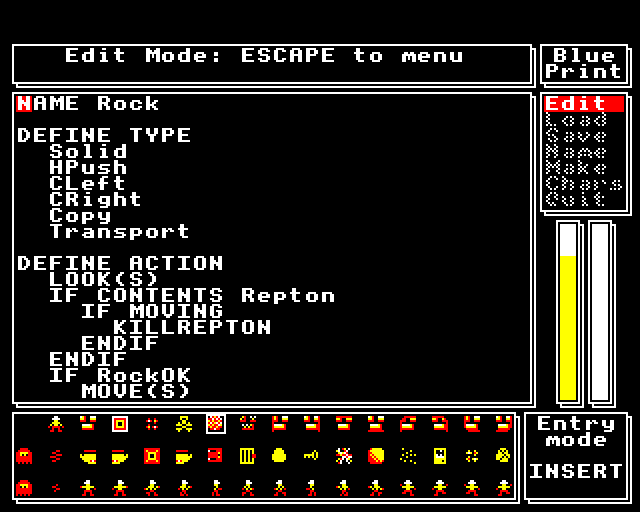
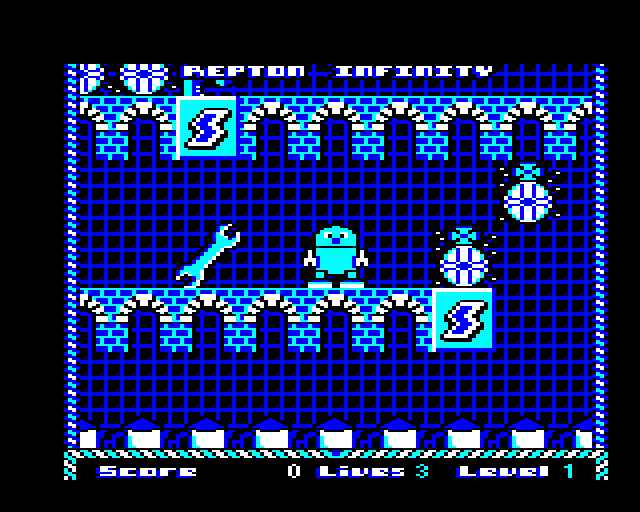
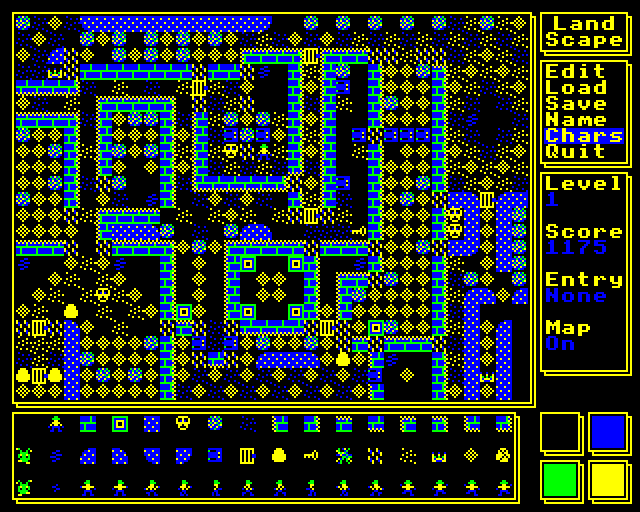
Repton Infinity was the only Repton game to feature a script editor - enabling changing the behaviour of each item (as well as the map and graphics), thereby adding new elements to a Repton-like game, or making games very different to Repton. The scripting language was limited (no support for subroutines, for example), you were very limited by memory for the size of the compiled code, and there was only 1 bit of unused state per map cell, for user code, but you could still do a lot with it and practically create quite different games. As far as I know, it was never ported to other platforms.
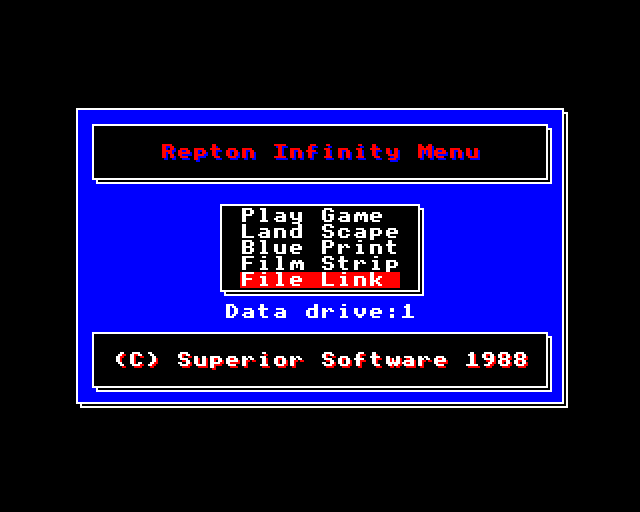
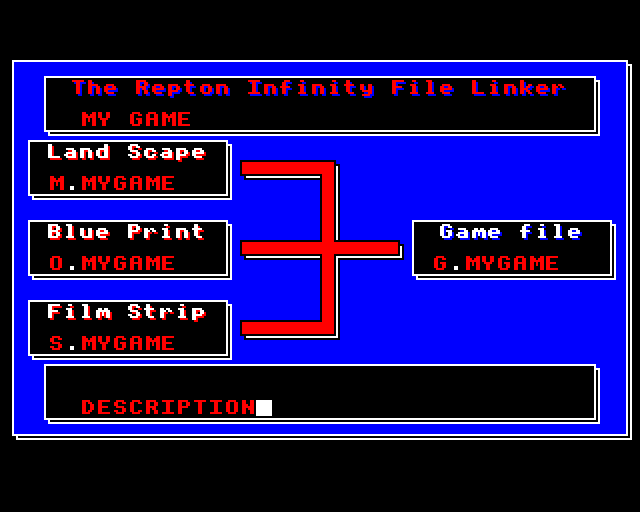
When using Repton Infinity in a BBC Micro emulator, it is efficient to set up the two discs (one in each drive), load the menu, set the Drive to 1, then save the state of the VM, so that you can return to that position.
1
No comment nor review for this game at the moment.





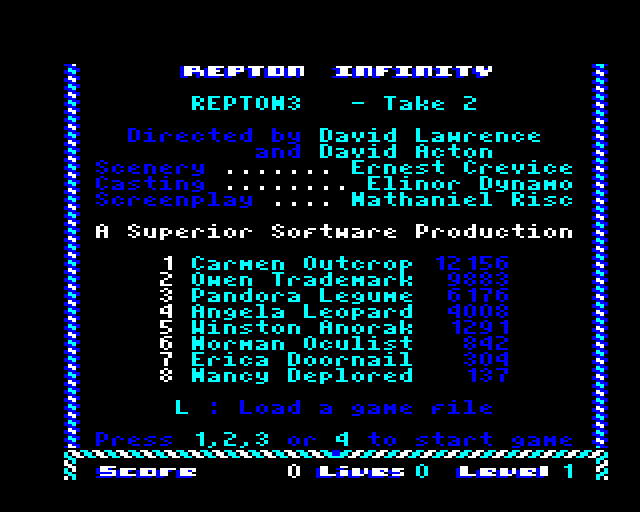
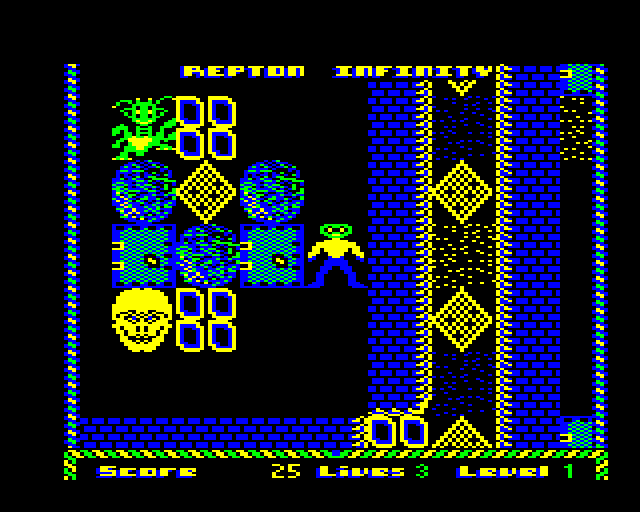
 English



Comments and reviews
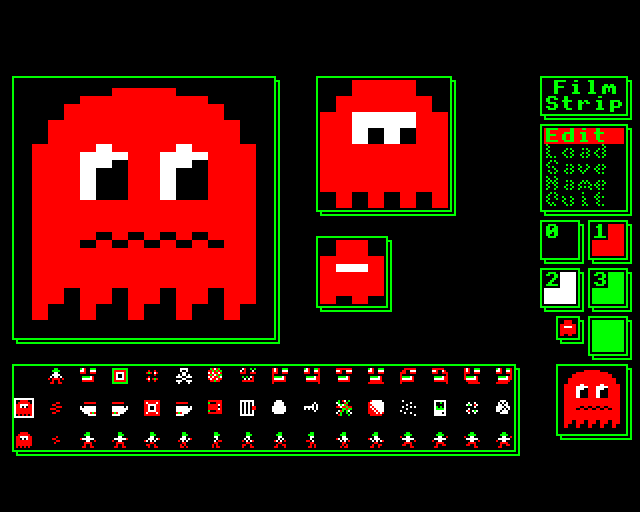
Repton Infinity was the only Repton game to feature a script editor - enabling changing the behaviour of each item (as well as the map and graphics), thereby adding new elements to a Repton-like game, or making games very different to Repton.
The scripting language was limited (no support for subroutines, for example), you were very limited by memory for the size of the compiled code, and there was only 1 bit of unused state per map cell, for user code, but you could still do a lot with it and practically create quite different games.
As far as I know, it was never ported to other platforms.
When using Repton Infinity in a BBC Micro emulator, it is efficient to set up the two discs (one in each drive), load the menu, set the Drive to 1, then save the state of the VM, so that you can return to that position.
No comment nor review for this game at the moment.