




- Export saves: export the savegame files from your browser, so you can switch to another browser or computer. You can also use them in an emulator installed on your computer.
- Import saves: import savegames that you exported before with the Export saves button.
- Download disk: export the whole game from your browser, with all your savegames. Useful to switch to an emulator installed on your computer.
- Reset game files: if you somehow messed up the game files, you can reset them to an exact copy of the original.
- Reset saves: delete all savegames from your browser. We recommend that you export them first: there is no turning back!
Rogue: The Adventure Game - Play Online
DOS - 1983
For small DOS games like Rogue: The Adventure Game, you can play online immediately with your browser (Chrome, Firefox, Safari, Edge, Opera...). This feature is experimental, the game may not work properly.
Warning: game save should work, but you should try it early! Also, be careful to select the right game executable in the list above.

 English
 Similar games
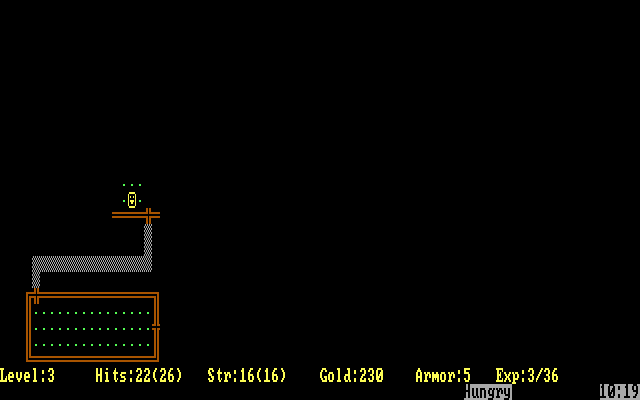
4.5/5 - 116 votes
Rogue DOS, Mac, Commodore 64, Amiga, ZX Spectrum, Amstrad CPC, Atari 8-bit, Atari ST
1984
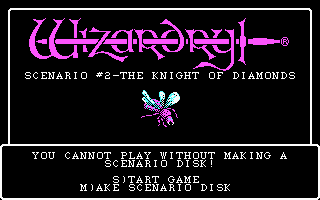
4.2/5 - 84 votes
Wizardry: Knight of Diamonds - The Second Scenario PC Booter, Commodore 64, Apple II, FM-7, PC-88, PC-98
1987
Comments and reviews
@EX visitor will investigate, sorry about that
Thanks and goodbye. I will stop to play Rogue.
New advertising mechanic continually interrupts play, blocks a third of the screen.
Even typing this comment was blocked, took cursor focus off the comment block 8 times.
Someone should make a game like Rogue...
rogue Failed to download game data! repeatedly tonight. someone should know
1g0XZh54
This is one of the most devious games ever made.
No comment nor review for this game at the moment.