You are on the beta version of My Abandonware. The live site is still myabandonware.com. Your favorites and ratings here are copied to the live site. Comments and other changes are not — we delete them every morning at 08:00 Paris time, when this site goes down for about an hour. Leave feedback through this link to Pastel (email required).
The beta goes down at 08:00 Paris time, in a few minutes. We rebuild the database from the live site. It comes back in about an hour.
I would add to the fix below, that you have to put the d3dxof.dll file to the install folder. First run the Setup.exe, then wine creates a folder for the game in ~/Program Files(x86). You put the dll into the Rosso Rabbit folder, and add the argument to wine written below. I also recommend to set in the config.txt you set the resolution to 1920x1080 or higher for better qaulities and sharpness.
The "failed to load mesh: gfx\shot.x" error comes from d3dxof, the implementation of which in Wine has a limit on the maximum number of children for a mesh file set at 200. The Shot.X file contains 247 children, so it does not work.
To fix this, acquire a copy of this d3dxof.dll file from an official DirectX redistributable, copy into the game directory, and run with 'WINEDLLOVERRIDES="d3dxof=n,b"'
2
Rossoswife08 Sep. 2025
PLEASE FIX THIS GAME - I GET AN ERROR MESSAGE A THE TIME:
failed to load mesh: gfx\shot.x
Pls pls pls fix it i wanna play this childhood game so bad
0
noong25 Aug. 2025
This is sooo much nostalgia for me. I used to play this game when I was 5y old on a computer from 2008. It still works to this day, but it's hard drive sadly doesn't it have nothing on it anymore. So this is a relief
1
Ashish14 Nov. 2024
Thank you uploader. Works perfectly fine.
1
No comment nor review for this game at the moment.




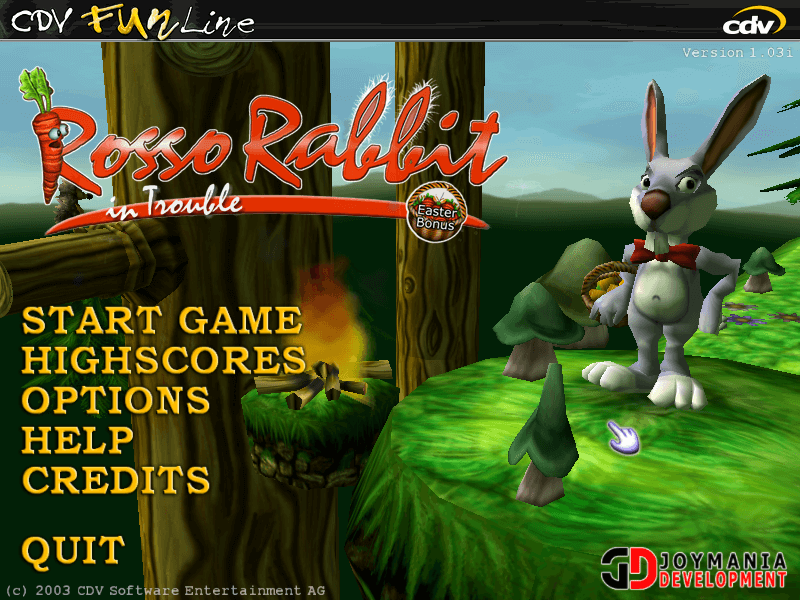
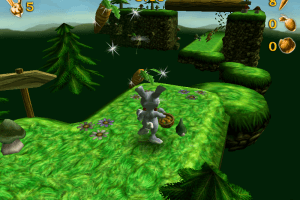


 English





Comments and reviews
I would add to the fix below, that you have to put the d3dxof.dll file to the install folder. First run the Setup.exe, then wine creates a folder for the game in ~/Program Files(x86). You put the dll into the Rosso Rabbit folder, and add the argument to wine written below. I also recommend to set in the config.txt you set the resolution to 1920x1080 or higher for better qaulities and sharpness.
Also there is a some resources that can come handy:
https://www.pcgamingwiki.com/wiki/Rosso_Rabbit_In_Trouble
For future generations (and Rossoswife):
The "failed to load mesh: gfx\shot.x" error comes from d3dxof, the implementation of which in Wine has a limit on the maximum number of children for a mesh file set at 200. The Shot.X file contains 247 children, so it does not work.
To fix this, acquire a copy of this d3dxof.dll file from an official DirectX redistributable, copy into the game directory, and run with 'WINEDLLOVERRIDES="d3dxof=n,b"'
PLEASE FIX THIS GAME - I GET AN ERROR MESSAGE A THE TIME:
failed to load mesh: gfx\shot.x
Pls pls pls fix it i wanna play this childhood game so bad
This is sooo much nostalgia for me. I used to play this game when I was 5y old on a computer from 2008. It still works to this day, but it's hard drive sadly doesn't it have nothing on it anymore. So this is a relief
Thank you uploader. Works perfectly fine.
No comment nor review for this game at the moment.