






How to Play
Notes:
- On Windows 7 or newer systems, the game may work very slow. To fix it go to
conffolder inside game directory, open vidmode.conf file in Notepad and change the linewant_ddraw = 1towant_ddraw = 0. If it didn't help - try to run the game with DDrawCompat, dgVoodoo 2 or DxWnd utilities. Or use the fix by Lastofass, that fix was created for Russian version but probably will work with other versions too; the fix showed many generic warnings but the file is safe to use, Lastofass is a trustworthy "fixer" - The game won't work if installed on the drive with "non-standard" letter (like drive
N:orP:), it will be showing the video mistaker error. Better to install the game on drivesC:,D:orE:
 English
  Russian






Comments and reviews
Weak game. I played it on Windows 10 x64. The game launched after 30 seconds or so. The worst thing is you have to run it through a shortcut leading to RP.BAT. The game doesn't have a separate *.EXE for the file where you could set the compatibility mode with Windows XP or run the game as an admin.
Anyway - I followed the first rule MyAbandonware provided - change the digit from 1 to 0 in "want_ddraw". Then I applied dgVoodoo. Just remember NOT to install the game in PROGRAM FILES directory; GAMESFOLDER or similar should be better.
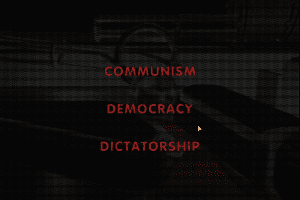
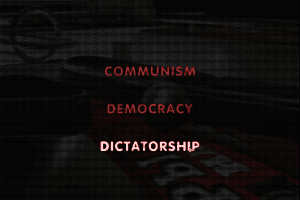
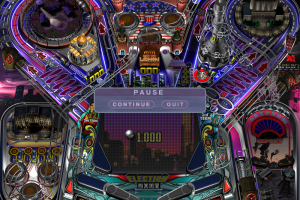
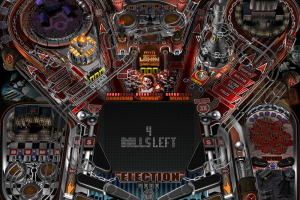
After booting the game up and choosing random "political system" I checked multiple keys to see how the game plays. [Z] is for the left flipper, [/, slash] for right and [Control] (either left or right) acts as a plunger. There are no nudge keys, nor does the game have a multiplayer mode (like in Pro Pinball series) which disqualifies the game.
I had a weird bug - when the 2008 "election" was approaching, I was playing a "gulag" mission. The game claimed the mission was aborted (due to election reel at 2008), I shot the "YES" spinner just after the abortion, the mission was complete, the gulag transformed itself, all directional lamps were lit, but no election was held and the reel kept going straight up to 2012. After 4 years, the "Election" lamp was flashing and everything was fixed. Other bug - the mission music in dictatorship system didn't go off after going back to the non-mission mode when I accomplished the task or answered the question in a poll. I don't think it affected communism or democracy.
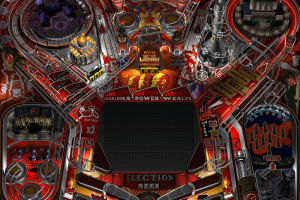
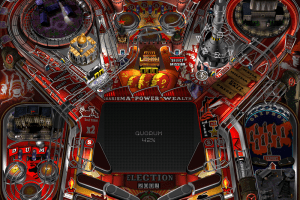
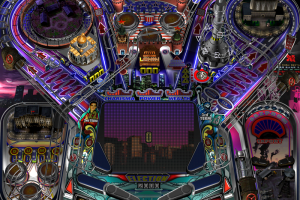
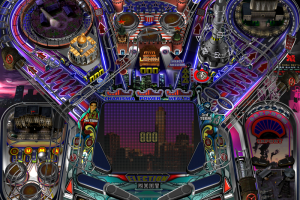
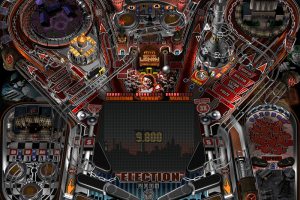
The 3 "political systems" are actually palette swaps with different music. The table layout remains as is.
I DON'T recommend Russian Pinball.
No comment nor review for this game at the moment.