You are on the beta version of My Abandonware. The live site is still myabandonware.com. Your favorites and ratings here are copied to the live site. Comments and other changes are not — we delete them every morning at 08:00 Paris time, when this site goes down for about an hour. Leave feedback through this link to Pastel (email required).
The beta goes down at 08:00 Paris time, in a few minutes. We rebuild the database from the live site. It comes back in about an hour.
640 x 480 Resolution in Compatibility settings is what I needed, besides having YUKIKAZE_Play.mdf mounted all the time (just like Star Trek: Dominion Wars)
0
Untitled25 Aug. 2023
Hey REIFINDFANCHON, I seem to not have Autorun.exe/Autorun in my files even tho i already downloaded the game. how do i get it?
3
ReifinDFanchon04 Mar. 2023
You need YUKIKAZE_Play.mdf mounted as well while playing ALL THE TIME.
3
ReifinDFanchon04 Mar. 2023
If the game doesn't want to run, try using these instead.



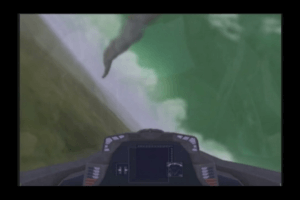
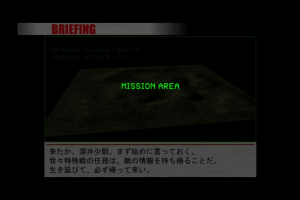
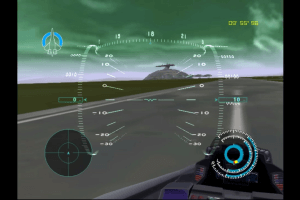
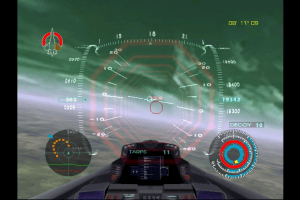
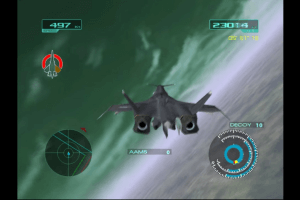



 Japanese





Comments and reviews
640 x 480 Resolution in Compatibility settings is what I needed, besides having YUKIKAZE_Play.mdf mounted all the time (just like Star Trek: Dominion Wars)
Hey REIFINDFANCHON, I seem to not have Autorun.exe/Autorun in my files even tho i already downloaded the game. how do i get it?
You need YUKIKAZE_Play.mdf mounted as well while playing ALL THE TIME.
If the game doesn't want to run, try using these instead.
0. Download and install Locale Emulator https://pooi.moe/Locale-Emulator/
1. Install the game via autorun.exe (YUKIKAZE_Install.mdf) by using Locale Emulator with "Run in Japanese (Admin)" context.
2. Install the patch from here: https://www.ss-beta.co.jp/download/title/yukikazes.html using Locale Emulator again.
3. And it should be able to run now.
No comment nor review for this game at the moment.