You are on the beta version of My Abandonware. The live site is still myabandonware.com. Your favorites and ratings here are copied to the live site. Comments and other changes are not — we delete them every morning at 08:00 Paris time, when this site goes down for about an hour. Leave feedback through this link to Pastel (email required).
The beta goes down at 08:00 Paris time, in a few minutes. We rebuild the database from the live site. It comes back in about an hour.
Funny, I didn't even know this is abandonware now, I still have that game in my Steam library, bought it 6 or 7 years ago.
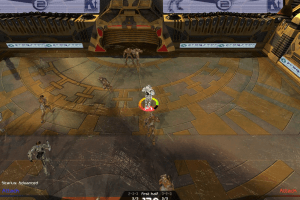
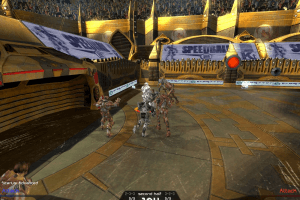
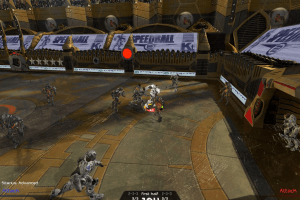
Anyway, checked this version, works on my laptop with Windows 7 64-bit, the game supports widescreen.
Here's some guide how to install & play it:
Step 1. Download ISO version
Step 2. It's an .ISO-file (disk image), you will need the utility for mounting disk image files, I recommend to use Daemon Tools Lite 4.49.1 (last free release of DT Lite with no adware) or WinCDEmu (totally free app).
Alternative Step 2. If you have installed WinRAR you can extract files from .ISO file (right-click - extract files)
Step 3. Install the game (click on setup.exe)
Step 3.1. When the game will show finishing screen, also click on "Install DirectX" and "Install Visual C++ 2005" to install required apps for the game.
Step 4. Install NoCD (inside the disc image in PROPHET folder, simply copy & replace Speedball2.exe to the directory with installed game)
Step 5. Launch the game and play
This worked for me Windows 7 64-bit and I tested the game today, although I don't know how the game will work on Windows 10, the game is very "buggy" and never had any patch. If you have troubles with launch on Windows 10 don't forget about compatibility mode (right click on shortcut - Properties - Compatibility - Set Run this app in compatibility mode with Windows XP or Windows 7, it must help)
3
No comment nor review for this game at the moment.







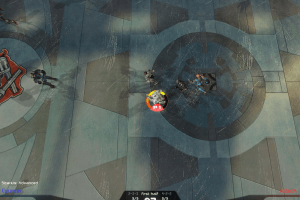
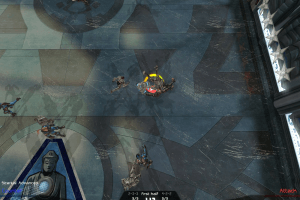
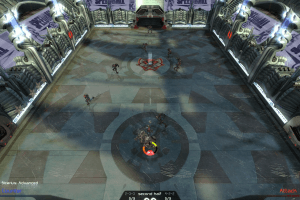
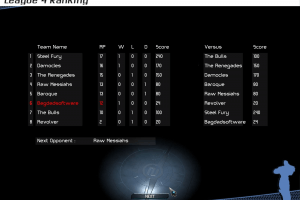
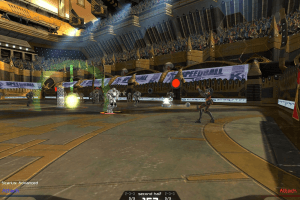
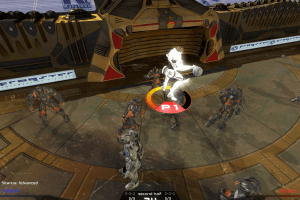
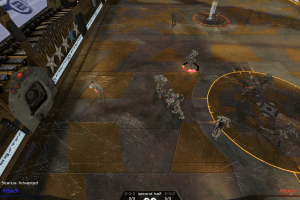
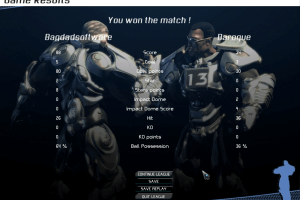
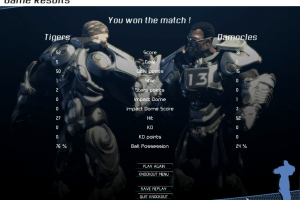
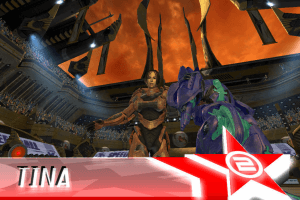
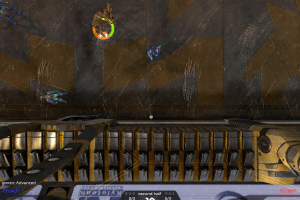
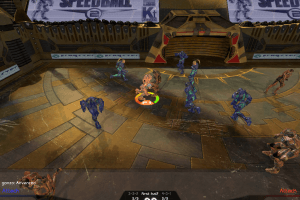


 English



Comments and reviews
Works great on Windows 10!
Funny, I didn't even know this is abandonware now, I still have that game in my Steam library, bought it 6 or 7 years ago.
Anyway, checked this version, works on my laptop with Windows 7 64-bit, the game supports widescreen.
Here's some guide how to install & play it:
Step 1. Download ISO version
Step 2. It's an .ISO-file (disk image), you will need the utility for mounting disk image files, I recommend to use Daemon Tools Lite 4.49.1 (last free release of DT Lite with no adware) or WinCDEmu (totally free app).
Alternative Step 2. If you have installed WinRAR you can extract files from .ISO file (right-click - extract files)
Step 3. Install the game (click on setup.exe)
Step 3.1. When the game will show finishing screen, also click on "Install DirectX" and "Install Visual C++ 2005" to install required apps for the game.
Step 4. Install NoCD (inside the disc image in PROPHET folder, simply copy & replace Speedball2.exe to the directory with installed game)
Step 5. Launch the game and play
This worked for me Windows 7 64-bit and I tested the game today, although I don't know how the game will work on Windows 10, the game is very "buggy" and never had any patch. If you have troubles with launch on Windows 10 don't forget about compatibility mode (right click on shortcut - Properties - Compatibility - Set Run this app in compatibility mode with Windows XP or Windows 7, it must help)
No comment nor review for this game at the moment.