





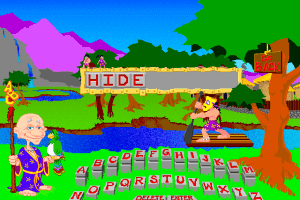
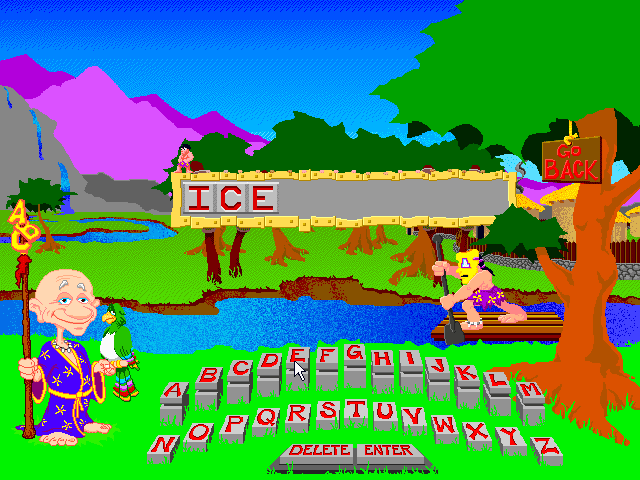
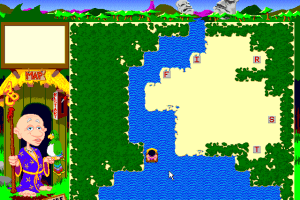
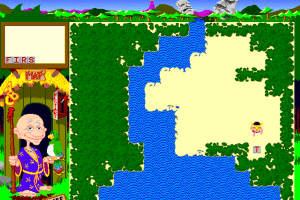
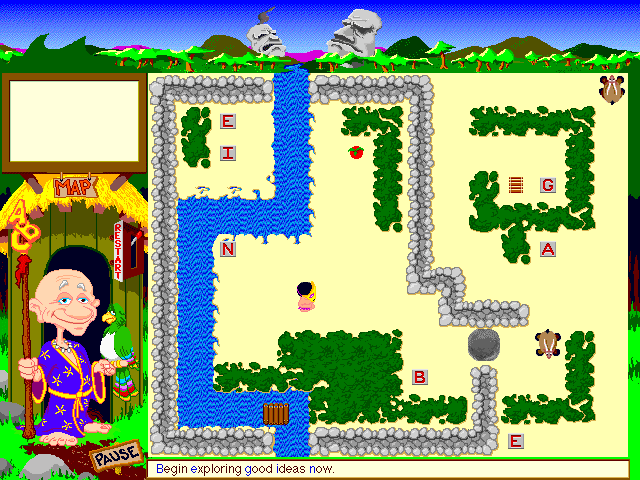
How to Play
Notes:
- The game was released in USA & Canada as Spelling Jungle and as Yobi's Basic Spelling Tricks/Yobi's Magic Spelling Tricks in United Kingdom. The only difference between two versions is that some words are written/pronounce differently. CD version of the game released as PC & Mac hybrid CD, visit MacintoshGarden for more details about Mac version
- Windows 3.x version of the game should work fine on any 16-bit & 32-bit Windows system up to Windows XP. If you run it on Windows XP, set "256 Color Mode" in Compatibility settings (right-click on exe-file -> Properties -> Compatibility). The game doesn't work on 64-bit systems, use Virtual Machine with old Windows if you want to play the game on 64-bit system
 English







Comments and reviews
I was able to run this game with a specific Windows 3.1 emulator at:
https://rpgcodex.net/forums/threads/launch-windows-3-1-with-a-double-click-games.143518/#post-7984696
It comes with some games, but later comments tell you how to add more. Install the game within the emulator. Hope this helps.
I have the same problem of night finding the bst.exe file, with the invalid path error. Any suggestions? TIA
Everything you need is there but it takes some configuration.
1. make a c:\dos\games\sj to hold your files and edit the iso in the 'cd' folder to something shorter like 'sj.iso'
2. create a new config file located in your user data %localapdata%\dosbox. I named mine 'dosbox-[version]-SJ.conf'
3. open your new config file to edit it.
4. Change your 'windowresolution' if you want (mine is 1600x800) and set output (just under windowresolution) to 'ddraw'
5. scroll to the bottom of the config file and add the following lines:
MOUNT c C:\dos\games\sj
IMGMOUNT d C:\dos\games\sj\cd\sj.iso -t iso
C:
SET SOUND=C:\SB16
SET BLASTER=A220 I7 D1 H5 P330 T6
SET MIDI=SYNTH:1 MAP:E
C:\SB16\DIAGNOSE /S
C:\SB16\MIXERSET /P /Q
C:\WINDOWS\SMARTDRV.EXE
PATH C:\WINDOWS;
SET TEMP=C:\WINDOWS\TEMP
Windows\Win c:\runexit d:\bst\bst.exe
exit
6. Save your new config file
7. Make a dosbox shortcut and in the properties delete '-userconf...' and replace it with '-conf "%localappdata%\dosbox\dosbox-[version]-SJ.conf" (include the quotation marks for the appdata path)
Your setup may take some tweaking but this worked for me.
I found a way to make it work. I used 7 zip to extract the bst.exe from the cd .iso file and then ran that in windows 3.1 using the file manager directly. I'm sure there's a simpler way.
I added a windows 3.1 bat file to the folder and launched that in DOSBox, and it brings up the Bright Star window with the Basic Spelling Tricks CD icon. So I'm almost there. When I double click the icon, it can't find the bst.exe file, there's an invalid path error. I tried searching for the bst.exe myself and can't find it. Any suggestions?
I give up, how do I run this in DOSBox? I tried straight through DOSBox and through windows 3.1 that is running on DOSBox, but I can't get anything to run. There is no simple .exe file in this download, and also, there appears to be a full copy of windows files inside this. How do we use this?
No comment nor review for this game at the moment.