




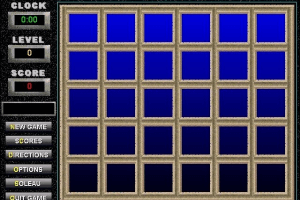
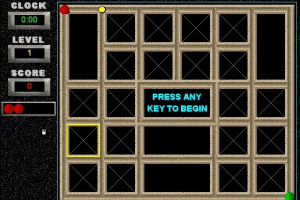
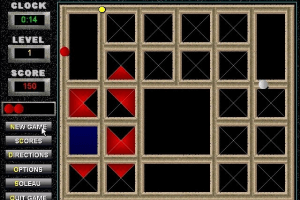
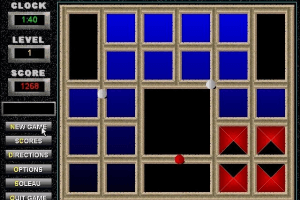
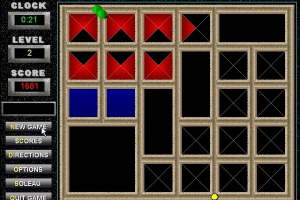
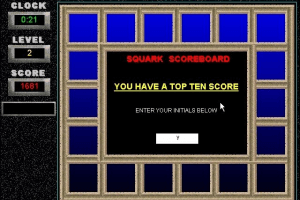
How to Play
Windows 3.x
Registration information:
Load the game as you normally would and then quit to bring up the closing Soleau Software screen. Press the key. A special upgrade menu will appear. It will first ask you for your full name. Type in whatever you like for the name but something must be typed. Press Enter when done. Now you are asked for the Code. Type in, press Enter when done and the Game is registered
Name: anything
Code: 41866$2
Mac
Visit MacintoshGarden for more details about Mac version. Registration Information: click the QUIT button then on the Order Form screen type the '$' key.
Name: anything
Code: 288$3461
 English







Comments and reviews
jai trouvé la touche ses la touche $
Load the game as you normally would and then quit to bring up the closing Soleau Software screen. Press the key $. A special upgrade menu will appear. It will first ask you for your full name. Type in whatever you like for the name but something must be typed. Press Enter when done. Now you are asked for the Code. Type in, press Enter when done and the Game is registered
bonjour ces génial ce que vou fait, jai pas trouvé ou tappé:
Name: anything
Code: 41866$2
pouvez vous mettre dans votre réponce comment on fait merci beaucoup
This is what is listed here as the information to register the Squark game, but it doesn't say what key to press. Anyone know what that might be?
Registration information:
Load the game as you normally would and then quit to bring up the closing Soleau Software screen. Press the key. A special upgrade menu will appear. It will first ask you for your full name. Type in whatever you like for the name but something must be typed. Press Enter when done. Now you are asked for the Code. Type in, press Enter when done and the Game is registered
No comment nor review for this game at the moment.