




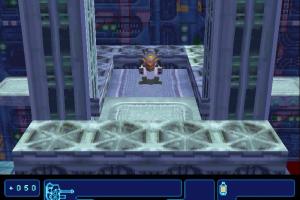
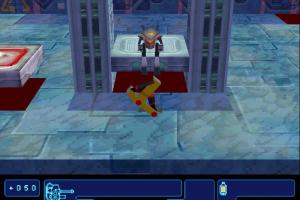
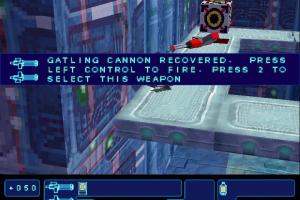
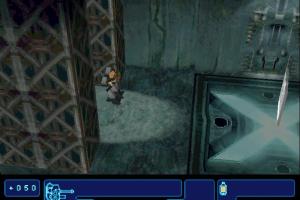
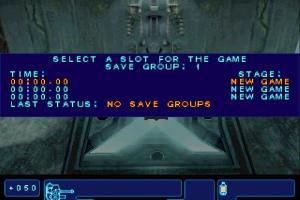
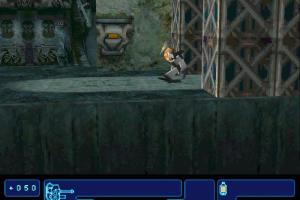
The Divide: Enemies Within was one of the earliest Metroidvania games in full 3D. Originally released on PlayStation 1, later it was ported to PC (for Windows 95 systems), you can read more about the game in HardcoreGaming101's article
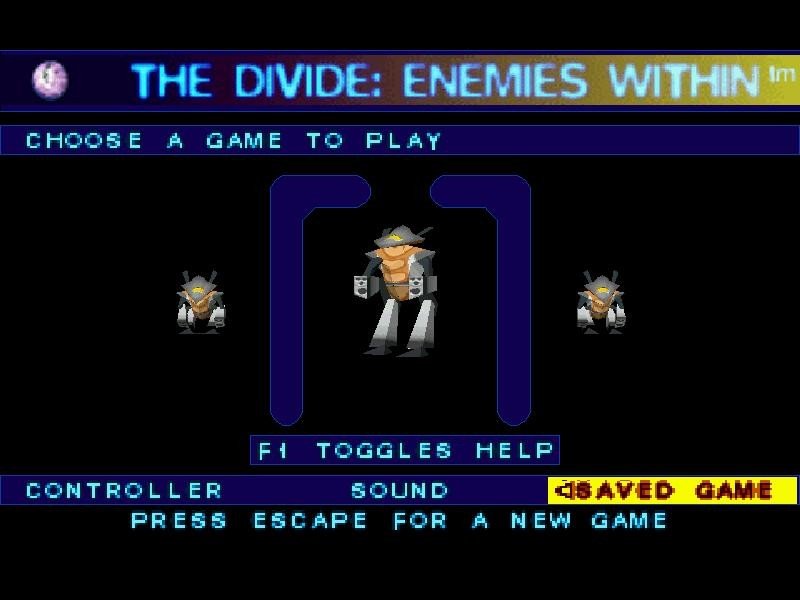
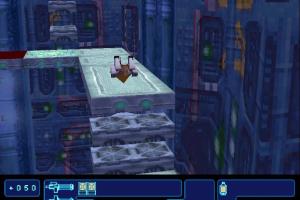
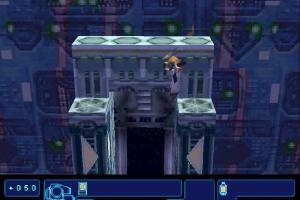
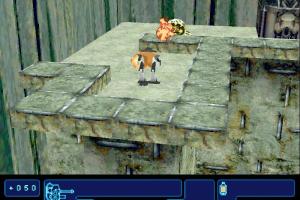
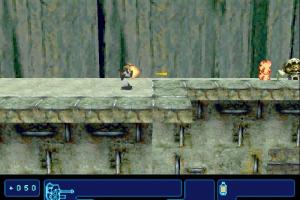
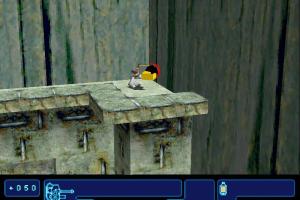
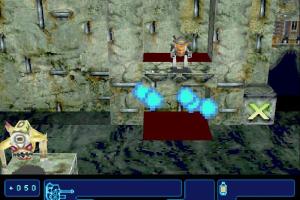
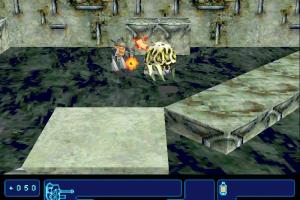
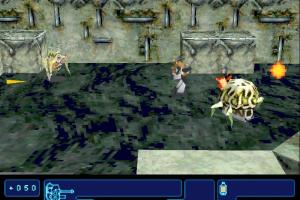
How to Play
Notes:
- PC version of the game had better graphics but it also had some flaws, such as broken fog, shaky camera and low visibility, also it works very unstable on modern systems and the maximum screen resolution is limited to 800x600. Luckily, fan of the game DEluxerus made an unofficial patch that fixes that issues and adds better compatibility with modern systems, it is called The Divide 25th Anniversary Fan Patch. Here's the trailer of the patch with the list of features, the patch itself can be downloaded on ModDB
- The original game cannot be installed on 64-bit systems because it was designed for Windows 95 systems only. For that case, the author of 25th Anniversary Fan Patch made an archive with pre-installed game with patch, it is available here or on our website. To use it extract the archive to local drive
C:, then run the .REG-file to add the required Windows Registry paths, and after that start DIVIDE25.exe to run the launcher (if the launcher window didn't appear - wait few seconds, it is loading). Select the settings in the launcher and run the game - If the game with 25th Anniversary Fan Patch doesn't run - enable WOW64 on your computer, here's the video guide how to do it. Also, author of the Fan Patch recommend to use DxWnd if the game works unstable; plus with DxWnd you can run the game in Windowed mode which also helps to avoid Alt+Tab crashes
- You may get a trouble when you run the game with Fan Patch and see only the black screen. The solution is to use dgVoodoo in combination with Fan Patch: extract the archive with dgVoodoo, copy the dll-files from the
MS/x86folder, dgVoodooCpl.exe and dgVoodoo.conf to the game folder, run DIVIDE25.exe and choose "dgVoodoo DirectX Wrapper" in launcher. If you want to change dgVoodoo settings, you can do it through dgVoodoo Control Panel (dgVoodooCpl.exe), but don't select the forced screen resolution in dgVoodoo settings, to avoid the conflict of apps
Downloads
Windows version
 English







Comments and reviews
The whole point of this game's development was "What If we could make a 3D Metroid."
And they did, a good job at It too even with an atmosphere that feels like they took notes from Super Metroid.
No comment nor review for this game at the moment.