You are on the beta version of My Abandonware. The live site is still myabandonware.com. Your favorites and ratings here are copied to the live site. Comments and other changes are not — we delete them every morning at 08:00 Paris time, when this site goes down for about an hour. Leave feedback through this link to Pastel (email required).
The beta goes down at 08:00 Paris time, in a few minutes. We rebuild the database from the live site. It comes back in about an hour.
mount d: -t cdrom C:\Path-To-Install.EXE d: INSTALL.EXE mount c C:\Users (Home folder, etc.) c:
Press Enter until you reach the available drives screen. Options like D and Z which won't work due to 0 space. Press Esc and you should be on the C prompt. Type D: then install. Back at the drive screen, you should see that C is available. It should work then.
2
seannachie19 Aug. 2014
Check your archive. My version has a bunch of encrypted text files and an installation executable. Running INSTALL.EXE gives the following message: "You must install from original floppies or CD."
0
No comment nor review for this game at the moment.







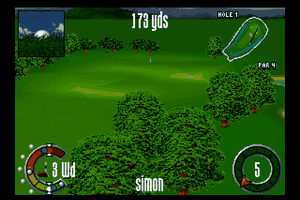
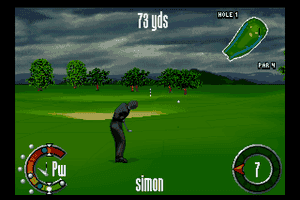
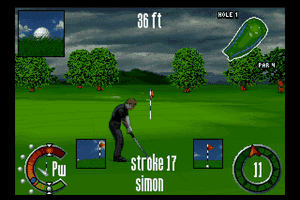
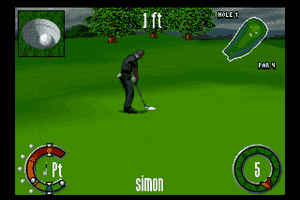

 English
  Japanese



Comments and reviews
Right. A virtual CD-ROM drive.
mount d: -t cdrom C:\Path-To-Install.EXE
d:
INSTALL.EXE
mount c C:\Users (Home folder, etc.)
c:
Press Enter until you reach the available drives screen. Options like D and Z which won't work due to 0 space. Press Esc and you should be on the C prompt. Type D: then install. Back at the drive screen, you should see that C is available. It should work then.
Check your archive. My version has a bunch of encrypted text files and an installation executable. Running INSTALL.EXE gives the following message: "You must install from original floppies or CD."
No comment nor review for this game at the moment.