





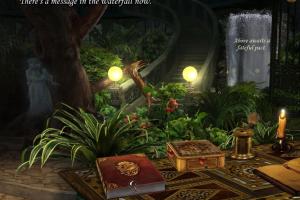
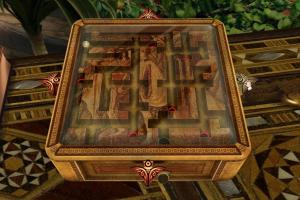
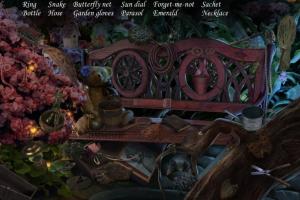
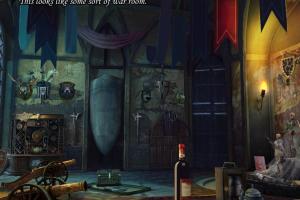
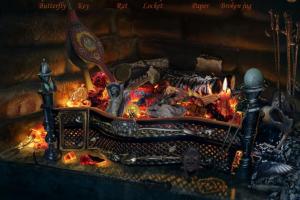
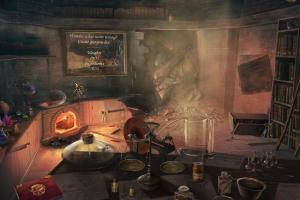

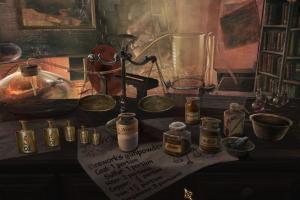
How to Play
The game has been tested on Windows 7 64-bit and Windows 10, it works fine. If the game doesn't work - set the Compatibility mode with old Windows (like Windows XP) for StrokeofMidnight.exe in game folder, also select "Run as Administrator"
Notes:
- If mouse cursor in game is flickering, or you have any other graphical issues - switch the game to Windowed mode in settings
- If you stuck at any place in the game, here's the walkthrough guide
- If you played English version and then installed Russian version and the in-game text is still on English - you need to delete the files of English version that were left in the system. For Windows XP: delete the folder of the game in
C:\Documents and Settings\All Users\Application Data\Namco\The Stroke of Midnight. For Windows 7 and after: delete files of the game inC:\ProgramData\NamcoandC:\Users\%USERPROFILE%\AppData\Roaming\Namcofolders. Visit this thread for more details about Russian version and problem solutions
 English
  Russian




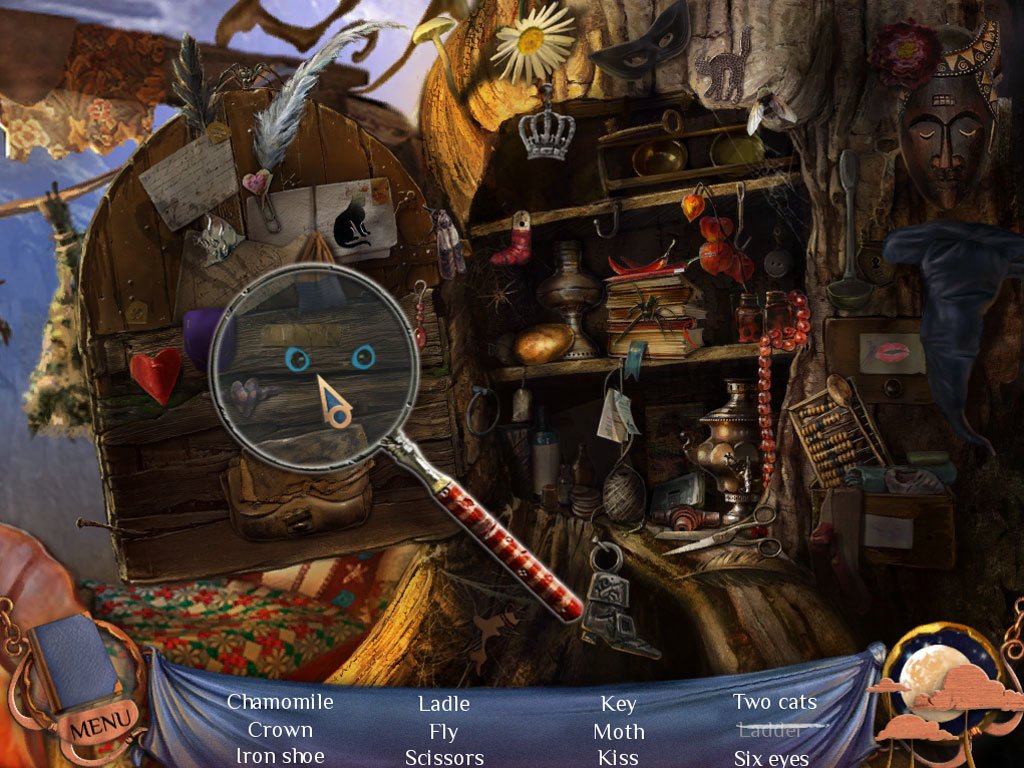



Comments and reviews
No comment nor review for this game at the moment.