
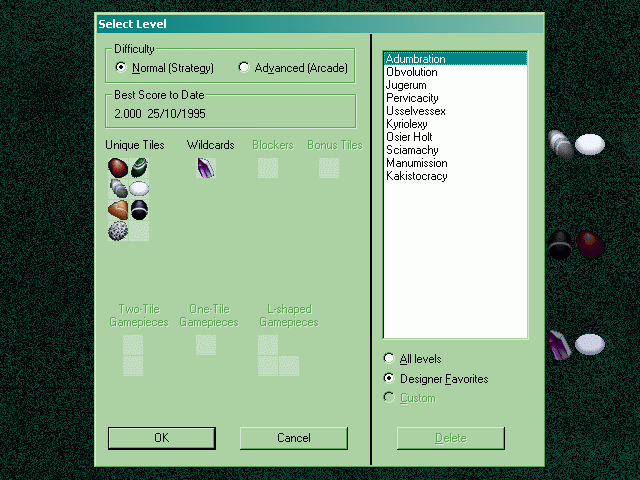
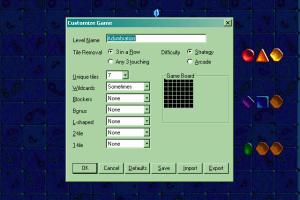
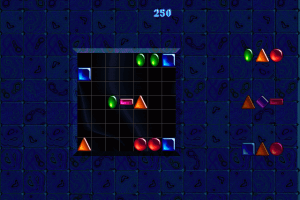
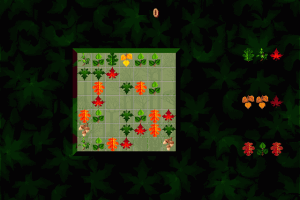
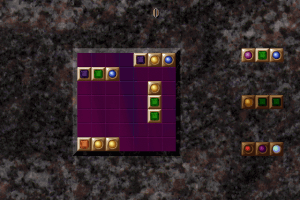
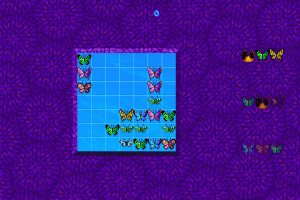
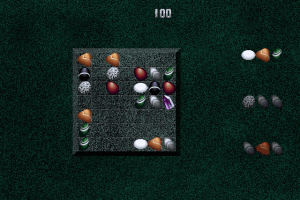
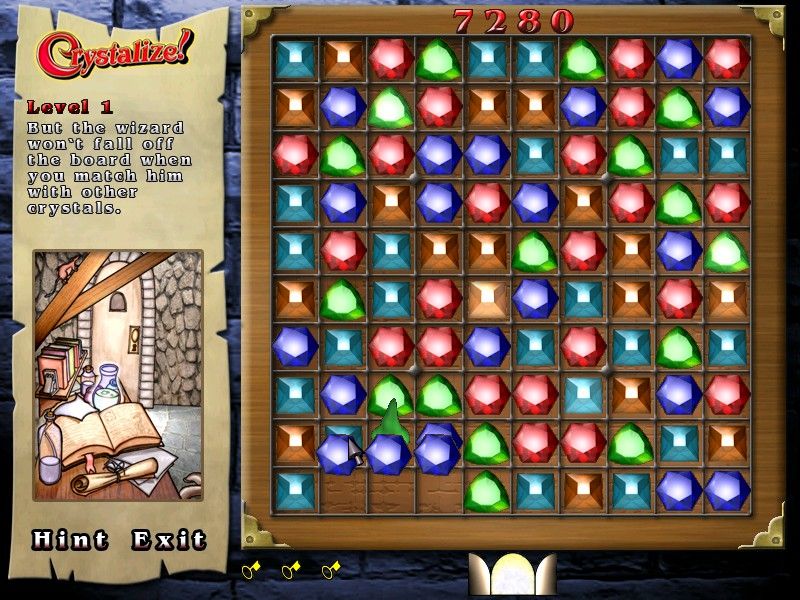
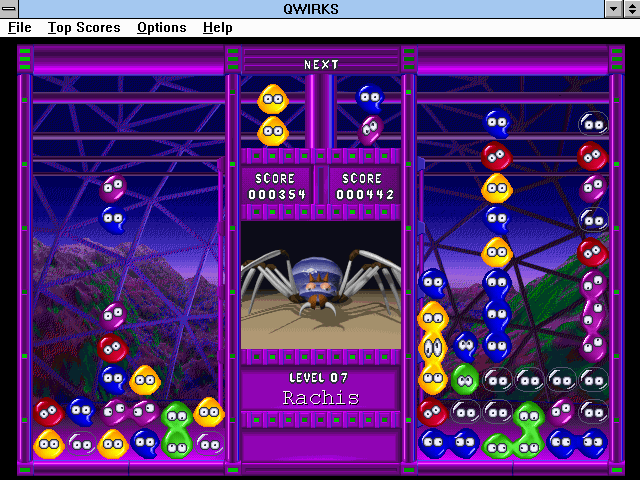
PC Gamer sums it up well in their review of this addictive puzzler: "The basic gameplay of TriTryst is similar to Tetris, with different colored squares that fall from the top of the screen, challenging you to align them with other pieces on the game board to make them disappear.
If your board gets filled up, you lose the game. Bonus squares give you extra points; blocking squares limit your movements, etc. There’s also a challenging progressive game in which you must win at one board before you can move on to the next board." Two thumbs up!
Review By HOTUD
 English







Comments and reviews
tl;dr: I found the issue and the solution. Quick fix, go to regedit and nuke this key HKEY_CURRENT_USER\Software\Cinematronics\TriTryst, then set TriTryst to run in compatibility mode. Fixed. Forever. Want the long version? Keep reading.
___
I faced exactly the same issue with Wine. The game has some issues writing in the registry (that obviously didn't have in older 32-bit machines).
Concretely the issue is that inside the key [HKEY_CURRENT_USER\Software\Cinematronics\TriTryst], there's a string value called "Theme" set to "tritryst.da" instead of "tritryst.dat". It turns out the game trims one character from the name of this entry every time it executes. This is important because, for example, if you change the name of C:\VIRGIN\TRITRYST\TRITRYST.DAT to "TRITRYST.DA", the game will work flawlessly, but the next boot it will fail again because it will expect "TRITRYST.D" instead. This also happens to the "LastPlayer" value, but that one doesn't seem to break the game.
So the fix goes like this:
1) Create a .reg file that rewrites that entry called fix.reg. We will place it in C:\VIRGIN\TRITRYST (it could be named anything, placed anywhere and you could even edit the registry by hand instead of this, but this may come in handy having this in the future).
2) Edit the file with notepad or any plain text editor. This is what you want there (without the ```):
```
[HKEY_CURRENT_USER\Software\Cinematronics\TriTryst]
"Theme"="tritryst.dat"
```
3) Go to C:\VIRGIN\TRITRYST\, right click TRITRYST.EXE, go to properties and set it to compatibility mode (as Windows 95, or 98 if you don't have that). This should prevent the issue from re-emerging. You will still need to do the fix if you did run TRITRYST in compatibility mode once, because your registry will already be corrupted by the trimming. If you are using WINE from Linux like me, execute `winecfg` "Applications" tab Add "TRITRYST.EXE" to the list and make it use "Windows 95" as its Windows version.
Ready. Fixed.
I installed it and ran okay but I tried to open it again and it showed this
"record_table in file D:\PROJECT\TRITRYST\SOURCE\LOADER.C, at line 192"
No comment nor review for this game at the moment.