



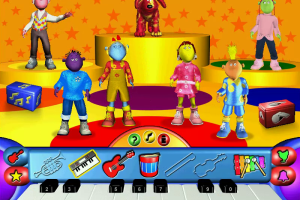
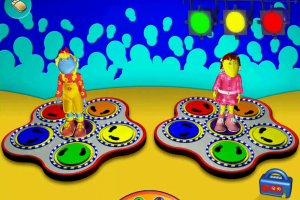
How to Play
Notes:
- The game requires QuickTime 5 for the correct work, the installer is available on the disc
- For correct work of the game - run it from the desktop shortcut, to create a shortcut right-click on BBC Tweenies - Play to the Music.exe - > Create desktop shortcut. Make sure to run the game in compatibility mode with Windows 98 and as an administrator, right click on desktop shortcut -> Properties
- NoCD for Russian version probably will work for English version too, since the game had no serious DRM protection, only the simple disc check. Readme file inside the archive includes instruction on both English and Russian. For more details about NoCD check this thread. Optionally, you can play with the disc in virtual drive, that way the game works too
- The game should work on modern systems, it was tested on Windows 7 and Windows 10. But the game may have issues such as glitched videos. Try this method to fix it, it should resolve the issue: Open a "Command Prompt" as Administrator (press Win+X -> select "Command Prompt" (Admin), here's the other methods how to open a "Command Prompt"), type:
cd C:\Windows\SysWOW64(if you use 32-bit Windows, skip this step) - press Enter; then type:regsvr32 ir50_32.dll- press Enter. That method was tested on Tweenies: Ready To Play, it probably will work with Tweenies: Play to the Music too - If you have any troubles with the game, play it on Virtual Machine with Windows XP, it works there with no problem
 English
  Russian





Comments and reviews
No comment nor review for this game at the moment.