
- Export saves: export the savegame files from your browser, so you can switch to another browser or computer. You can also use them in an emulator installed on your computer.
- Import saves: import savegames that you exported before with the Export saves button.
- Download disk: export the whole game from your browser, with all your savegames. Useful to switch to an emulator installed on your computer.
- Reset game files: if you somehow messed up the game files, you can reset them to an exact copy of the original.
- Reset saves: delete all savegames from your browser. We recommend that you export them first: there is no turning back!
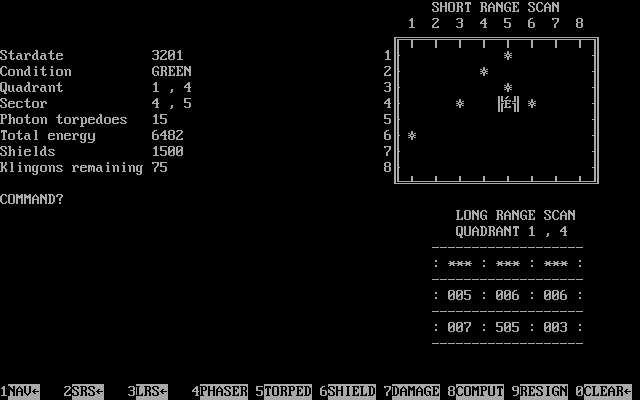
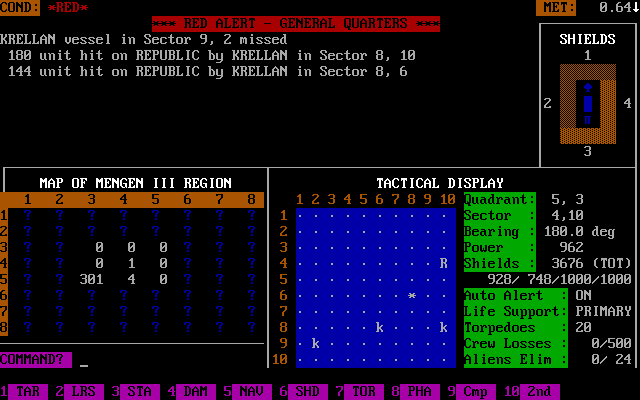
Visual Star Trek - Play Online
DOS - 1990
For small DOS games like Visual Star Trek, you can play online immediately with your browser (Chrome, Firefox, Safari, Edge, Opera...). This feature is experimental, the game may not work properly.
Warning: game save should work, but you should try it early! Also, be careful to select the right game executable in the list above.
Similar games
4.5/5 - 36 votes
Star Fleet I: The War Begins! DOS, Mac, Commodore 64, Amiga, Atari 8-bit, Atari ST
1985
Comments and reviews
Hi, Mr Crusher, you can remove the tribbles in this game by:
1) Damaging an enemy (klingon or romulan) so badly that he surrenders and departs with all the tribbles.
2) Getting a Tribble Repelent (which prevents them to get into your ship; if they are present already, you need to land in a planet and they will scatter away):
3) Convert them into energy using the dilithium converter (but it will not reduce the number to zero).
Great game, still playing it in 2018 using DosBox :D :D
Great Trek game, never knew it existed before today. Just one question: How do you deal with (remove from your ship) the danged tribbles in this game? Is there an option to transport them onto a Romulan ship? Okay, more generally is there a user's guide or forum for this game anywhere?
Stack Overflow?
No comment nor review for this game at the moment.