


- Export saves: export the savegame files from your browser, so you can switch to another browser or computer. You can also use them in an emulator installed on your computer.
- Import saves: import savegames that you exported before with the Export saves button.
- Download disk: export the whole game from your browser, with all your savegames. Useful to switch to an emulator installed on your computer.
- Reset game files: if you somehow messed up the game files, you can reset them to an exact copy of the original.
- Reset saves: delete all savegames from your browser. We recommend that you export them first: there is no turning back!
Wizardry: Knight of Diamonds - The Second Scenario - Play Online
PC Booter - 1987
For small DOS games like Wizardry: Knight of Diamonds - The Second Scenario, you can play online immediately with your browser (Chrome, Firefox, Safari, Edge, Opera...). This feature is experimental, the game may not work properly.
Warning: game save should work, but you should try it early! Also, be careful to select the right game executable in the list above.

 English
  Japanese

Similar games
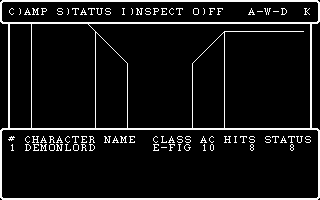
4.3/5 - 84 votes
Wizardry: Proving Grounds of the Mad Overlord PC Booter, Mac, Commodore 64, MSX, Apple II, FM-7, PC-88, PC-98, WonderSwan Color
1984
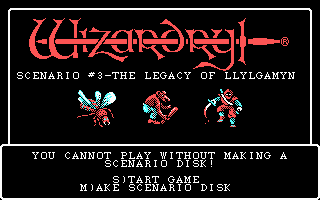
4.3/5 - 21 votes
Wizardry: Legacy of Llylgamyn - The Third Scenario PC Booter, Commodore 64, Apple II, FM-7, PC-88, PC-98
1986
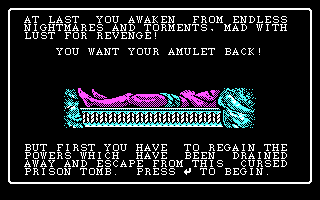
4.2/5 - 17 votes
Wizardry: The Return of Werdna - The Fourth Scenario PC Booter, Apple II, FM-7, PC-88, PC-98
1988
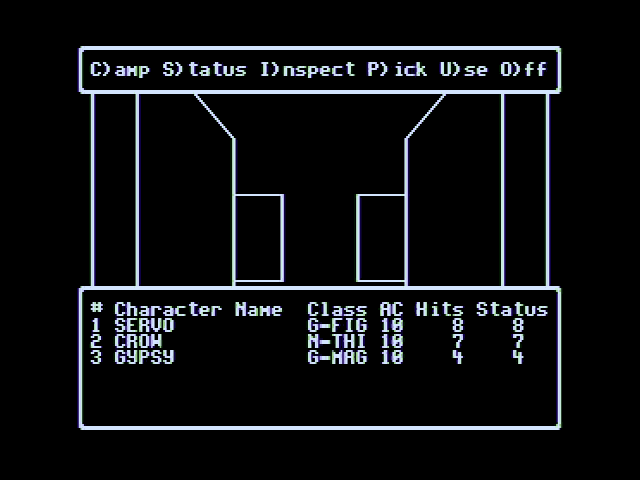
4.4/5 - 26 votes
Wizardry V: Heart of the Maelstrom PC Booter, Commodore 64, Apple II, FM Towns, PC-88, PC-98, TurboGrafx CD
1988
4.3/5 - 107 votes
Hi-Res Adventure #2: The Wizard and the Princess PC Booter, Commodore 64, Atari 8-bit, Apple II, FM-7, PC-88
1982
4.6/5 - 140 votes
Dungeon Master DOS, Amiga, Atari ST, Apple IIgs, FM Towns, PC-98, Sharp X68000
1992
Comments and reviews
Based on the user manual for Wizardry: Knight of Diamonds it is not possible to create characters. You must use characters from other Wizardry games and those characters should be at least level 13 to have a chance of survival.
In order to play this game, well at least the original way, you needed to have characters from the 1st game, Wizardry Proving Grounds of the Overlord.
The game keeps asking for a scenario disk? I don't get this at all. If anyone knows a solution to this problem, please post a message. Thanks, guys!
fyrrvbQE
how can I load characters from game disk
how do i make disk
No comment nor review for this game at the moment.