You are on the beta version of My Abandonware. The live site is still myabandonware.com. Your favorites and ratings here are copied to the live site. Comments and other changes are not — we delete them every morning at 08:00 Paris time, when this site goes down for about an hour. Leave feedback through this link to Pastel (email required).
The beta goes down at 08:00 Paris time, in a few minutes. We rebuild the database from the live site. It comes back in about an hour.
• Movement (Left / Right / Up / Down): Cursor / Arrow keys (Up enters doors or talks; Down crouches or exits doors) • Attack / Sword: 0 on the numeric keypad (with NumLock enabled) • Jump: . (full stop) key on the keyboard • Activate Sub-weapon: Button 1 equivalent (varies by wrapper setup) • Select Sub-weapon: Button 2 equivalent
Display & Customization Controls
• Windowed / Full-screen Mode: Alt + Enter toggles between full-screen and windowed modes. • Control Customization: Press Control + Y in the options menu to rebind controls. • Gamepads: Standard USB/PC joypads (such as PlayStation-style controllers) are automatically mapped when plugged in.
Maybe It's useful. I can attack and jump at least.
0
POB7506 Dec. 2022
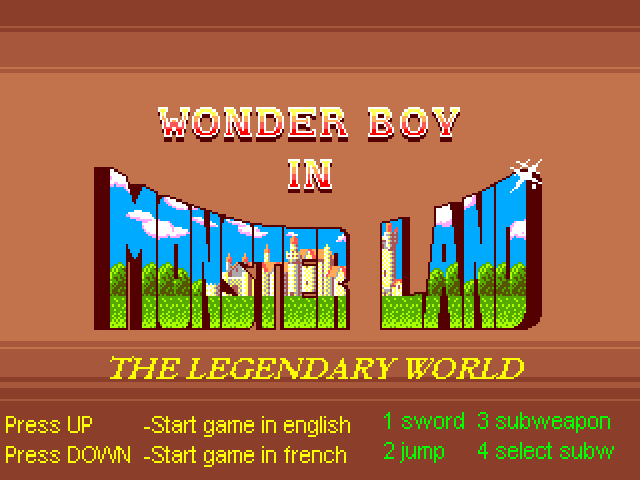
Works fine on Windows 10. Managing to play on a keyboard. The number keys it gives at the start don't work, but.......... ...some working buttons, if it helps, are the arrow buttons and 0 and . on bottom of number pad. This gives movements and jump and attack. Not sure if there are any other buttons missing but can play with these.
0
Liam Brennan15 Jul. 2022
Great game, I purchased a USB controller and away I went....
0
k18 Aug. 2021
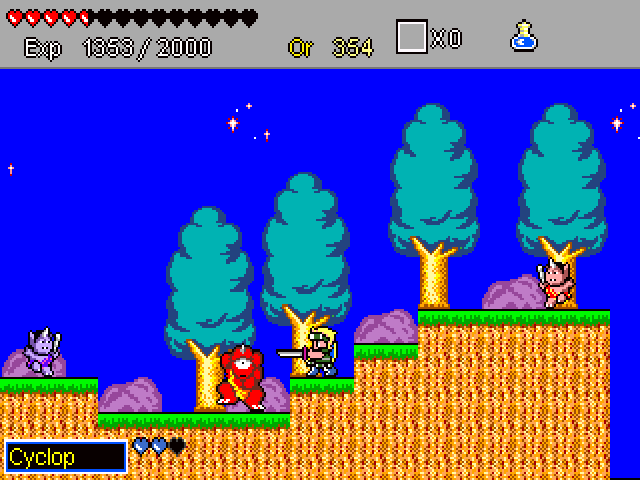
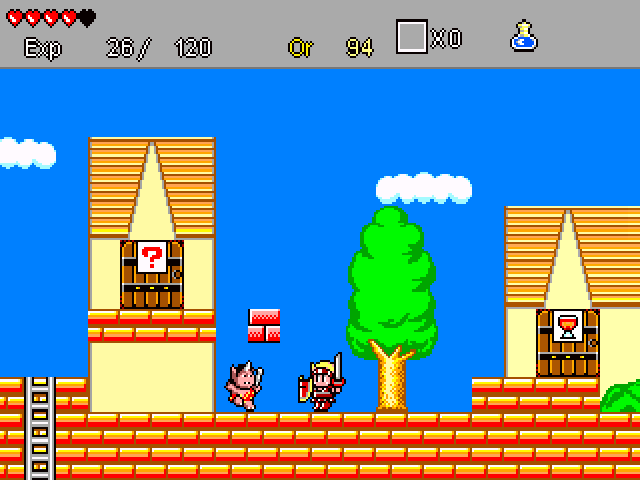
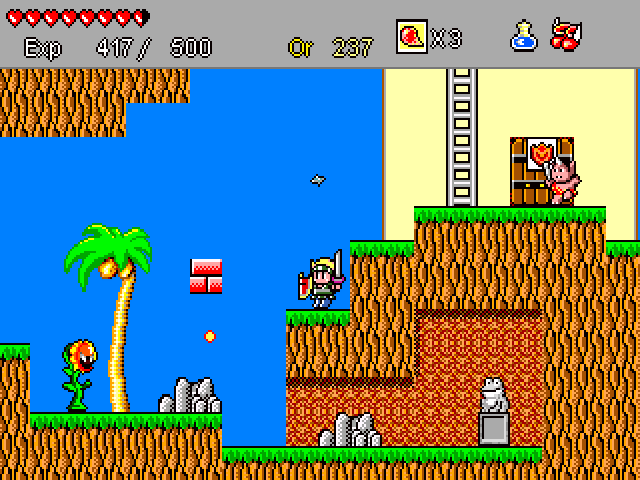
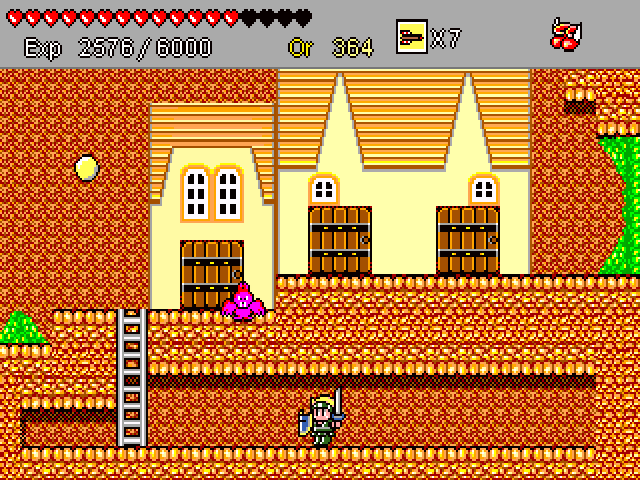
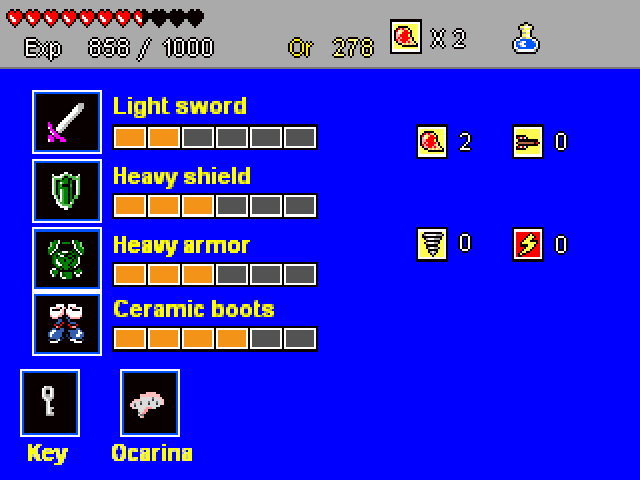
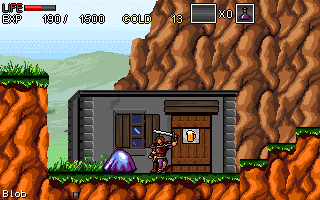
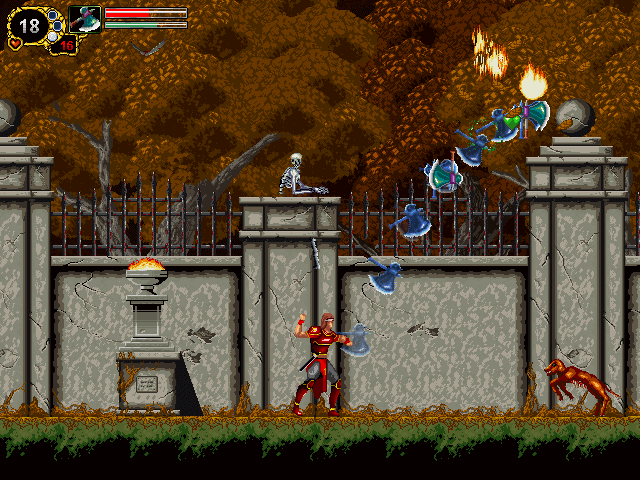
so, this is some of the sprites used in I wanna be the fangame xd.
0
Alex27 Apr. 2021
game controls don't work on win10, arrow keys move it but number keys (and other keys) don't work, so can't play it. If we had access to the source code maybe we could remap the keys, but this site only has the .exe...
1
NostalgiaMaster9803 Dec. 2019
I have the same problem here as in Wandering Fighter. The special buttons don't work without a controller!
0
No comment nor review for this game at the moment.






 English
  French



Comments and reviews
I found this on Internet.
Default Keyboard Controls
• Movement (Left / Right / Up / Down): Cursor / Arrow keys (Up enters doors or talks; Down crouches or exits doors)
• Attack / Sword: 0 on the numeric keypad (with NumLock enabled)
• Jump: . (full stop) key on the keyboard
• Activate Sub-weapon: Button 1 equivalent (varies by wrapper setup)
• Select Sub-weapon: Button 2 equivalent
Display & Customization Controls
• Windowed / Full-screen Mode: Alt + Enter toggles between full-screen and windowed modes.
• Control Customization: Press Control + Y in the options menu to rebind controls.
• Gamepads: Standard USB/PC joypads (such as PlayStation-style controllers) are automatically mapped when plugged in.
Maybe It's useful. I can attack and jump at least.
Works fine on Windows 10. Managing to play on a keyboard.
The number keys it gives at the start don't work, but..........
...some working buttons, if it helps, are the arrow buttons and 0 and . on bottom of number pad. This gives movements and jump and attack. Not sure if there are any other buttons missing but can play with these.
Great game, I purchased a USB controller and away I went....
so, this is some of the sprites used in I wanna be the fangame xd.
game controls don't work on win10, arrow keys move it but number keys (and other keys) don't work, so can't play it. If we had access to the source code maybe we could remap the keys, but this site only has the .exe...
I have the same problem here as in Wandering Fighter. The special buttons don't work without a controller!
No comment nor review for this game at the moment.