


- Export saves: export the savegame files from your browser, so you can switch to another browser or computer. You can also use them in an emulator installed on your computer.
- Import saves: import savegames that you exported before with the Export saves button.
- Download disk: export the whole game from your browser, with all your savegames. Useful to switch to an emulator installed on your computer.
- Reset game files: if you somehow messed up the game files, you can reset them to an exact copy of the original.
- Reset saves: delete all savegames from your browser. We recommend that you export them first: there is no turning back!
10Rogue - Play Online
DOS - 1984
For small DOS games like 10Rogue, you can play online immediately with your browser (Chrome, Firefox, Safari, Edge, Opera...). This feature is experimental, the game may not work properly.
Warning: game save should work, but you should try it early! Also, be careful to select the right game executable in the list above.
Similar games
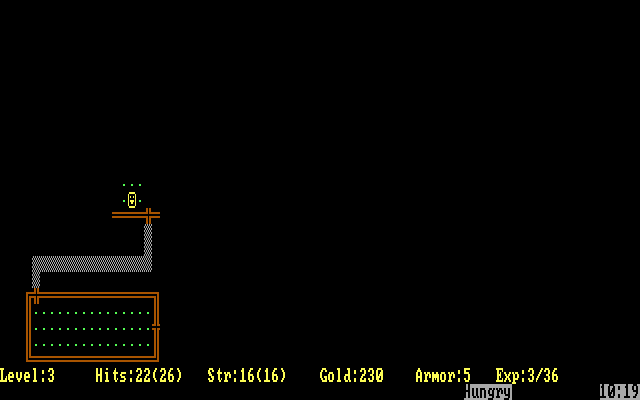
4.5/5 - 116 votes
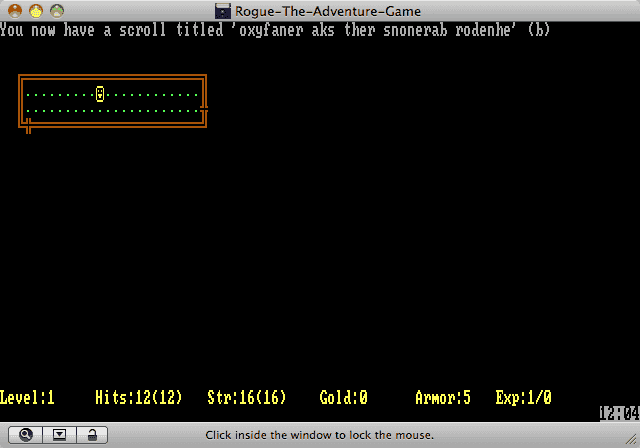
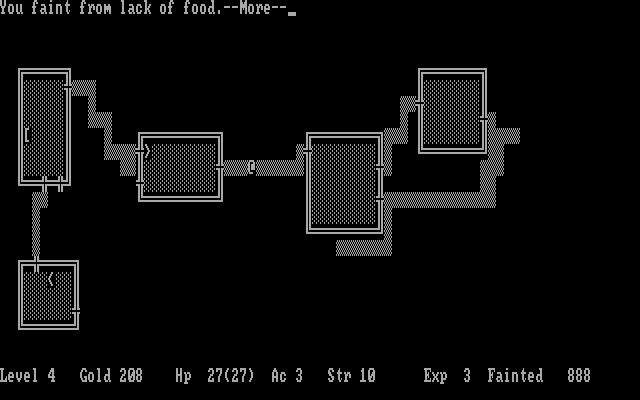
Rogue DOS, Mac, Commodore 64, Amiga, ZX Spectrum, Amstrad CPC, Atari 8-bit, Atari ST
1984
4.2/5 - 84 votes
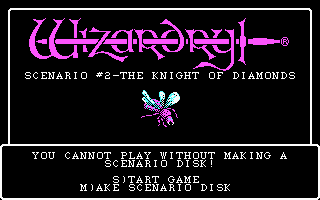
Wizardry: Knight of Diamonds - The Second Scenario PC Booter, Commodore 64, Apple II, FM-7, PC-88, PC-98
1987
4.6/5 - 140 votes
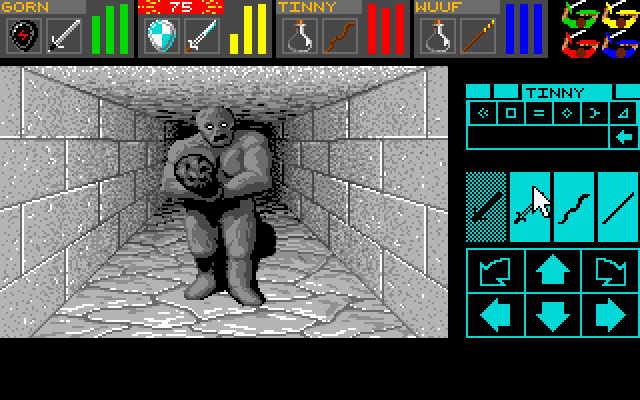
Dungeon Master DOS, Amiga, Atari ST, Apple IIgs, FM Towns, PC-98, Sharp X68000
1992
4.3/5 - 84 votes
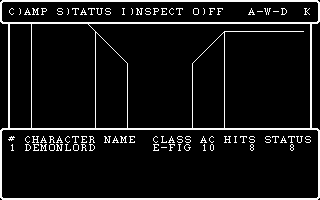
Wizardry: Proving Grounds of the Mad Overlord PC Booter, Mac, Commodore 64, MSX, Apple II, FM-7, PC-88, PC-98, WonderSwan Color
1984
Comments and reviews
This version gives you cool names like "Apprentice" and "Warrior" as you gain experience instead of just increasing numbers, but some monsters seem to be stronger, and there are fewer rings and staves available. The "S" monster is still a snake instead of a dividing Slime Mold, which must've come in later versions. When you want to throw an object, potions are available directly on the throwing menu, instead of having to go into your inventory first to see what letter they correspond to, and "the flask shatters" after hitting them.
JgJZG1xP
One of the best games i've played in 1984...
https://www.youtube.com/watch?v=AY0lERjIPx8
No comment nor review for this game at the moment.