You are on the beta version of My Abandonware. The live site is still myabandonware.com. Your favorites and ratings here are copied to the live site. Comments and other changes are not — we delete them every morning at 08:00 Paris time, when this site goes down for about an hour. Leave feedback through this link to Pastel (email required).
The beta goes down at 08:00 Paris time, in a few minutes. We rebuild the database from the live site. It comes back in about an hour.
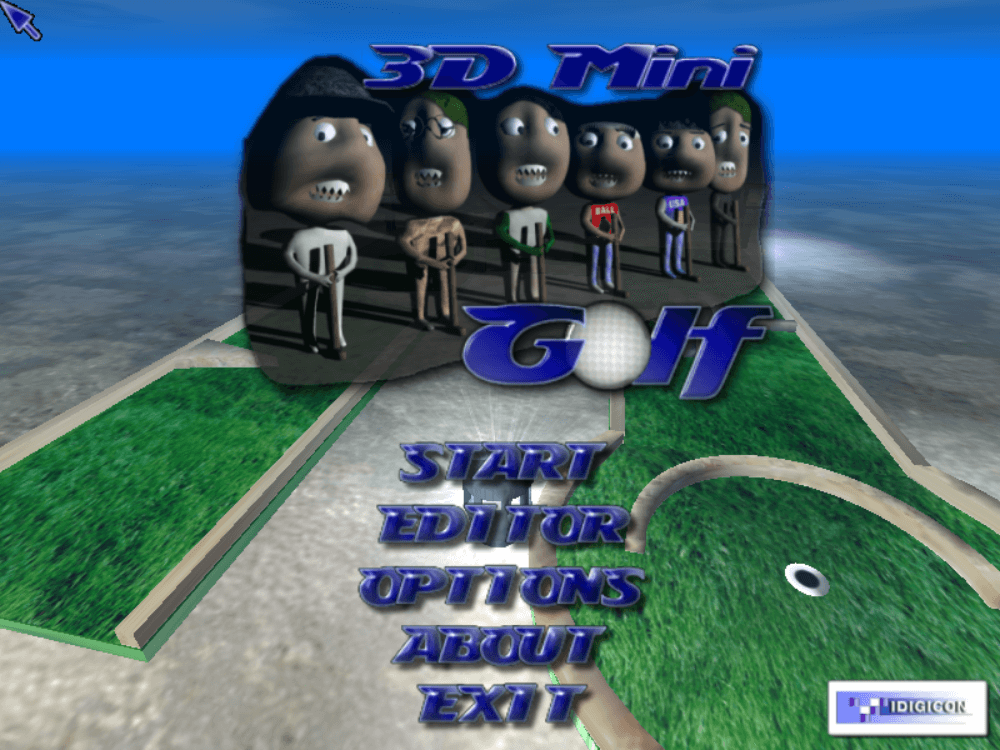
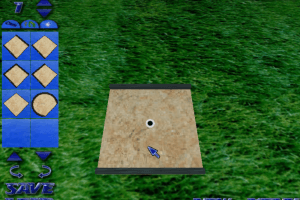
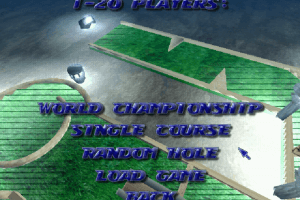
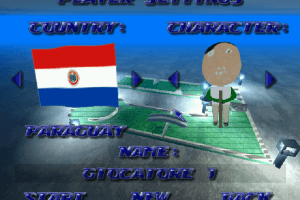
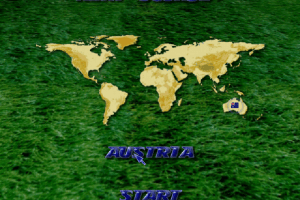
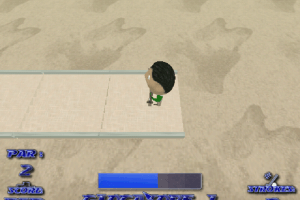
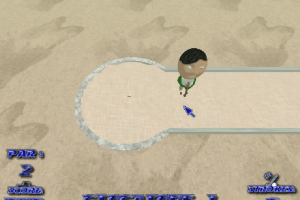
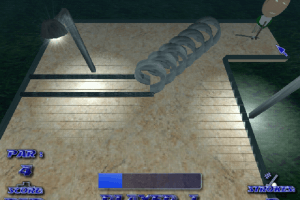
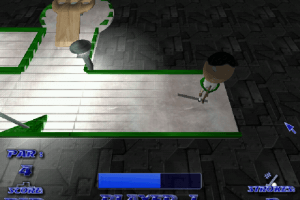
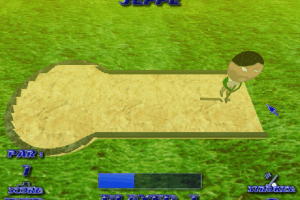
As golfing games go this is a bit crap,aiming the ball is all over the place,the way you hit hard of soft is by moving the mouse in or out,which can rotate you!,when you miss hit it doesn't restart you where you began,it make you mess about hitting back to get the ball so you have to get aligned with the chute or puzzle,and finally it messes up the font smoothing on Windows 10!!
To fix this ,first RT click the window where my computer is,a context menu shows 'Properties',click that,another window opens,It shows Windows 10 in blue big writing,on the LT upper side is a menu,click 'Advanced System Settings',in that window click on Settings in the 'Performance section',in the list click on Font Smoothing.
1
No comment nor review for this game at the moment.







 English



Comments and reviews
As golfing games go this is a bit crap,aiming the ball is all over the place,the way you hit hard of soft is by moving the mouse in or out,which can rotate you!,when you miss hit it doesn't restart you where you began,it make you mess about hitting back to get the ball so you have to get aligned with the chute or puzzle,and finally it messes up the font smoothing on Windows 10!!
To fix this ,first RT click the window where my computer is,a context menu shows 'Properties',click that,another window opens,It shows Windows 10 in blue big writing,on the LT upper side is a menu,click 'Advanced System Settings',in that window click on Settings in the 'Performance section',in the list click on Font Smoothing.
No comment nor review for this game at the moment.