You are on the beta version of My Abandonware. The live site is still myabandonware.com. Your favorites and ratings here are copied to the live site. Comments and other changes are not — we delete them every morning at 08:00 Paris time, when this site goes down for about an hour. Leave feedback through this link to Pastel (email required).
The beta goes down at 08:00 Paris time, in a few minutes. We rebuild the database from the live site. It comes back in about an hour.
To play on Windows Vista+, you'll need to place d3drm.dll in the game folder.
Comments and reviews
Beagle25 Aug. 2026
To get this game to work on some computers, you will need the dll file supplied above, plus the following files... - D3DImm.dll - DDraw.dll
They can be found in dgVoodoo2_87_3
Your welcome!
1
Sikarien08 Mar. 2026
Hi if the game wont display right use dgVoodoo 2.
0
SebastianKulche04 Feb. 2025
So the game opens on W10 but the graphics are all messed up, with a lot of missing textures and on a virtual machine with XP it crashes the entire VM for some reason.
0
syco9820 Sep. 2024
I cant seem to get it to work. Tha graphics just wont display right :(
0
Eric26 Dec. 2023
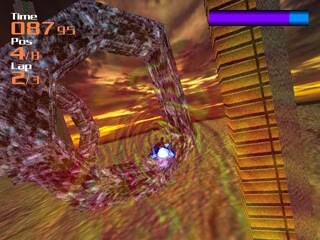
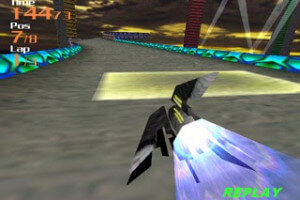
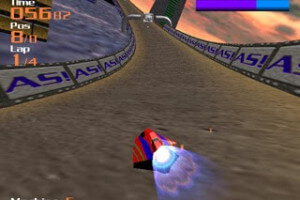
This is great! It's like F-Zero but Indie :D
0
No comment nor review for this game at the moment.






 English




Comments and reviews
To get this game to work on some computers, you will need the dll file supplied above, plus the following files...
- D3DImm.dll
- DDraw.dll
They can be found in dgVoodoo2_87_3
Your welcome!
Hi if the game wont display right use dgVoodoo 2.
So the game opens on W10 but the graphics are all messed up, with a lot of missing textures and on a virtual machine with XP it crashes the entire VM for some reason.
I cant seem to get it to work. Tha graphics just wont display right :(
This is great! It's like F-Zero but Indie :D
No comment nor review for this game at the moment.