





- Export saves: export the savegame files from your browser, so you can switch to another browser or computer. You can also use them in an emulator installed on your computer.
- Import saves: import savegames that you exported before with the Export saves button.
- Download disk: export the whole game from your browser, with all your savegames. Useful to switch to an emulator installed on your computer.
- Reset game files: if you somehow messed up the game files, you can reset them to an exact copy of the original.
- Reset saves: delete all savegames from your browser. We recommend that you export them first: there is no turning back!
Alternate Reality: The City - Play Online
DOS - 1987
For small DOS games like Alternate Reality: The City, you can play online immediately with your browser (Chrome, Firefox, Safari, Edge, Opera...). This feature is experimental, the game may not work properly.
Warning: game save should work, but you should try it early! Also, be careful to select the right game executable in the list above.

 English
 Similar games
4.6/5 - 140 votes
Dungeon Master DOS, Amiga, Atari ST, Apple IIgs, FM Towns, PC-98, Sharp X68000
1992
4.4/5 - 39 votes
Captain Blood DOS, Mac, Commodore 64, Amiga, ZX Spectrum, Amstrad CPC, Atari ST, Apple IIgs
1988
4.3/5 - 69 votes
Elite DOS, Commodore 64, Amiga, MSX, ZX Spectrum, Amstrad CPC, Atari ST, Apple II, Acorn 32-bit, BBC Micro
1987
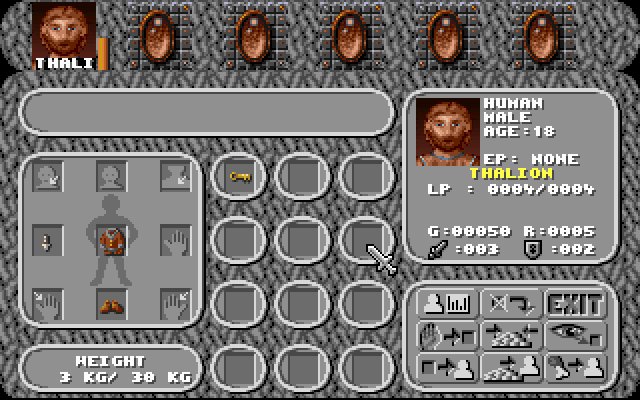
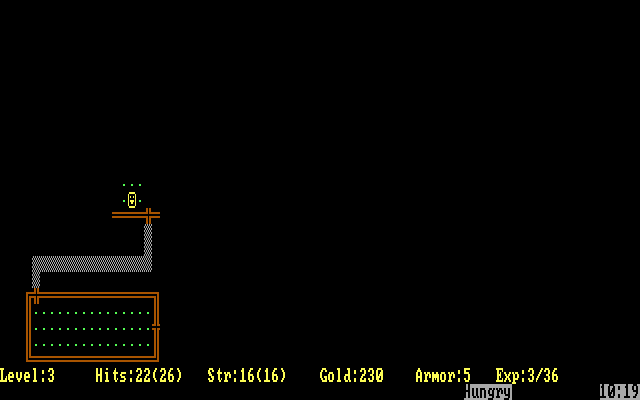
4.5/5 - 116 votes
Rogue DOS, Mac, Commodore 64, Amiga, ZX Spectrum, Amstrad CPC, Atari 8-bit, Atari ST
1984
Comments and reviews
Thanks Eidolon! That helps.
Anyone know if there are any potions in this version of the game? I've killed a bunch of things but haven't found a single one yet.
How do I make space on the save disk? How do I delete a saved character to make space?
the arrow keys on the keyboard are how you move.
it keeps saying "no data found" how do i get in? what am i missing?
to move out of stat screen press the Space Bar and you will be in the city
I can't figure out how to move. I'm sitting on the stat screen and can't 'enter' the city. lol
No sound? Anyone know how to fix?
C - Cast a spell (encounter / exploring only)
D - Drop an item or check inventory
G - Get an item you drop or find (not in encounters)
U - Use one of your items or Check your inventory
W - Switch primary and secondary weapon (only in encounters)
P - Pause
S - Save
What are the keyboard commands for this? How do you arm your weapon?
No comment nor review for this game at the moment.