




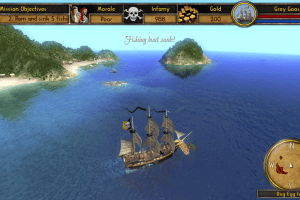
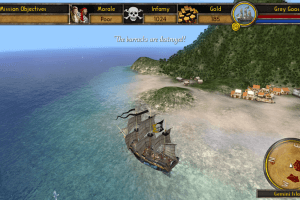
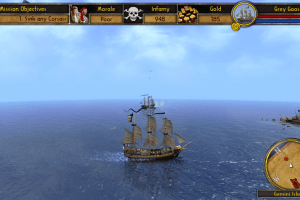
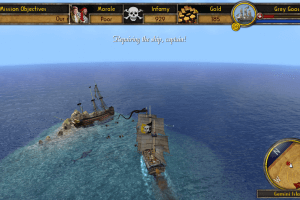
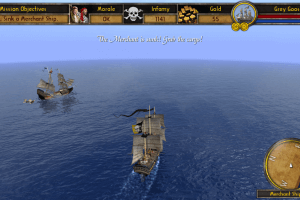
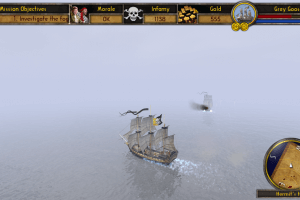
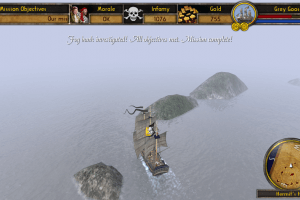
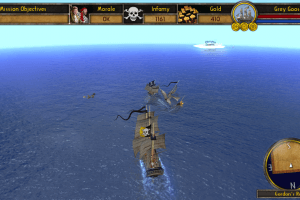
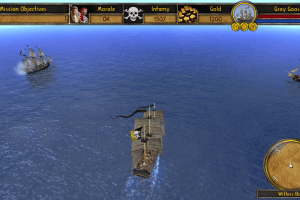
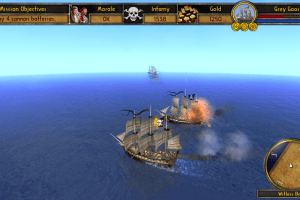
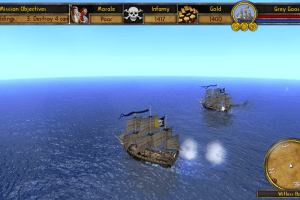
How to Play
Russian version showed minor warning ratio on VirusTotal scan, here's the report. European version showed 0 warnings
The game has been tested on Windows 7 64-bit and Windows 8, it works fine. The game supports widescreen and high resolutions
Install & play guide:
- Mount the disc image. You will need the utility for mounting disc image files, like WinCDEmu, UltraISO, Alcohol 52%/Alcohol 120% or Daemon Tools Lite
- Install the game
- Also, if you're using Windows 8, 10 or 11 - you must enable DirectPlay, read this or this guide how to do it
- Open the directory with installed game and find T3D.exe. Right click on T3D.exe - Properties - Compatibility - Set "Run this app in compatibility mode with Windows XP" and "Run as administrator"
- Launch the game and play. If the game doesn't work in compatibility mode with Windows XP - try to launch it in compatibility mode with Windows Vista SP1 or other version of Windows (Win98/ME, Win2000, Win7 etc.)
Notes:
- If the installation doesn't start - try to launch Setup.exe in compatibility mode with old version of Windows (98, 2000 or XP)
- It is recommended to install all versions of Microsoft Visual C++ Redistributable for the correct work of the game
- The game works on DirectX 9, so if you're using Windows 8, 8.1, 10 or 11 - you need to enable DirectPlay: Go to Control Panel, and select 'Programs'. Select 'Turn Windows features on and off', click on 'Legacy Components' and check the box 'DirectPlay'. Select OK, once the installation is done, restart your computer
- If the game asks for CD-key - enter
MVEE-D34N-7XBW-XXWC - The game supports 5 languages: English, French, German, Italian & Spanish. You can select the language during first launch or in game settings
- Probably at first launch you will see only black screen - wait several seconds while the game is loading, then it should work
- There can be a bug when the game works slow if FPS of the game is too high. If that happens - use one of frame-rate limit utilities and cap the framerate on 60 FPS
- You can check Steam forums if you have other troubles
 English
  French
  German
  Italian
  Spanish
  Russian








Comments and reviews
Ran fine with no compatibility settings Win 10 64
No comment nor review for this game at the moment.