








How to Play
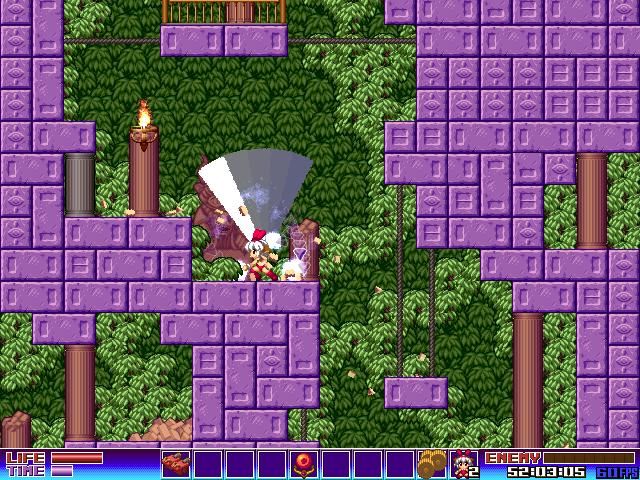
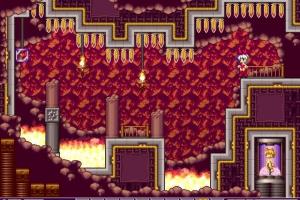
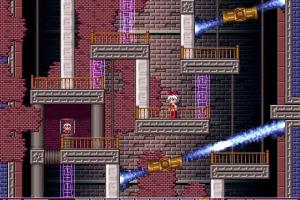
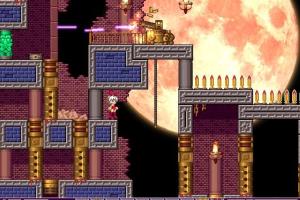
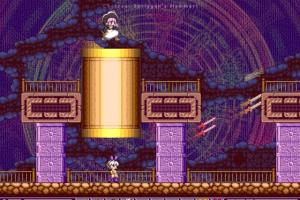
Bunny Must Die: Chelsea and the 7 Devils originally released in Japan in 2006 as a doujin game , later the game received unofficial English fan translation. In 2012 the game got the updated re-release in Desura and Steam. The features of updated release are: the newly arranged soundtrack (you can switch between the classic and new soundtrack in settings), slightly updated graphics (you can select the classic graphics in settings), minor gameplay changes and the official translation to English, French and German languages plus the original Japanese language. In 2019, PC version of the game was delisted from all digital stores
Notes:
- The updated release of the game has been tested on Windows 7 64-bit, Windows 8 and Windows 10, it works fine. If the game doesn't work - try to run the game in compatibility mode with old Windows, like Windows XP, and as administrator (right-click on bunnymustdie.exe -> Properties -> Compatibility)
- It is recommended to install all versions of Microsoft Visual C++ Redistributable and NET Framework for the correct work of the game
- Updated release works on DirectX 9, so if you're using Windows 8, 8.1, 10 or 11 - you need to enable DirectPlay: Go to Control Panel, and select 'Programs'. Select 'Turn Windows features on and off', click on 'Legacy Components' and check the box 'DirectPlay'. Select OK, once the installation is done, restart your computer
- Updated release has 4 languages: English, French, German and Japanese. At the launch of the game the window will appear asking "Play in English?", click "No" to skip to other languages. When you will see the language you need, click "Yes" to run the game in that language
- The game has the native 640x480 screen resolution. Updated release of the game supports widescreen but the widescreen resolution is fixed to 640x360, reducing vertical view port. If you don't like how the game looks in widescreen, you can select 4:3 screen ratio in settings or enable Windowed mode
- Original 2006 release may work slowly on modern systems. If the original release works slowly, run the game in compatibility mode with old Windows, like Windows 98 or XP; also disable Fullscreen optimization in compatibility settings (right-click on bmd.exe -> Properties -> Compatibility). You can also use Large Address Aware tool to force the game's 32-bit executable to use 4 GB of RAM instead of 2 GB, that should help with lags, check this guide. If the game still works slowly, try to use DxWnd or one of display wrappers, or run the game on Virtual Machine with Windows XP
- The game has controller support but it works properly only with DirectInput-type gamepads. If you use XInput-type gamepad you may have some compatibility issues. If you have such issues or the game doesn't recognize your controller - try to use one of the additional tools from PCGamingWiki guide for controllers
- If you stuck at some hard place in the game, maps and walkthrough guides are included in the archives of both releases of the game. We also uploaded them to our website as PDF-files
- The installer of English translation patch for the original 2006 release showed many generic warnings, here's the scan report. If you're worrying about that file, you can simply download the archive of 2006 release with pre-installed English translation, it showed 0 warnings
 English
  French
  German
  Japanese





Comments and reviews
No comment nor review for this game at the moment.