




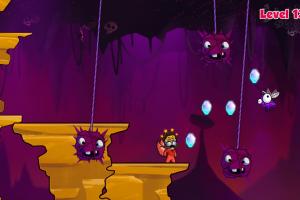



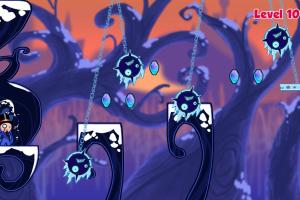
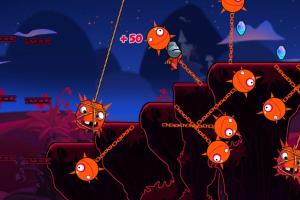

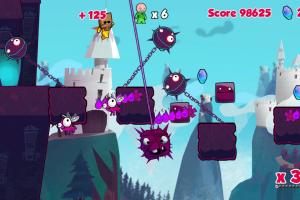


How to Play
The game has been tested on Windows 7 64-bit, Windows 8, Windows 10 and Windows 11, it works fine, the game supports widescreen. The game is multilingual, with support of 10 languages: English, French, German, Italian, Spanish, Brazilian Portuguese, Russian, Japanese, Korean and Simplified Chinese; you can select the language in game options
Notes:
- If the game doesn't work - try to run the game in Compatibility mode with old Windows, like Windows XP, and as Administrator (right-click on CloudberryKingdom.exe -> Properties -> Compatibility)
- The game requires XNA Framework 4.0 and NET Framework 4.0 for the correct work! Make sure to install that redistributables before starting the game, the installers are available inside
Supportfolder in game directory - It is recommended to install all versions of Microsoft Visual C++ Redistributable and NET Framework for the correct work of the game. Also it is recommended to install K-Lite Codec Pack for the correct work of in-game videos
- The game works on DirectX 9, so if you're using Windows 8, 8.1, 10 or 11 - you need to enable DirectPlay: Go to Control Panel, and select 'Programs'. Select 'Turn Windows features on and off', click on 'Legacy Components' and check the box 'DirectPlay'. Select OK, once the installation is done, restart your computer
- Since the game originally released in Steam, it has Steam DRM protection. To remove DRM protection to be able to play the game, use NoCD, it is "cracked" dll-file with removed DRM. NoCD is already included in the archive with the game
- Alternative NoCD showed a lot of generic warnings, here's the scan report. We uploaded alternative NoCD just in case if the regular NoCD won't work, use alternative NoCD only in that case! If you're worrying about that NoCD, for 100% safety better to use it on Virtual Machine
- The game has controller support, you can configure the gamepad controls in game options. If the game doesn't recognize your controller - try to use one of the additional tools from PCGamingWiki guide for controllers
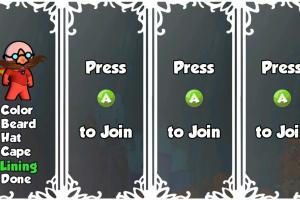
- The game has Local Multiplayer for up to 4 players, in Local Co-op or Versus modes. First player can play either on keyboard or gamepad, other players can play only with gamepads. If you want to play Local Multiplayer over the internet, use tools like Remote Play Together or similar







Comments and reviews
No comment nor review for this game at the moment.