



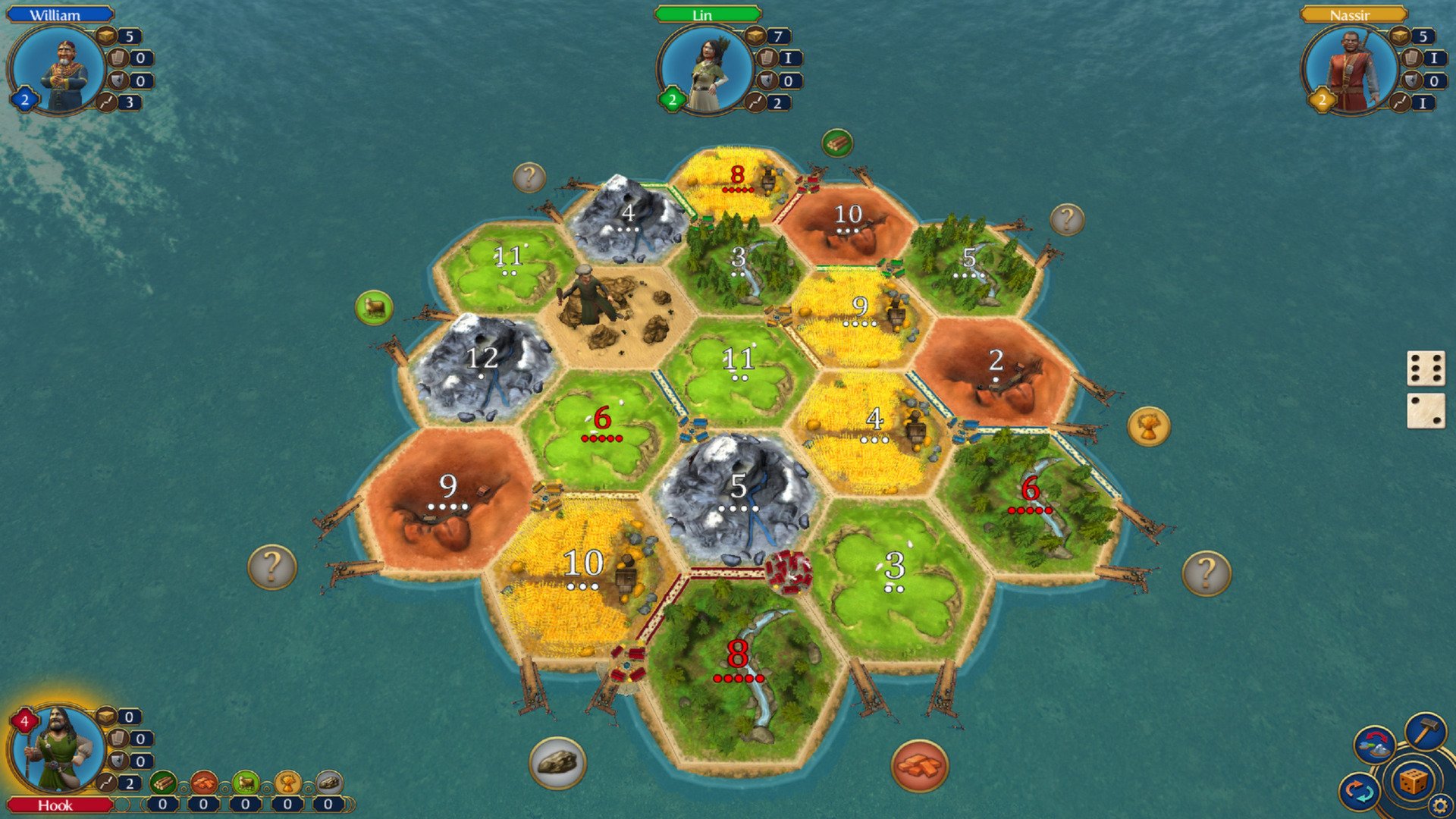
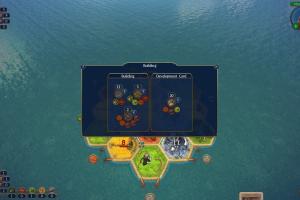
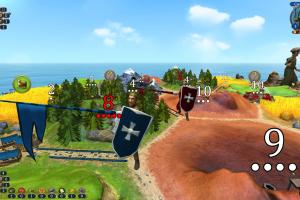
How to Play
The game has been tested on Windows 7 64-bit, Windows 10 and Windows 11, it works fine, the game supports widescreen resolutions up to Ultra HD 4K. You may experience some small troubles when you play the game on modern systems, check our Notes for details.
To install the game mount the ISO image or extract the files from it with file archiver tool like WinRAR or 7-zip, and run Setup.exe. After you installed the game, use NoCD - copy the steam_api.dll file from the archive and put it into Catan Creator's Edition/bin/Release folder, replacing the original file. Then you can launch the game from Catan.exe and play
Notes:
- If the installation doesn't start - try to launch Setup.exe as Administrator and in Compatibility mode with old version of Windows (98, 2000 or XP)
- If the game doesn't work - run it in Compatibility mode with old Windows (like Windows XP) and as Administrator. Also, it is highly recommended to install all versions of Microsoft Visual C++ Redistributable and NET Framework for the correct work of the game. The required Redistributables are also available in the folder with installed game, in
_CommonRedistandredistfolders - The game works on DirectX 9, so if you're using Windows 8, 8.1, 10 or 11 - you need to enable DirectPlay: Go to Control Panel, and select 'Programs'. Select 'Turn Windows features on and off', click on 'Legacy Components' and check the box 'DirectPlay'. Select OK, once the installation is done, restart your computer
- The game has support of wide screen and high resolutions up to Ultra HD 4K. By default the game automatically runs in desktop resolution. Some users complained that it is not possible to change the resolution in game settings because "Change resolution" button is not working. If you have that issue, you can manually change the screen resolution in ogre.cfg file inside
Documents/Catan/Applicationfolder - The game has many small bugs that may result in crash of the game, so make the savegames often. Unfortunately, the devs haven't fixed most of that bugs
- It is possible to enable auto-save setting in the game. To do that you need to add
--dscommand line argument to desktop shortcut: right-click on desktop shortcut (if there's no shortcut, create desktop shortcut for Catan.exe inCatan Creator's Edition/bin/Releasefolder) -> Properties and in the end of Target line add--dswith no quotes; should look like"D:\Games\Catan Creator's Edition\bin\Release\Catan.exe" --ds. Now when you launch the game you will have auto-save option turned on. This will create a new savegame after every turn (including the AI turns) so if the game crashes you will lose only at most the last turn. These savegames can build up very quickly, so you will want to clean them out occasionally, the savegame files are located inDocuments/Catan/Savegamesfolder - There's no online multiplayer in the game, only the local hotseat. But you can try to play the game online with Steam's feature Remote Play Together, or any utility that has a similar feature
 English
  German






Comments and reviews
No comment nor review for this game at the moment.