You are on the beta version of My Abandonware. The live site is still myabandonware.com. Your favorites and ratings here are copied to the live site. Comments and other changes are not — we delete them every morning at 08:00 Paris time, when this site goes down for about an hour. Leave feedback through this link to Pastel (email required).
The beta goes down at 08:00 Paris time, in a few minutes. We rebuild the database from the live site. It comes back in about an hour.
You Have to Mount the CD and Run the Setup EXE in Windows 7 Compatibility Mode and The DDR MSI on Older Windows Version Compatibility Mode (Both in Administrator Mode) and After Installing BEFORE RUNNING Cut and Paste or Move the DDR PC Folder to the Main Program Files (NOT Program Files x86) However KEEP THE CD MOUNTED WHEN PLAYING, The No CD Patch Doesn't Work on Modern Systems and Will Break the Game When You Install it
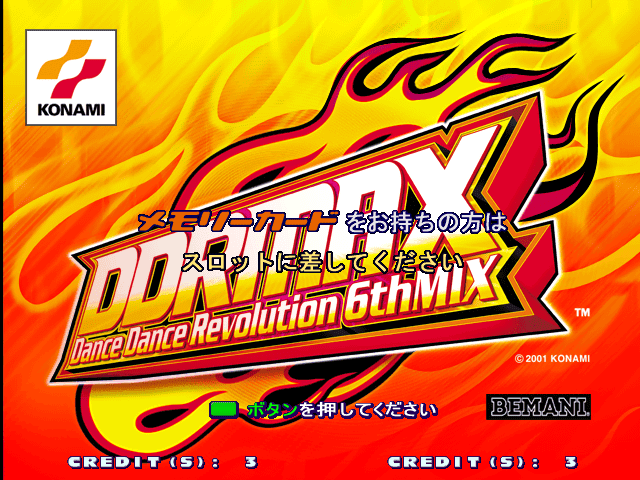
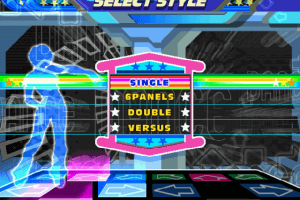
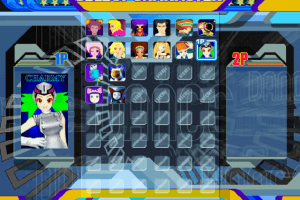
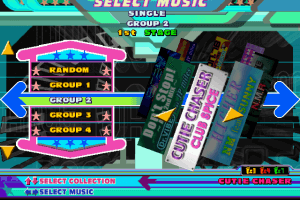
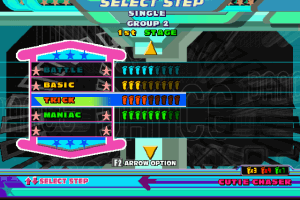
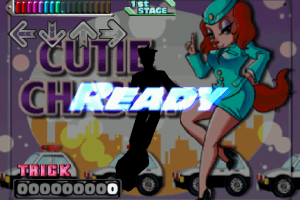
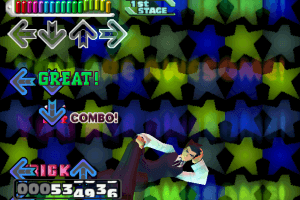
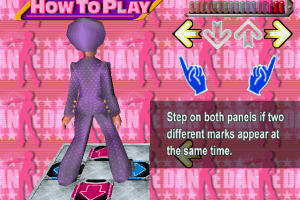
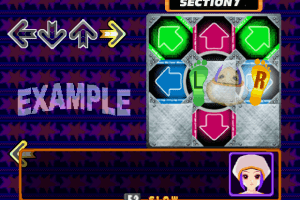
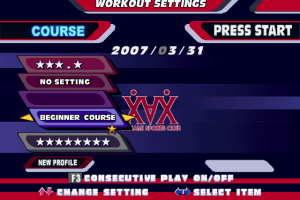
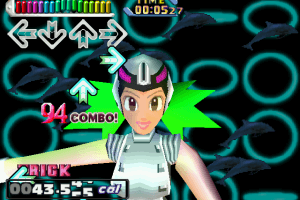
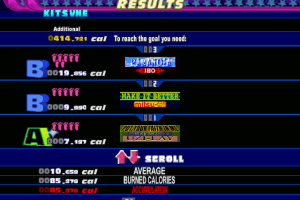
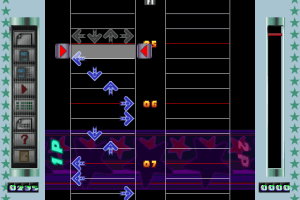
Otherwise its a Pretty Faithful HD/60FPS Conversion of 4th Mix to PC (Which Most People Can Agree was the Peak of DDR Before The Japanese and American Releases Were Split)
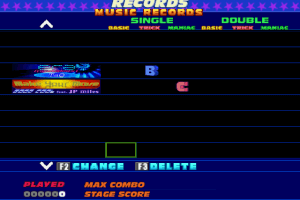
However The Internet Ranking Doesn't Work Like Most DDR Ports or Arcade Games from the Late 90s/Y2K with Internet Ranking Functions (We Need to Get the Protoweb Team on Board or Something Like That for Things Like That)
2
WAnon01 Apr. 2025
NoCD patch is unfortunately not working. I tried putting the game in regular program files instead of program files x86 like Eagle DVJ suggested and that still didn't work.
1
Adjacent27 Dec. 2024
I also can't get the application to run. Keeps saying to insert the CD. Even after replacing application with nocd patch... instructions?
1
Silver14 Aug. 2024
Hmmm, weirdly attempting to run the no cd exe after replacing it with the normal exe... has it complain about there not being a cd. (I'm probably missing something though!)
3
jas_n23 Jun. 2024
Back when I was a little kid and in love with DDR, I wasn’t allowed to buy things on the internet, so I was only able to pay the demo. I walked into GameStop(~2003 ish) and asked if they had DDR for the PC, the clerk questioned me again and just laughed at me. A core memory was formed right then and there.
1
admin17 May. 2024
Admin
NoCD added
0
Santo10 May. 2024
We Need The nocd Patch Please
1
Lu27 Feb. 2024
Just buyed a DDR mat with PC connection. Looking forward to enjoy time!
2
Eagle Dvj05 Oct. 2023
Para que funcione y para quien no sepa: 1- Dar click derecho en la ISO y elegir "Montar". 2- Seleccionar "Propiedades" del archivo "Setup" . 3- Elegir "Compatibilidad" y seleccionar Windows 7 u otro en caso de que no les funcione. 4-Ejecutar el archivo "Setup". 5- Elegir como destino dentro del Disco "C", la carpeta "Archivos de Programas", (NO SELECCIONAR LA QUE PONE (x86), SINO NO LES VA A FUNCIONAR 6- Seguir los pasos de la instalación y listo.
Solo resta resolver lo del tamaño, que en mi caso me aparece agrandada la imagen y corta parte de la pantalla, si logro solucionar eso ya estaría bien. Espero les sirva, bye.
-4
Abran20 Sep. 2023
I FUCKING WANT IT BAAAAAAAAAAAAAAAAAAAAAAAAAAAAAAACK!! IT WILL LET ME PLAY!!!!!!!
-2
foodzilla28 Aug. 2023
still nice to have this, even though it's been superseded by StepMania...
1
YURI09 May. 2023
I finally got it working!!!!!! Just set windows 7 compatibility mode and do not have Program Files (x86) in your install path, then it is good to go!!!!!!
4
What_If1718 Nov. 2022
Top comment
Make sure to run it in windows xp compatibility mode
7
Summerluv29 Oct. 2022
it dont work
-6
ohhhh yeah28 Oct. 2022
NOT LETTING ME PLAY THE FUCKING GAME!!!!!!!!!
0
Коля21 Jun. 2022
PURO0 Mount an ISO, or burn CD.
4
Puro013 Jun. 2022
I extracted the folder and and it just comes with and .iso, what am I supposed to do.
-5
No comment nor review for this game at the moment.






 English




Comments and reviews
You Have to Mount the CD and Run the Setup EXE in Windows 7 Compatibility Mode and The DDR MSI on Older Windows Version Compatibility Mode (Both in Administrator Mode) and After Installing BEFORE RUNNING Cut and Paste or Move the DDR PC Folder to the Main Program Files (NOT Program Files x86) However KEEP THE CD MOUNTED WHEN PLAYING, The No CD Patch Doesn't Work on Modern Systems and Will Break the Game When You Install it
Otherwise its a Pretty Faithful HD/60FPS Conversion of 4th Mix to PC (Which Most People Can Agree was the Peak of DDR Before The Japanese and American Releases Were Split)
However The Internet Ranking Doesn't Work Like Most DDR Ports or Arcade Games from the Late 90s/Y2K with Internet Ranking Functions (We Need to Get the Protoweb Team on Board or Something Like That for Things Like That)
NoCD patch is unfortunately not working. I tried putting the game in regular program files instead of program files x86 like Eagle DVJ suggested and that still didn't work.
I also can't get the application to run. Keeps saying to insert the CD. Even after replacing application with nocd patch... instructions?
Hmmm, weirdly attempting to run the no cd exe after replacing it with the normal exe... has it complain about there not being a cd. (I'm probably missing something though!)
Back when I was a little kid and in love with DDR, I wasn’t allowed to buy things on the internet, so I was only able to pay the demo. I walked into GameStop(~2003 ish) and asked if they had DDR for the PC, the clerk questioned me again and just laughed at me. A core memory was formed right then and there.
NoCD added
We Need The nocd Patch Please
Just buyed a DDR mat with PC connection. Looking forward to enjoy time!
Para que funcione y para quien no sepa:
1- Dar click derecho en la ISO y elegir "Montar".
2- Seleccionar "Propiedades" del archivo "Setup" .
3- Elegir "Compatibilidad" y seleccionar Windows 7 u otro en caso de que no les funcione.
4-Ejecutar el archivo "Setup".
5- Elegir como destino dentro del Disco "C", la carpeta "Archivos de Programas", (NO SELECCIONAR LA QUE PONE (x86), SINO NO LES VA A FUNCIONAR
6- Seguir los pasos de la instalación y listo.
Solo resta resolver lo del tamaño, que en mi caso me aparece agrandada la imagen y corta parte de la pantalla, si logro solucionar eso ya estaría bien.
Espero les sirva, bye.
I FUCKING WANT IT BAAAAAAAAAAAAAAAAAAAAAAAAAAAAAAACK!! IT WILL LET ME PLAY!!!!!!!
still nice to have this, even though it's been superseded by StepMania...
I finally got it working!!!!!! Just set windows 7 compatibility mode and do not have Program Files (x86) in your install path, then it is good to go!!!!!!
Make sure to run it in windows xp compatibility mode
it dont work
NOT LETTING ME PLAY THE FUCKING GAME!!!!!!!!!
PURO0
Mount an ISO, or burn CD.
I extracted the folder and and it just comes with and .iso, what am I supposed to do.
No comment nor review for this game at the moment.