


Dark Side of the Moon is one of the best "traditional" point-and-click adventure games in recent memory.
In this sci-fi mystery set in the far future, you play Jake Wright, a happy-go-lucky space trader who inherited the mining claim of your uncle Jacob, who has died under mysterious circumstances on a mining colony known as Luna Crysta. Starting out to find out exactly what your uncle left behind, you will soon discover a much deeper and more interesting story that involves murder and possible extinction of an entire race.
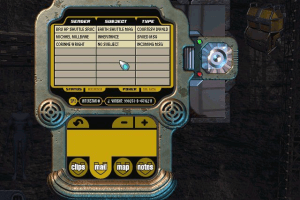
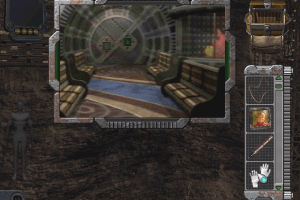
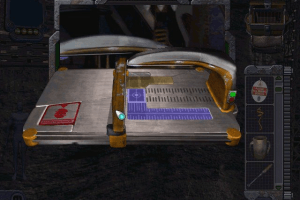
The gameplay should be familiar to all adventure fans: you interact with different characters, pick up anything that isn't nailed down, and figure out what to do with inventory items. The game strikes a nice balance between Myst-style logic puzzles and inventory-based puzzles, most of which involves figuring out how to use the various futuristic gadgets. All the puzzles are integrated into the storyline quite well- none of them seems out of place or just there for the sake of stumping you.
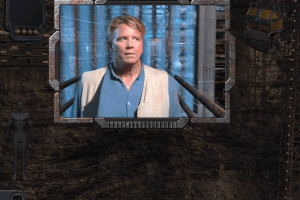
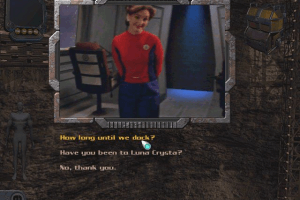
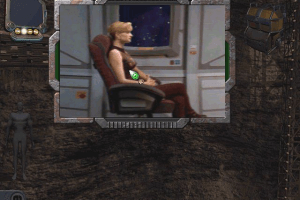
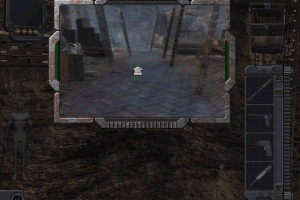
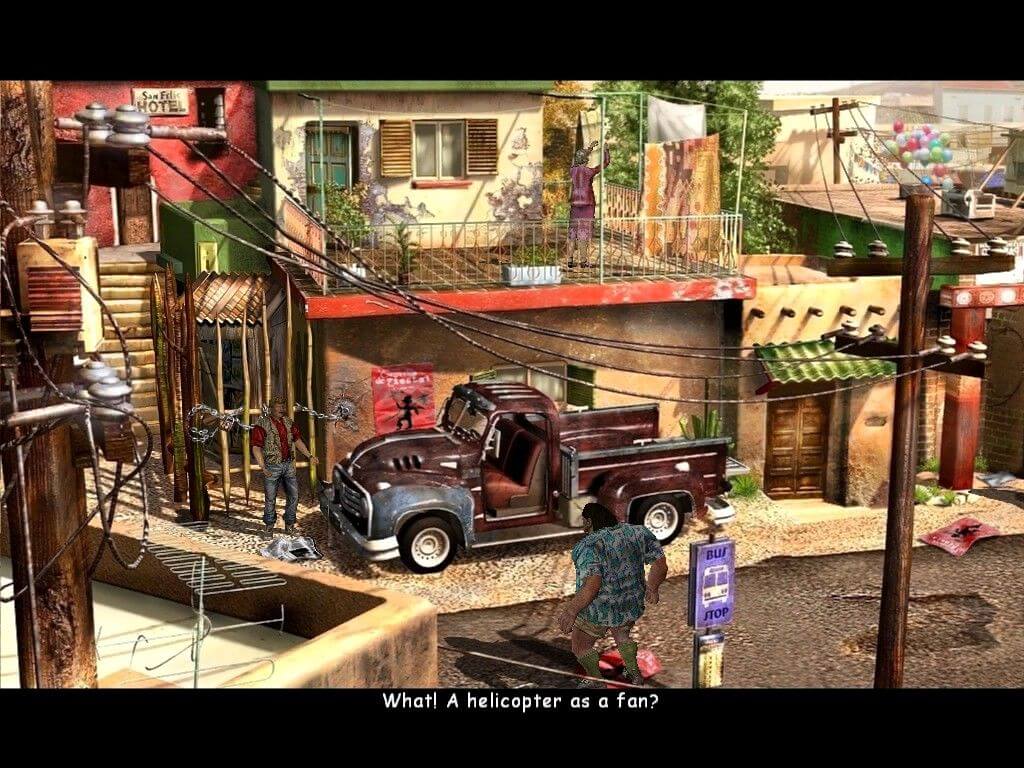
The interface is easy to use, although the combination of live actors and computer-generated 3D environments sometimes produce awkward results. The combination is not as seamless as Buried in Time which has a much more elegant interface, but it is adequate. The acting is all above-average, except for a few instances of overacting. Unfortunately, heavy use of full-motion video means a LOT of CDs are required. The game comes on 6 CDs - the use of movies (as well as poor design) requires you to swap CDs very frequently. Fortunately, the story and puzzles are strong enough to make you grit your teeth, swap those CDs, and move on.
In the end, Dark Side of the Moon is a great adventure game that is marred by blurry videos and almost-endless CD swapping. The excellent sci-fi story, decent length, and challenging-yet-logical puzzles will keep you glued to the screen for the many hours it will take to finish it. A wonderful game, but try to find the rarer DVD version if you can to minimize frustration from CD swapping. Two thumbs up for this underdog.
Review By HOTUD
 English







Comments and reviews
Guys. These games do not work on newer Operating Systems by the default. They were created under different architectures. The best way to play them is with PCem. Just setup a machine and you can run almost any old game these times. Plus you can run them in a window.
Deamon tools won't mount the iso, it says "the image is locked."
I just confirmed Windows 10 works with flamefury42's instructions found here: https://www.gameboomers.com/forum/ubbthreads.php/topics/1265437/re-dark-side-of-the-moon-1998-install-windows-10#Post1270543
1. Go to Control Panel, Programs, Turn Windows Features on or off, Go to legacy components, make sure Direct Play is checked. Your computer might require a reboot.
2. The Direct X End User you downloaded, extract to a folder,(there's a bunch of directx versions in that folder, don't worry about these) then run DxSetup. Go through this process.
3. Put in your copy of the game, whether it's the dvd, disc 1, or mount the image you have.
4. Find the lauch32 executable on your copy of the game, right click the executable, go to properties and set the compatibility to XP Service Pack 2.
NOTE: Now this is where it really starts to get messy, because most likely your still going to run into an error trying to run DSOM because it will complain it doesn't see Direct X5 or higher. So these next steps are what worked for me because it took me awhile to get this working.
5. Find the folder with the directx software on the disc. I believe they included this with both versions of the game(DVD,CD). Run the DxSetup within there. You can try running the DXtool in there as well. Then try running the game. I tried several times to force the game to use a lower version of direct X which with Windows 10 will try to use something higher than what the game is trying to call for.
6. Try the install again, You should finally have it where it's installed on the computer. Just again, make sure you run XP Service Pack 2 for compatibility mode.
7. Before I even started the game - I copied the riched32.dll to the bin folder of the installed directory.
8. Run the game and you should have text on the screen when you start playing.
Doesn't work on Windows 10. Wants DirectX even though it's already installed.
Does anyone know how to run this on Windows 10?
Also the DLL file in the patches goes in the bin/ folder.
This does appear to be the DVD version.
No comment nor review for this game at the moment.