




How to Play
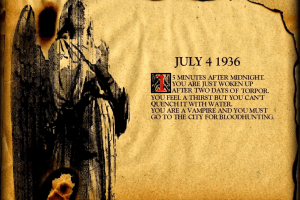
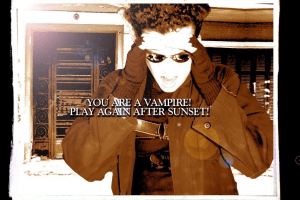
You can play only at night from 20:00 to 07:00 - during the day the game simply does not start, if you still want to play during the day, change the time on your computer.
Most likely, you couldn't launch the game on Windows Vista and later systems. The best way to play the game - to install it on Virtual Machine with Windows 2000 or Windows XP.
Vasya commented:
This game does not work on newer systems and as such you will need a virtual machine running Windows 2000 or Windows XP.
Programs you need:
- Alcohol 52% setup
- Erevos CD-ROM (the rip does not contain important cutscenes, you will miss out!)
The Installation:
This is created with Windows XP with a Windows 10 host in mind and as such some locations may look different should you use Windows 2000 and/or a different host OS instead. You will need to set up a shared folder in your virtual machine and place the Alcohol 52% setup and Erevos CD-ROM into it. Open your virtual machine and click the Windows button, my computer, and open your shared folder. Set up Alcohol and unzip the Erevos file. Open the new Erevos folder and drag the MDF file into Alcohol. Right click on the name and select mount image.
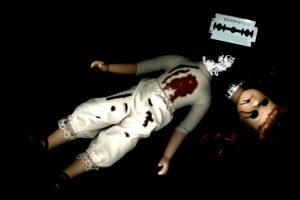
In your files app, open the newly created CD drive and select setup. Once completed, open the local disc and open the NYX. Right click Oleaut32.dll, open with, then keep selecting the browse options until you reach the files app. Navigate back to the NYX folder, then select the Erevos folder within it. Click on the Erevos file with the doll image. At first, nothing will happen but this is a necessary step and the game will not run without it. Don’t panic!
After, open your files app once again and navigate back to the same folder. Run the same Erevos executable. The game should start. The intro will play twice, this is something that is just in the game and there is even an article from 2004 complaining about it.
Important notes:
- This game will run in the upper left corner. Should you want it centered and a different coloured background (I recommend black), you should open a new Google window on your host OS and look up “plain [colour of your choice],” choose and image, resize to fit the entire tab, and fullscreen it. Press the Windows key on your keyboard and open your virtual machine. Resize the window to smaller than the game then back out to the edges of the game.
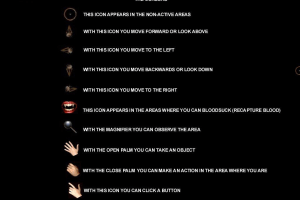
- You have to click in often extremely precise areas to get what you need and items can be very small/hard to see.
- The window will flash. Please use caution, especially if you are someone with photosensitive epilepsy.
- Erevos will crash every time you die. Just reopen the exe.
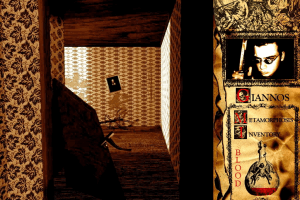
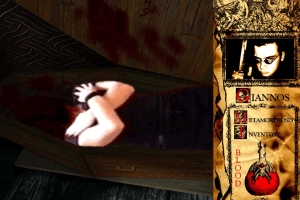
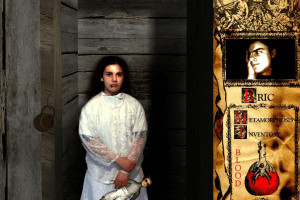
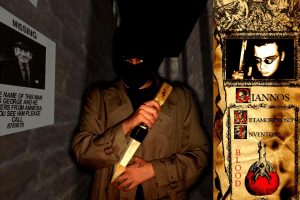
- The only differences between choosing Eric or Giannos is where you wake up and the puzzle and cutscene on the last day.
That’s it and have fun :)
 English







Comments and reviews
Does it have to be Alcohol specifically or can it be any other cd emulator?
You can play only at night from 20:00 to 07:00 - during the day the game simply does not start, if you still want to play during the day, change the time on your computer.
Most likely, you couldn't launch the game on Windows Vista and later systems. The best way to play the game - to install it on Virtual Machine with Windows 2000 or Windows XP
I get an error message when I open, if anyone has a fix please let me know! Thank you :)
No comment nor review for this game at the moment.