You are on the beta version of My Abandonware. The live site is still myabandonware.com. Your favorites and ratings here are copied to the live site. Comments and other changes are not — we delete them every morning at 08:00 Paris time, when this site goes down for about an hour. Leave feedback through this link to Pastel (email required).
The beta goes down at 08:00 Paris time, in a few minutes. We rebuild the database from the live site. It comes back in about an hour.
its dgvoodoo2, in the DIRECTX tab at the lower-middle-right choose 1440x1080 in the dropdown arrow to upscale any game to that resolution. Also UNCHECK the two boxes near it that say "Application controlled window state" and "disable alt+f4". Or else the integer upscaling wont work. Trust me this took like a year before i got it working properly lolol
if integer upscaling is not proc'ing. You may have to experiment with fullscreen/windowed mode on the main tab in dgvoodoo2 as well as pressing alt+enter in game. Theres an advanced menu if you right click in dgvoodoo2 that allows you to remove the border in windowed mode. Looks clean af. Also turn deframer to 0 so theres not a single pixel of border around the gamewindow in windowed mode.
i personally use "centered, keep aspect ratio" on the main tab of dgvoodoo2 as well.
congrats you can now upscale any game to REAL HARDWARE PIXELS. Its really addicting once you figure it out.
also check off center game window on the front tab lower right if you want the windowed mode game to be centered. If you cant center it for some weird reason download windows centering helper and press shift 3x to center any window on your computer
0
raja29 Jan. 2026
very good game
1
HerZ18 Jun. 2025
Top comment
From PCWIKI: "The game has poor compatibility with modern systems. It suffers from flat lighting, buggy sounds, and low quality FMVs compared to the PlayStation version. Some enemies also have buggy animations and lack AI scripts."
And there are no fixes to any of these problems. Just emulate the PSX version.
7
big black rock13 Feb. 2024
i beat this game
2
Willi03 Oct. 2023
When I try and start it it says: Cannot find any compatible Direct3d devices and closing And it keeps saying CATASTROPHIC FAILURE when I try to uninstall it through the control panel What's going on? How do I uninstall this or get it to run right?
1
Clark kenji09 Jun. 2023
Fiz o download, e consegui instalar no Win 7.
1
budgett18 Apr. 2023
there's a no cd patch for this game.
also some of the cutscenes are zoomed in can somebody help me fix this?
-2
Toothless09 Jun. 2022
running on windows XP virtual machine, no problems at all
1
rickradchak18 Apr. 2022
Has anyone been able to get this running on windows 11?
I keep on getting: "Could not find any compatible Direct3D devices"
Can't figure out how to continue from there
1
TDJZER007 Oct. 2021
google apple of eden rebirth project
-10
texaco83ita14 Sep. 2021
ma in che lingua sono le scritte dell'installer? parole sostituite da cose senza senso e ?????????????? non capisco se sto cliccando si o no, in sintesi non so come installarlo a dovere, peccato
-3
bugi25 Jul. 2021
The game is working on Windows 10 machines just fine, However, There are 2 major gripes I have with this game, & that is...
1) The Mouse Works, However the cursor is so offset that aiming could be very troublesome most of the time. If anyone knows a fix, Please let me know!
2) Is it just me or are the door sequences bugged? Idk if it's just an issue with the Windows 10 operating system or if this is an issue with playing regional games on American computers. Again, If anyone knows a fix, Please let me know!
Currently, I Rate This: 6/10
It's playable & does not contain malicious data whatsoever, But it far from perfect. You have been warned.
3
PCY8719 Jul. 2021
Oh...I just found the solution in help section
0
PCY8716 Jul. 2021
Why after I extracted the rar, I got only two files, a cue file and a bin file?
-4
JustanotherArda03 Jun. 2021
Alright, I'll give it another chance by doing what you said.
1
nobody02 Jun. 2021
I also have a problem with videos being zoomed weirdly and the game works fine for me, make sure that you have the iso image mounted when you play the game, i think that might crash your game because mine closes at similar point if you don't mount the iso otherwise i don't know and maybe i am just lucky
1
JustanotherArda15 May. 2021
There are some issues; -Videos are shown zoomed unusually, the left downward side is focused during when the videos are shown. -When the game's supposed to render the protagonist's "My head aches..." quote, game crashes, giving some sort of error, I don't know why, maybe it can't read a file.
If someone managed to run the game without these errors, can he/she tell us how did he/she did that.
1
No comment nor review for this game at the moment.









 English




Comments and reviews
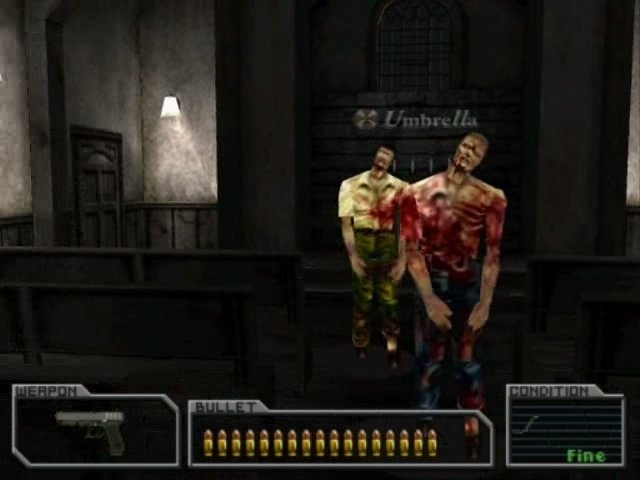
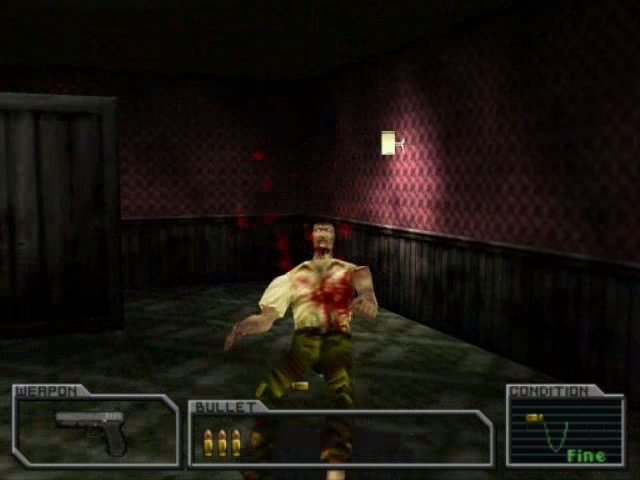
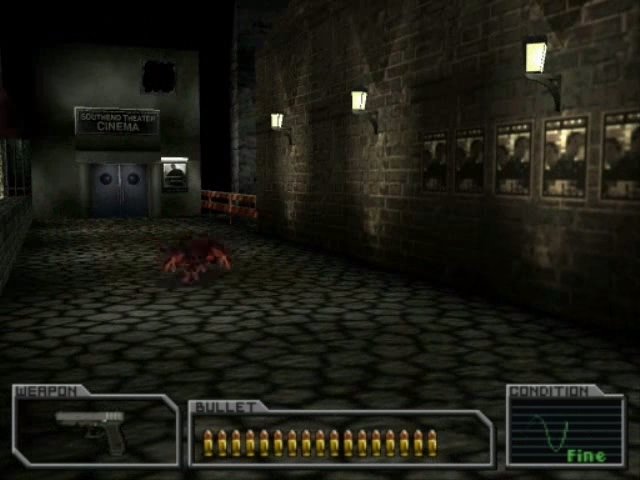
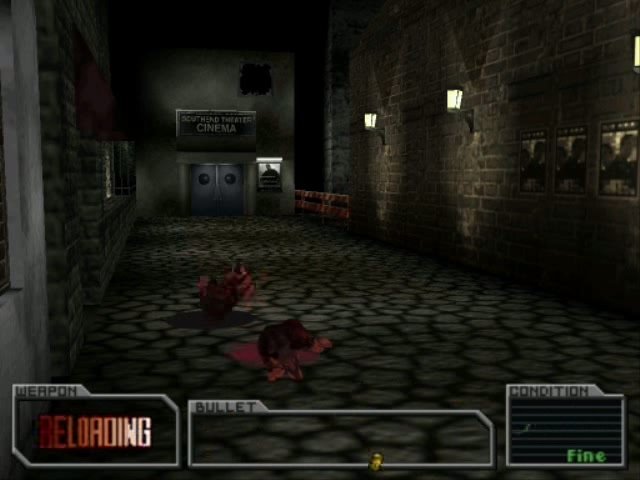
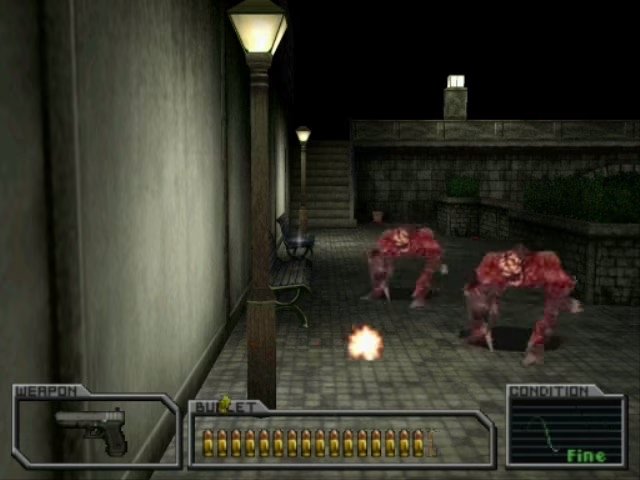
640x480 integer upscaled to 1440x1080
https://www.youtube.com/watch?v=fJDm-WbJpWc&t=530s
its dgvoodoo2, in the DIRECTX tab at the lower-middle-right choose 1440x1080 in the dropdown arrow to upscale any game to that resolution. Also UNCHECK the two boxes near it that say "Application controlled window state" and "disable alt+f4". Or else the integer upscaling wont work. Trust me this took like a year before i got it working properly lolol
if integer upscaling is not proc'ing. You may have to experiment with fullscreen/windowed mode on the main tab in dgvoodoo2 as well as pressing alt+enter in game. Theres an advanced menu if you right click in dgvoodoo2 that allows you to remove the border in windowed mode. Looks clean af. Also turn deframer to 0 so theres not a single pixel of border around the gamewindow in windowed mode.
i personally use "centered, keep aspect ratio" on the main tab of dgvoodoo2 as well.
congrats you can now upscale any game to REAL HARDWARE PIXELS. Its really addicting once you figure it out.
also check off center game window on the front tab lower right if you want the windowed mode game to be centered. If you cant center it for some weird reason download windows centering helper and press shift 3x to center any window on your computer
very good game
From PCWIKI: "The game has poor compatibility with modern systems. It suffers from flat lighting, buggy sounds, and low quality FMVs compared to the PlayStation version. Some enemies also have buggy animations and lack AI scripts."
And there are no fixes to any of these problems. Just emulate the PSX version.
i beat this game
When I try and start it it says: Cannot find any compatible Direct3d devices and closing
And it keeps saying CATASTROPHIC FAILURE when I try to uninstall it through the control panel
What's going on? How do I uninstall this or get it to run right?
Fiz o download, e consegui instalar no Win 7.
there's a no cd patch for this game.
also some of the cutscenes are zoomed in can somebody help me fix this?
running on windows XP virtual machine, no problems at all
Has anyone been able to get this running on windows 11?
I keep on getting:
"Could not find any compatible Direct3D devices"
Can't figure out how to continue from there
google apple of eden rebirth project
ma in che lingua sono le scritte dell'installer? parole sostituite da cose senza senso e ?????????????? non capisco se sto cliccando si o no, in sintesi non so come installarlo a dovere, peccato
The game is working on Windows 10 machines just fine, However, There are 2 major gripes I have with this game, & that is...
1) The Mouse Works, However the cursor is so offset that aiming could be very troublesome most of the time. If anyone knows a fix, Please let me know!
2) Is it just me or are the door sequences bugged? Idk if it's just an issue with the Windows 10 operating system or if this is an issue with playing regional games on American computers. Again, If anyone knows a fix, Please let me know!
Currently, I Rate This: 6/10
It's playable & does not contain malicious data whatsoever, But it far from perfect. You have been warned.
Oh...I just found the solution in help section
Why after I extracted the rar, I got only two files, a cue file and a bin file?
Alright, I'll give it another chance by doing what you said.
I also have a problem with videos being zoomed weirdly and the game works fine for me, make sure that you have the iso image mounted when you play the game, i think that might crash your game because mine closes at similar point if you don't mount the iso otherwise i don't know and maybe i am just lucky
There are some issues;
-Videos are shown zoomed unusually, the left downward side is focused during when the videos are shown.
-When the game's supposed to render the protagonist's "My head aches..." quote, game crashes, giving some sort of error, I don't know why, maybe it can't read a file.
If someone managed to run the game without these errors, can he/she tell us how did he/she did that.
No comment nor review for this game at the moment.