You are on the beta version of My Abandonware. The live site is still myabandonware.com. Your favorites and ratings here are copied to the live site. Comments and other changes are not — we delete them every morning at 08:00 Paris time, when this site goes down for about an hour. Leave feedback through this link to Pastel (email required).
The beta goes down at 08:00 Paris time, in a few minutes. We rebuild the database from the live site. It comes back in about an hour.
Fatal Error #10:Driver unreachable.Please reinstall EvilTwin = Set compatibility EvilTwin.exe file to Win98/ME
Full instructions 1. Use Virtual Clone Drive to mount the images for each disc, then run the setup.exe from the mounted disc 1 images to begin install. 2. Unmount disc 1 when setup asks you for disc 2, then mount disc2 image, go back to the setup and point it to your mounted disc2 3. Apply the official patch 4. Download Install peazip and install the ACE plugin from its help menu, so you can unzip the .ace file format of the Official Patch fixed exe 4. Download the "Evil Twin Update#1 [ENGLISH] Fixed EXE" from gamecopyworld 5. Open the ace file from gamecopyworld in peazip, then extract to the Evil Twin game directory 6. Set compatibility EvilTwin.exe file (the one you got from gamecopyworld) to Win98/ME 7. Game can benefit from DXWrapper or DGVoodoo2 once you have 1-6 working
Enjoy
0
igortas18 Jul. 2026
Setup to install the game:
- Poweriso or similar to extract content from both disc images to one single folder - Install the game, inside already there is a crack I didn't use it (not sure if the game is patched or not) - apply the official patch - apply the no_cd crack for the patched version
0
Mr.Surrealist10 Dec. 2025
Nevermind. I typed the wrong registry value. It's supposed to be LNG and not ING (L and I look exactly the same in lower case, lol). Now it works perfectly. Thank you!
0
Mr.Surrealist10 Dec. 2025
I cannot play this game, no matter what. I get error #12 LANGUAGE UNREACHABLE. I tried the solution editing the registry, but it does not work at all. By the way, my Windows 11 default language is not English, but Brazilian Portuguese. Could it have something to do with the solution below not working??
0
Carlosgab02 Mar. 2025
Hey!!! I FOUND A SOLUTION FOR "FATAL ERROR 10: Driver unreachable!!!!
At least in my case, if I open evil twin.exe the game does not work, But if I open it from Splash.exe it works!!!
1
Carlosgab01 Mar. 2025
Fatal error #10, has anyone found a solution for this yet?
Reinstalling multiples times did not fix the issue sadly.
2
Kamichi19 May. 2024
any idea how to get this to play its installed and the nocd crack works but. it just quits back out to desktop ive tried all the compatabilty modes if anyone could let me know thanks
1
Darkfire barrage02 Jan. 2024
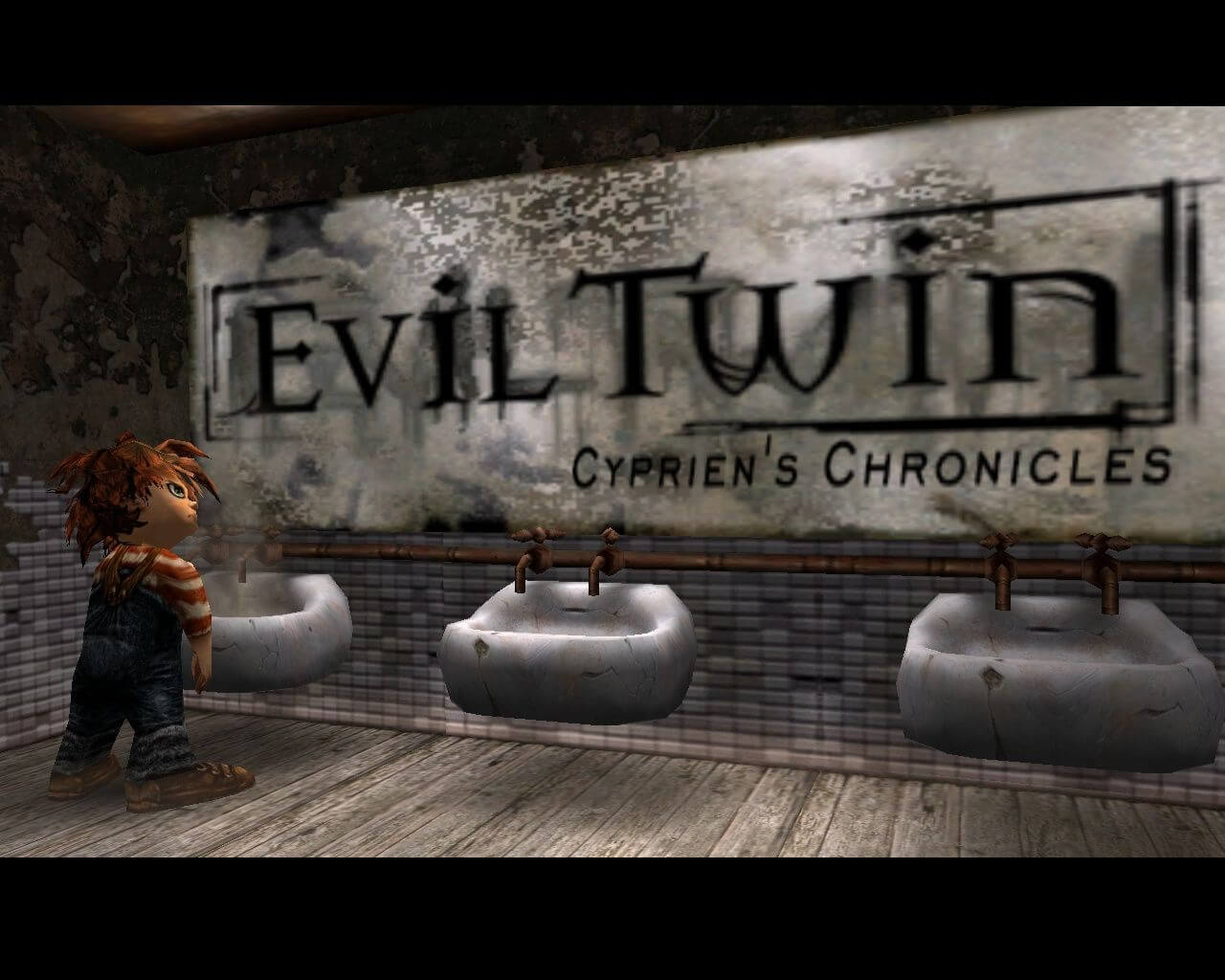
This kid looks like Chucky.
0
Cyprien13 Jun. 2023
Has anyone managed to apply widescreen resolutions to this under Win1064? Own this game for many years, there are some instructions for making widescreen work with this game online, but the hex editing steps for it never worked for me and my version. Also I read even those oldfixes don't work for Win10.
0
IN_UTERO23 Mar. 2023
For those who get "Fatal error #12: language unreachable, please reinstall evil twin" It's because of installer haven't written system language info (doesn't work properly on Windows NT) you have to write it manually Open Windows Registry (regedit). Go to HKEY_CURRENT_USER\Software\Ubisoft\Evil Twin. Create a new string value named lng. Write en as its data. Additional sound improvement/fix: Download and install k-lite codec pack. Open its settings (app named Lav audio). On it's Audio settings page, in Output formats group, leave only "16 bit integer" and "use dithering" checkmarks. Hello from 1995 -X
1
harry27 Sep. 2022
Fatal Error #10:Driver unreachable.Please reinstall EvilTwin. any fix?
1
Soulless Thunder24 Aug. 2020
I can't install. The disc image file is corrupt.
1
Victoren21 Jul. 2020
The game doesn't seem to work, it says "language unreachable" or simply don't open, when it does it crashes after the intro. Am I installing the patch wrong? I'm simply copying it and the NoCD to the folder and running it from there.
0
peggle327 Jun. 2020
how do you get the nocd and patch files to work with the game?
1
PanSzcze22 May. 2020
So i'v got error message: "Fatal error #12: language unreachable, please reinstall evil twin"
-1
admin15 Jan. 2020
Admin
@ghotik Added a NoCD, clean in VirusTotal, please check it out
0
ghotik14 Jan. 2020
the archive includes the v1.1 patch, but does not include the v1.1 noCD crack that is essential to run the game on modern systems. Could you add it in a further link?
0
No comment nor review for this game at the moment.







 English
  French
  German
  Spanish
  Italian
  Polish





Comments and reviews
Fatal Error #10:Driver unreachable.Please reinstall EvilTwin = Set compatibility EvilTwin.exe file to Win98/ME
Full instructions
1. Use Virtual Clone Drive to mount the images for each disc, then run the setup.exe from the mounted disc 1 images to begin install.
2. Unmount disc 1 when setup asks you for disc 2, then mount disc2 image, go back to the setup and point it to your mounted disc2
3. Apply the official patch
4. Download Install peazip and install the ACE plugin from its help menu, so you can unzip the .ace file format of the Official Patch fixed exe
4. Download the "Evil Twin Update#1 [ENGLISH] Fixed EXE" from gamecopyworld
5. Open the ace file from gamecopyworld in peazip, then extract to the Evil Twin game directory
6. Set compatibility EvilTwin.exe file (the one you got from gamecopyworld) to Win98/ME
7. Game can benefit from DXWrapper or DGVoodoo2 once you have 1-6 working
Enjoy
Setup to install the game:
- Poweriso or similar to extract content from both disc images to one single folder
- Install the game, inside already there is a crack I didn't use it (not sure if the game is patched or not)
- apply the official patch
- apply the no_cd crack for the patched version
Nevermind. I typed the wrong registry value. It's supposed to be LNG and not ING (L and I look exactly the same in lower case, lol). Now it works perfectly. Thank you!
I cannot play this game, no matter what. I get error #12 LANGUAGE UNREACHABLE. I tried the solution editing the registry, but it does not work at all. By the way, my Windows 11 default language is not English, but Brazilian Portuguese. Could it have something to do with the solution below not working??
Hey!!! I FOUND A SOLUTION FOR "FATAL ERROR 10: Driver unreachable!!!!
At least in my case, if I open evil twin.exe the game does not work, But if I open it from Splash.exe it works!!!
Fatal error #10, has anyone found a solution for this yet?
Fatal Error #10:Driver unreachable.Please reinstall EvilTwin.
Reinstalling multiples times did not fix the issue sadly.
any idea how to get this to play its installed and the nocd crack works but. it just quits back out to desktop ive tried all the compatabilty modes if anyone could let me know thanks
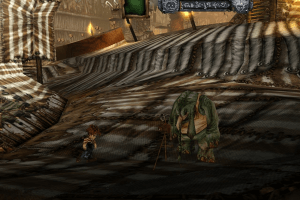
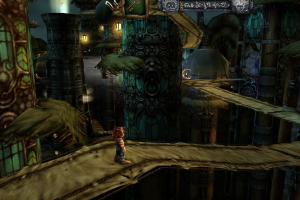
This kid looks like Chucky.
Has anyone managed to apply widescreen resolutions to this under Win1064? Own this game for many years, there are some instructions for making widescreen work with this game online, but the hex editing steps for it never worked for me and my version. Also I read even those oldfixes don't work for Win10.
For those who get
"Fatal error
#12: language unreachable, please reinstall evil twin"
It's because of installer haven't written system language info (doesn't work properly on Windows NT) you have to write it manually
Open Windows Registry (regedit). Go to HKEY_CURRENT_USER\Software\Ubisoft\Evil Twin. Create a new string value named lng. Write en as its data.
Additional sound improvement/fix: Download and install k-lite codec pack. Open its settings (app named Lav audio). On it's Audio settings page, in Output formats group, leave only "16 bit integer" and "use dithering" checkmarks.
Hello from 1995 -X
Fatal Error #10:Driver unreachable.Please reinstall EvilTwin. any fix?
I can't install. The disc image file is corrupt.
The game doesn't seem to work, it says "language unreachable" or simply don't open, when it does it crashes after the intro. Am I installing the patch wrong? I'm simply copying it and the NoCD to the folder and running it from there.
how do you get the nocd and patch files to work with the game?
So i'v got error message:
"Fatal error
#12: language unreachable, please reinstall evil twin"
@ghotik Added a NoCD, clean in VirusTotal, please check it out
the archive includes the v1.1 patch, but does not include the v1.1 noCD crack that is essential to run the game on modern systems. Could you add it in a further link?
No comment nor review for this game at the moment.