You are on the beta version of My Abandonware. The live site is still myabandonware.com. Your favorites and ratings here are copied to the live site. Comments and other changes are not — we delete them every morning at 08:00 Paris time, when this site goes down for about an hour. Leave feedback through this link to Pastel (email required).
The beta goes down at 08:00 Paris time, in a few minutes. We rebuild the database from the live site. It comes back in about an hour.
works like a charm! running well on my windows 11!
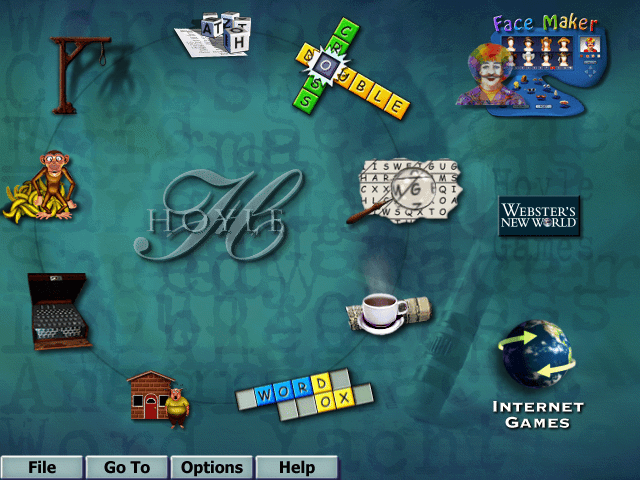
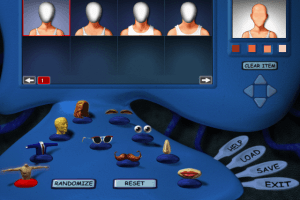
i followed the tip by player. in order to make the facemaker works is just to copy the "WON" folder from C:\Program Files (x86) to C:\Program Files.
make sure to copy the "WON" folder, not the "FaceMaker" folder
1
ejpoeta10 Jun. 2023
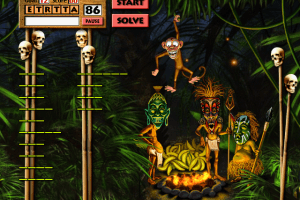
I was so psyched to play this.... but despite the tip from player, I couldn't get facemaker to work.... no biggie, i thought. i can still play. then I played word boggle and after time ran out it was frozen. oh well. thanks anyway. Maybe I'll figure out how to fix it.
-1
nostalgia28 Mar. 2023
Confirming in 2023 link is working, plug and play. Windows 10 still runs without need for emulator. Cannot get facemaker to work, which is a shame but doesn't stop the game from running.
0
cyclone27 Jan. 2023
How do I get this to work? I've tried a few different things. Mounting it and everything. What am I missing?
-1
Mags 67927 Oct. 2022
I downloaded the files and the apps but it still doesnt work. After I mounted it to a drive, It doesnt do anything when I press play... help?? please.
2
mai23 Aug. 2022
Omg it works! so excited to play this game! brought back a lot of childhood memories!
3
Player22 May. 2022
Top comment
Confirming in May 2022 that this link works perfectly.
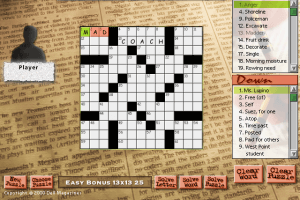
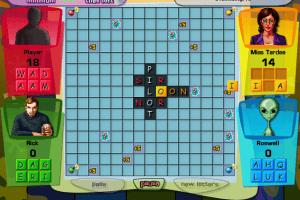
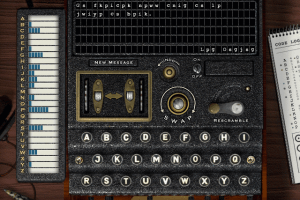
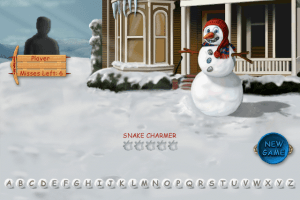
Windows 10 automatically mounts the ISO file and it works complete with music, character animations, voices, etc. It even seems to work natively in widescreen without stretching, which is pretty surprising given that this game was released in 2001.
The only caveat is that the Fake Maker doesn't work at first but this is easily fixed. All you have to do is copy C:\Program Files (x86)\WON\FaceMaker to C:\Program Files. After that it'll work without issue.
8
No comment nor review for this game at the moment.







 English



Comments and reviews
works like a charm!
running well on my windows 11!
i followed the tip by player.
in order to make the facemaker works is just to copy the "WON" folder from C:\Program Files (x86) to C:\Program Files.
make sure to copy the "WON" folder, not the "FaceMaker" folder
I was so psyched to play this.... but despite the tip from player, I couldn't get facemaker to work.... no biggie, i thought. i can still play. then I played word boggle and after time ran out it was frozen. oh well. thanks anyway. Maybe I'll figure out how to fix it.
Confirming in 2023 link is working, plug and play. Windows 10 still runs without need for emulator. Cannot get facemaker to work, which is a shame but doesn't stop the game from running.
How do I get this to work? I've tried a few different things. Mounting it and everything. What am I missing?
I downloaded the files and the apps but it still doesnt work. After I mounted it to a drive, It doesnt do anything when I press play... help?? please.
Omg it works! so excited to play this game! brought back a lot of childhood memories!
Confirming in May 2022 that this link works perfectly.
Windows 10 automatically mounts the ISO file and it works complete with music, character animations, voices, etc. It even seems to work natively in widescreen without stretching, which is pretty surprising given that this game was released in 2001.
The only caveat is that the Fake Maker doesn't work at first but this is easily fixed. All you have to do is copy C:\Program Files (x86)\WON\FaceMaker to C:\Program Files. After that it'll work without issue.
No comment nor review for this game at the moment.