You are on the beta version of My Abandonware. The live site is still myabandonware.com. Your favorites and ratings here are copied to the live site. Comments and other changes are not — we delete them every morning at 08:00 Paris time, when this site goes down for about an hour. Leave feedback through this link to Pastel (email required).
The beta goes down at 08:00 Paris time, in a few minutes. We rebuild the database from the live site. It comes back in about an hour.
1..Create a folder on your desktop name it :Jimmy Whites 2 Cue ball ISO:. 2..From Myabandonware site download Jimmy Whites 2 cue ball. 3..Locate ISO downloaded :Usually....Users...Your name folder....Downloads. 4..Copy ISO from downloads copy and Paste into the folder you created on your desktop :Jimmy Whites 2 Cue ball ISO:. 5..You must have either :Winzip...Winrar or Haozip: installed for the next step to work. This applies to :Windows not sure about Mac:. 6..Right click the Jimmy Whites 2 cue ball ISO scroll down and locate :Mount Disc image: select then open :Computer: on your desktop there should be a :Mounted Disc: with the title Jimmy Whites 2 cue ball. 7..Click and open :Mounted Disc: locate :SETUP: double click install the game. 8..After installation an icon will appear on your desktop click to open. You will find three icons :Hardware...MMX...Software: i selected : Hardware: opened compatibility selected windows 7. 9..Your choice is dependent upon OS and which versions. The game works okay on windows 7 but remember this game is 23 years old. 10..I have not tried on :Mac: or :Windows 8...Windows 10: if you have installed :Winzip...Winrar or Haozip: in theory the game should play. Again not sure about :Mac:.
Hopefully these instructions have helped. Stay Safe & Take Care 18-03-2021
-1
greyfox27813 May. 2020
this was a cool game first played it when a buddy came to visit and he got it from an old warez page when it was a thing. great game lol
0
No comment nor review for this game at the moment.



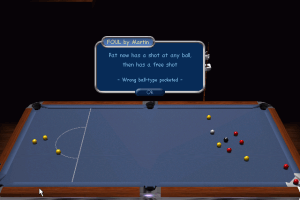
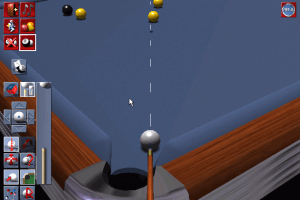
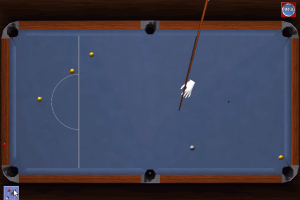
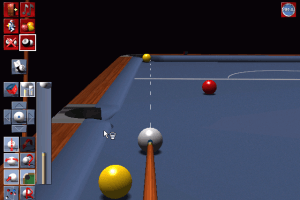
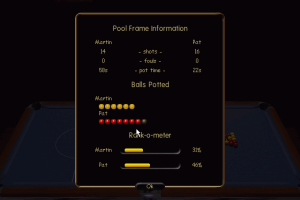
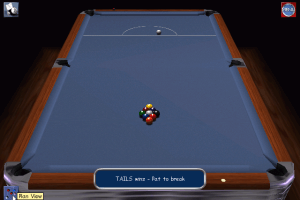
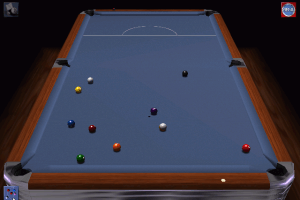
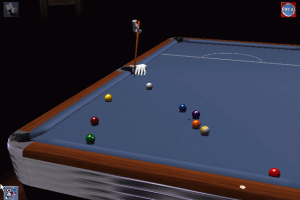
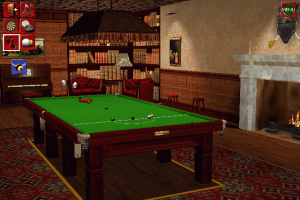
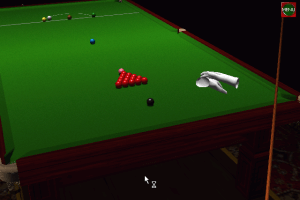
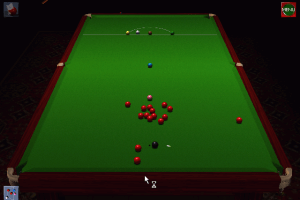
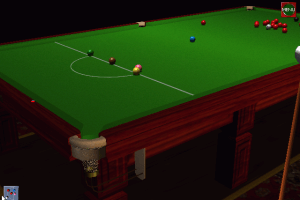
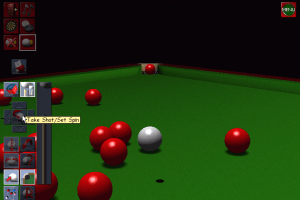
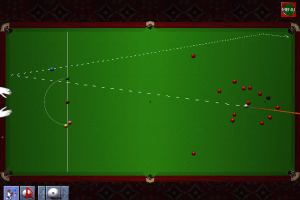
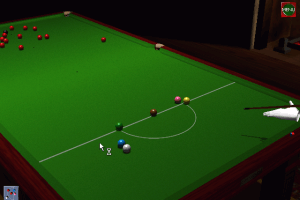
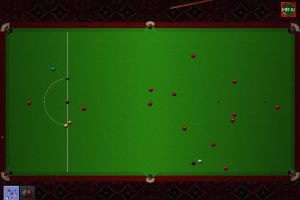
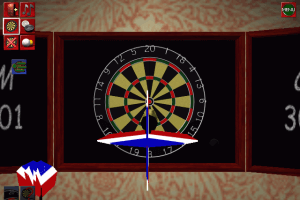
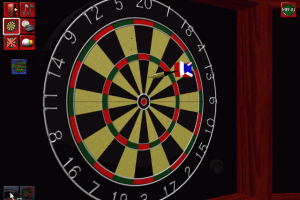
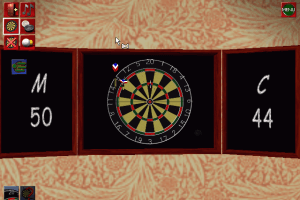
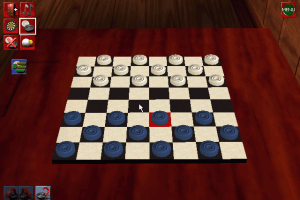


 English



Comments and reviews
Loved dropzone in the arcade would love to.play it again.
All clear on VT:
https://www.virustotal.com/gui/file/9cbce558a098e4ca249eaa67325cb18ceab697828e5334661c70aa7209750df3
Good for beginners
1..Create a folder on your desktop name it :Jimmy Whites 2 Cue ball ISO:.
2..From Myabandonware site download Jimmy Whites 2 cue ball.
3..Locate ISO downloaded :Usually....Users...Your name folder....Downloads.
4..Copy ISO from downloads copy and Paste into the folder you created on
your desktop :Jimmy Whites 2 Cue ball ISO:.
5..You must have either :Winzip...Winrar or Haozip: installed for the next step
to work. This applies to :Windows not sure about Mac:.
6..Right click the Jimmy Whites 2 cue ball ISO scroll down and locate :Mount Disc
image: select then open :Computer: on your desktop there should be a :Mounted Disc: with the title Jimmy Whites 2 cue ball.
7..Click and open :Mounted Disc: locate :SETUP: double click install the game.
8..After installation an icon will appear on your desktop click to open. You will find
three icons :Hardware...MMX...Software: i selected : Hardware: opened compatibility selected windows 7.
9..Your choice is dependent upon OS and which versions. The game works okay on windows 7 but remember this game is 23 years old.
10..I have not tried on :Mac: or :Windows 8...Windows 10: if you have installed :Winzip...Winrar or Haozip: in theory the game should play. Again not sure about :Mac:.
Hopefully these instructions have helped. Stay Safe & Take Care
18-03-2021
this was a cool game first played it when a buddy came to visit and he got it from an old warez page when it was a thing. great game lol
No comment nor review for this game at the moment.