



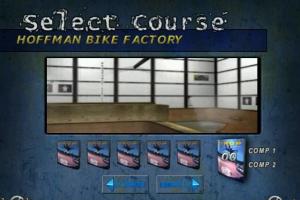
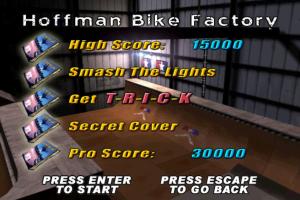
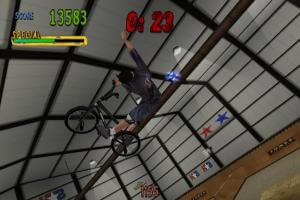
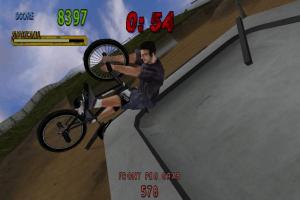
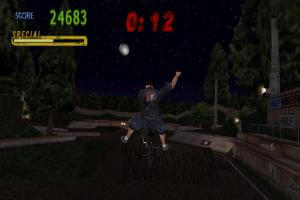
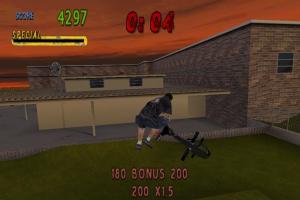
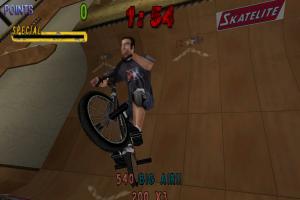
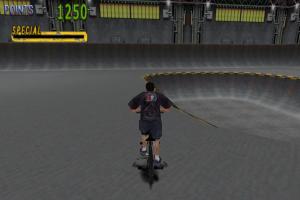
How to Play
The game has been tested on Windows 7 64-bit and Windows 10, it works fine. You may experience some small troubles when you play the game on modern systems, check our Guide and Notes for details
Install & play guide:
- Mount the disc image. You will need the utility for mounting disc image files, like WinCDEmu, UltraISO, Alcohol 52%/Alcohol 120% or Daemon Tools Lite
- Install the game. Do not install it in default
C:/Program FilesorC:/Program Files (x86)path, otherwise the game will be crashing at the start! Better install it in some other, non-system folder, likeC:/Games/Mat Hoffman's Pro BMX, so you won't have troubles with random crashes - After you installed the game, use NoCD, simply copy BMX.exe from the archive and put it into game directory, agree to replace the original file
- Open the game folder and find BMX.exe. Right click on BMX.exe -> Properties -> Compatibility -> Set "Run this app in compatibility mode with Windows XP" and "Run as administrator"
- Launch the game and play. If the game doesn't work in compatibility mode with Windows XP - try to launch it in compatibility mode with other version of Windows (Windows 98, Windows 2000, etc.)
Optionally, you can install PARTYMOD - it is an unofficial patch that adds better compatibility with modern systems, support for high and wide screen resolution and improved controller support. Please note that PARTYMOD uses Vulkan renderer, so your video card must have the support of Vulkan API
Notes:
- If the installation doesn't start - try to launch Setup.exe in compatibility mode with old version of Windows (98, 2000 or XP)
- It is recommended to install all versions of Microsoft Visual C++ Redistributable and NET Framework for the correct work of the game. Also it is recommended to install K-Lite Codec Pack for the correct work of in-game videos
- The game works on DirectX 7, so if you're using Windows 8, 8.1, 10 or 11 - you need to enable DirectPlay: Go to Control Panel, and select 'Programs'. Select 'Turn Windows features on and off', click on 'Legacy Components' and check the box 'DirectPlay'. Select OK, once the installation is done, restart your computer
- If the game crashes on startup - that may happen if the game is installed in
C:/Program FilesorC:/Program Files (x86)folder. Reinstall the game in another, non-system, folder, likeC:/Games/Mat Hoffman's Pro BMX - If the game crashes at loading the level, or has the random crashes - that may happen if you selected the screen resolution that is not supported by the game or your display. Select another screen resolution in game settings or edit bmx.ini file
- If you don't hear the sound in game - unplug all USB sound sources, microphones and controllers. Also, if you have problem with broken sound effects or cracking/disappearing sound - first try to change the sound settings. If it didn't work - set sound quality to 24 bit, 48000 Hz or 24 bit, 44100 Hz. Read this guide how to do that
- Originally, the game works only in 4:3 screen resolutions. It is possible to enable widescreen resolution through edit of bmx.ini file, check this guide. But, if you enable widescreen resolution that way, in-game camera will be too close to the player, you can see the examples here. So, the better alternative is to use PARTYMOD or run the game through dgVoodoo 2. To use dgVoodoo 2 copy the DLL-files from the
MS/x86folder, dgVoodooCpl.exe and dgVoodoo.conf to the game folder, next to BMX.exe; then run dgVoodoo Control Panel (dgVoodooCpl.exe) as administrator and change the settings, save it and run the game from BMX.exe - The game have a controller support, but most likely it won't recognize the modern gamepads. We recommend to use PARTYMOD if you want to play the game with the controller, it has improved controller support. PARTYMOD uses Vulkan renderer, so your video card must support Vulkan API. Additionally, we recommend to check PCGamingWiki guide for controllers and use one of controller utilities
- Don't forget to check PCGamingWiki if you have troubles!
 English
  French





 Czech
Czech 




Comments and reviews
burn a cd in 2026? thats not something to brag about lol you clearly have no clue what you are doing.
Downloaded it, burned it to a CD-R, installed it on my Windows XP PC — and it works perfectly! I am one happy customer!
No comment nor review for this game at the moment.