



Micro Machines V3 is the last and arguably best in Codemasters’ underrated Micro Machines series.
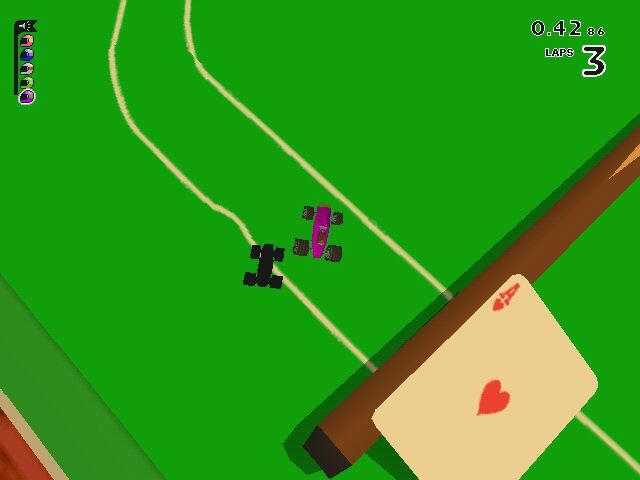
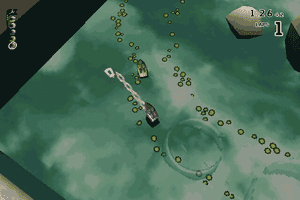
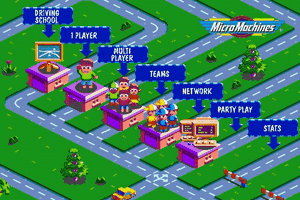
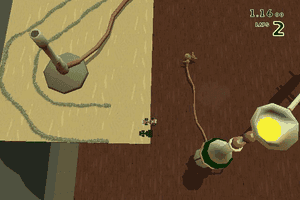
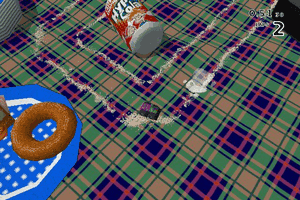
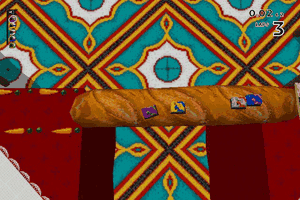
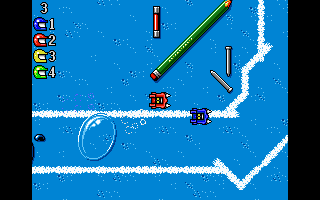
For anyone who’s never heard of the game, the Micro Machines series is a top down mini-car racer reminiscent of older arcade games such as Spy Hunter and Off-Road. You race a miniature vehicle on one of 48 tracks, which include a wide variety of everyday locations, such as the breakfast table, the pond, a crowded restaurant, and many more. One attraction of the first two Micro Machines games is the very creative and unique tracks you can race on, and Micro Machines V3 brings these to life ever more than before, with gorgeous backgrounds and a high FPS count. The pond water comes to life with ripple effects, while the breakfast table holds interesting little obstacles, like a spot of maple syrup that becomes a sticky trap. There are many fun secrets to discover on each track, often in surprising ways, such as the Bunsen burner that becomes a shortcut. There are many ways to play MMV3. Single player games include Head to Head, which pits you against one CPU car; Challenge, which includes 4 computer-controlled cars; and Time Trials, in which time is key. With weapon power-ups you can collect during the track such as missiles and hammers, Like mini-car collectibles in the real world, the vehicles in MMV3 can be won and lost. You can win Prize Cars by beating certain play modes, save these for use later, and race them against your friends. Similar to the first two games, there are many ways you can play Micro Machines V3, including the brand new 8 player party game where up to 8 players can play simultaneously.
All in all, MMV3 is frantic, brutal, and a lot of fun. It’s a nice diversion from typical racing games, with a unique take on the genre. Extensive multiplayer options and excellent 3D graphics should please beginners and experts alike. Two thumbs up!
Review By HOTUD
 English







Comments and reviews
The only way I could successfully run the Windows version of the game was via VirtualBox and it works perfectly, much to my astonishment. Try a VirtualBox Windows 98SE VM and it should work fine.
How do I play this?
Beware when you're attempting to play this game under Windows 10: the game will install WHEN you burn the .img file onto a CD and set the "setup.exe" file's compatibility mode to Windows 98\ME or 95 (I don't think there'll be any difference; I set to 98\ME). The menus will work fine UNTIL you start any mode: any lesson in driving school mode and all the challenge events will crash. Moreover, you'll need to apply an SDB patch from Microsoft Application Compatibility Toolkit and look for DXPrimaryEmulation fix and enter -DisableMaxWindowedMode to remove top border with Micro Machines V3 text (I've experienced this trouble under Windows 10; may concern Windows operating systems: XP and later). Don't apply a nocd crack: It's an ADWARE!!!! You'll need a CD in drive, the CD image provided to this website is enough. I've been trying to look for a no-crash solution, but there's literally none for Windows 10 x64! Micro Machines V3 wasn't ported to computers from PlayStation 1 properly!
Full iso version require a windows 95 and cannot be installed
i know this is not what u wanted but, this game was made on N64, search for it and u will find it
confirmed, nocd fix not working due to crc check error
NoCD crack gives crc check error!
No comment nor review for this game at the moment.