





- Export saves: export the savegame files from your browser, so you can switch to another browser or computer. You can also use them in an emulator installed on your computer.
- Import saves: import savegames that you exported before with the Export saves button.
- Download disk: export the whole game from your browser, with all your savegames. Useful to switch to an emulator installed on your computer.
- Reset game files: if you somehow messed up the game files, you can reset them to an exact copy of the original.
- Reset saves: delete all savegames from your browser. We recommend that you export them first: there is no turning back!
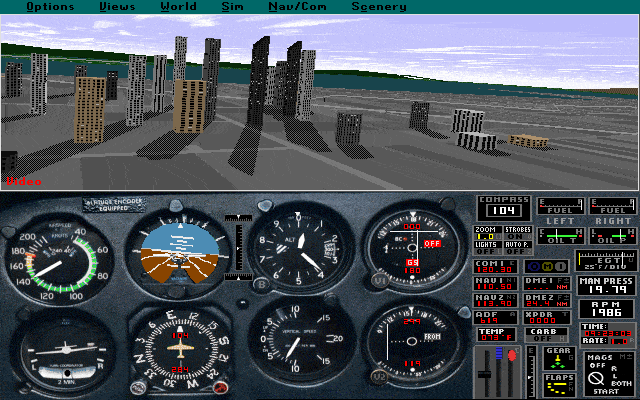
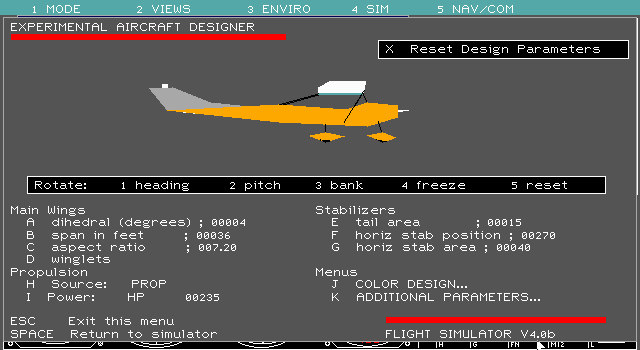
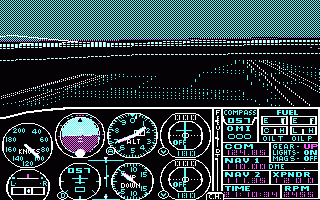
Microsoft Flight Simulator (v3.0) - Play Online
DOS - 1988
For small DOS games like Microsoft Flight Simulator (v3.0), you can play online immediately with your browser (Chrome, Firefox, Safari, Edge, Opera...). This feature is experimental, the game may not work properly.
Warning: game save should work, but you should try it early! Also, be careful to select the right game executable in the list above.
Similar games



Comments and reviews
This game is difficult, but if you master the methods, you can easily control it. My method is as follows:
1. Do not easily press the left and right buttons. Fine tune. If you want to turn, just press a few times. Don't keep pressing it, otherwise your plane will malfunction and keep spinning and rolling in the air.
If you cannot find a way to fly, press the down key and F3 key to accelerate and fly into the sky.
3. The reason for hearing the alarm sound is that you are flying too high. Don't worry, just press the up button to lower it.
Don't worry when you see buildings, because I have tested that even if you want to hit them, you won't be able to hit them.
No comment nor review for this game at the moment.